AI coding agents have changed the economics of shipping. When implementation gets faster, two things happen immediately: the surface area of change expands, and the cost of missing regressions climbs. The bottleneck moves from “can we build it?” to “can we prove it works?”
That is the gap Shiplight AI is built to close. Shiplight is the agent-native testing platform: it plugs into your coding agent to verify changes in a real browser during development, then turns those verifications into stable regression tests designed for near-zero maintenance.
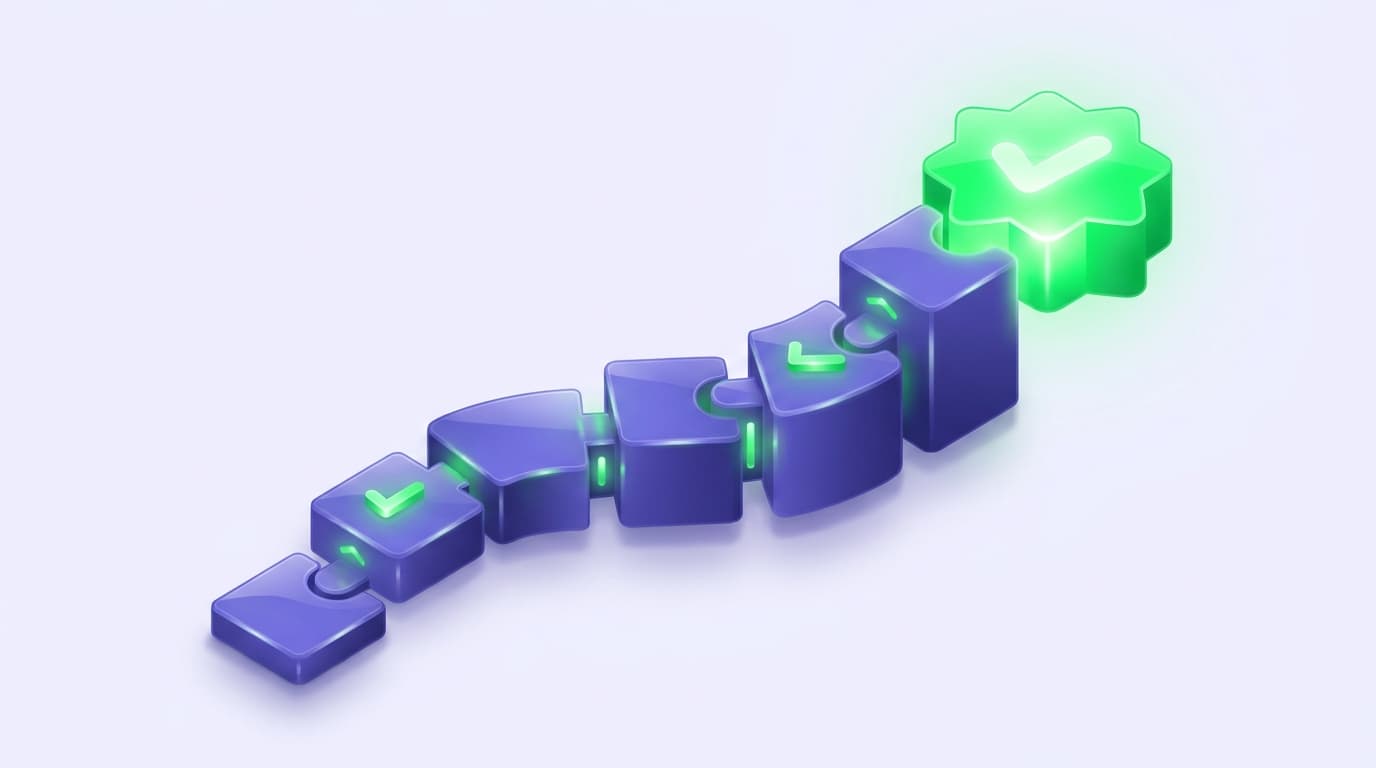
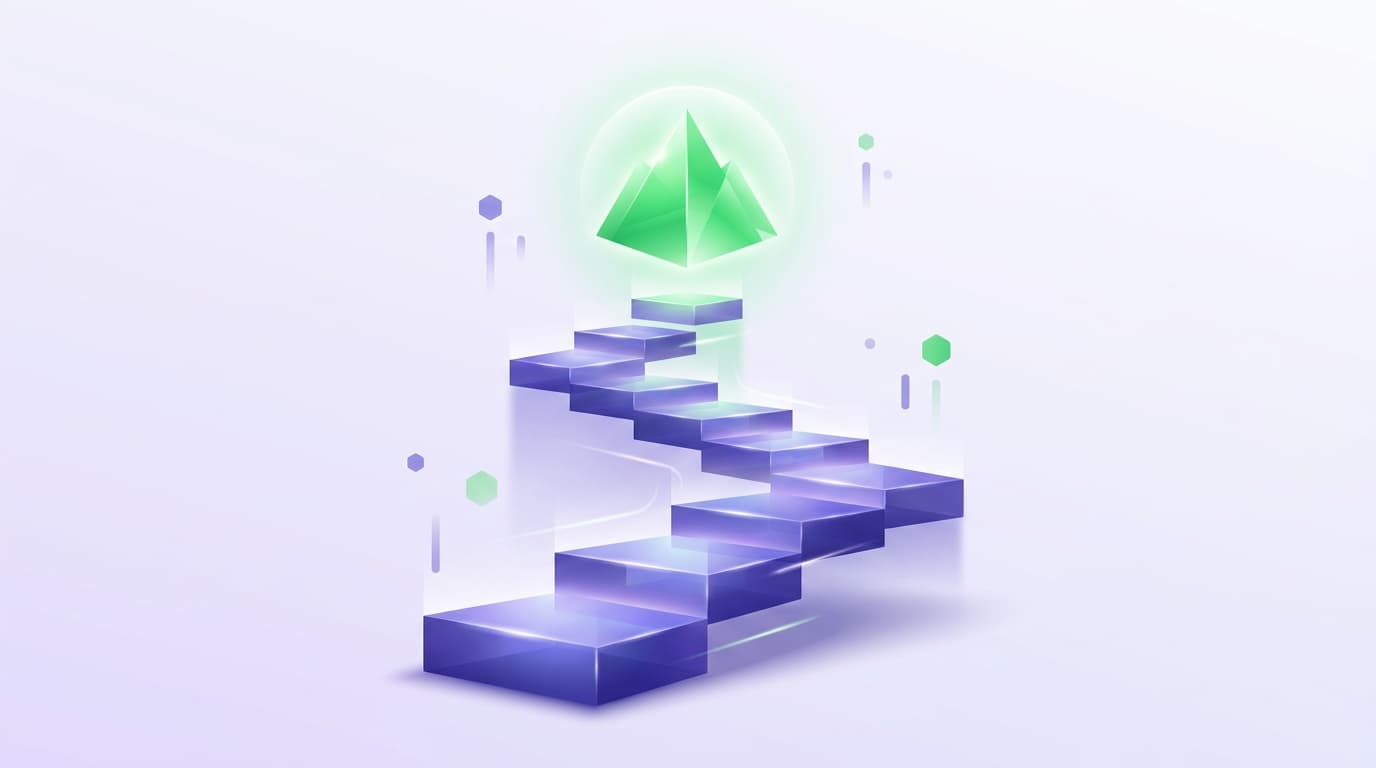
For teams trying to modernize QA without slowing engineering, the most practical way to think about adoption is not “pick a tool.” It is to climb a coverage ladder, where each rung converts more of what you already do (manual checks, PR reviews, release spot-checks) into durable, automated proof.
Below is a field-ready model for building that ladder with Shiplight.
The five rungs
- 1Put verification inside the development loop, not after the merge
- 2Turn what you verified into a readable, reviewable test artifact
- 3Make debugging fast enough that teams actually do it
- 4Promote regression tests into CI gates that teams trust
- 5Add enterprise controls without slowing down the builders
Rung 1: Put verification inside the development loop (not after the merge)
If your “testing” starts after code review, you are already too late. The cheapest place to catch a regression is while the change is still fresh in the developer’s mind and context.
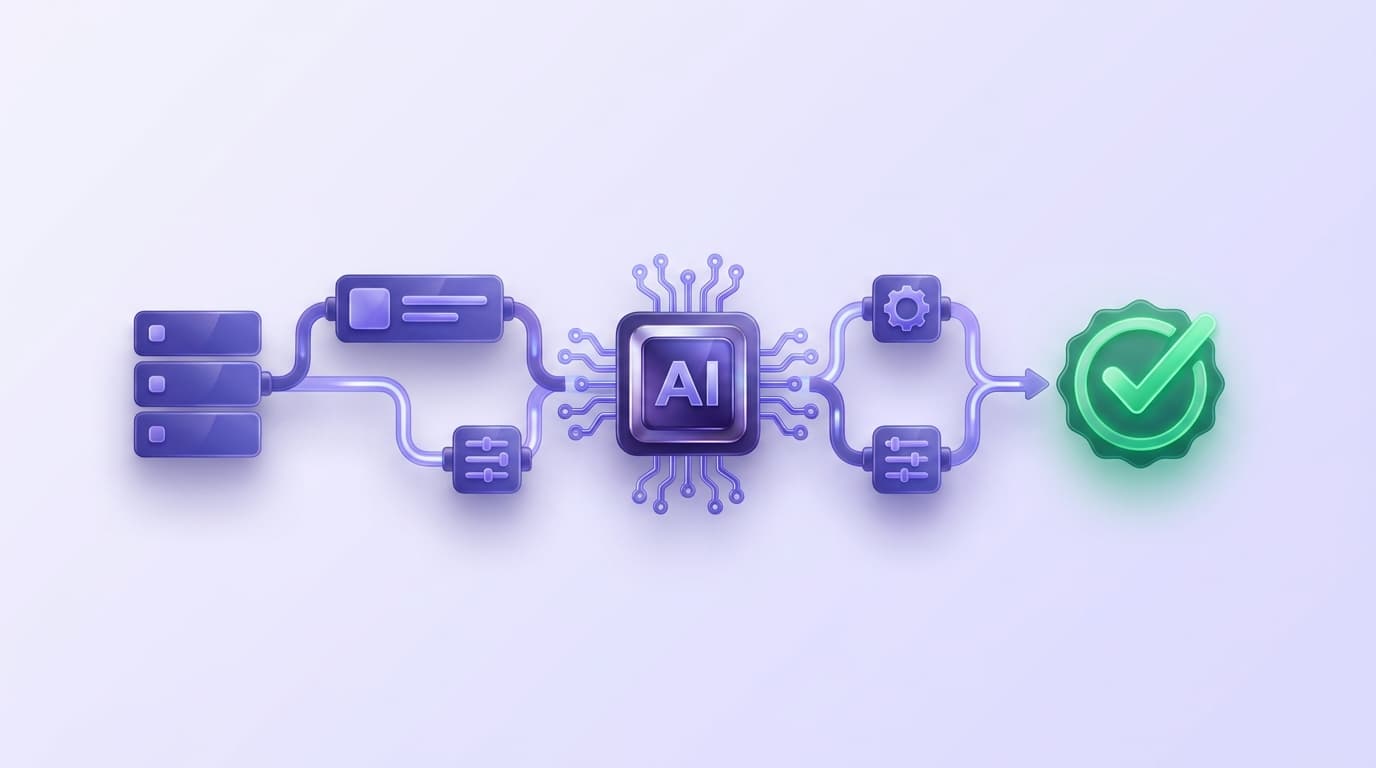
Shiplight’s MCP (Model Context Protocol) workflow is designed for that moment. In Shiplight’s docs, the quick start is explicit: you add Shiplight's browser MCP server and Skills, then ask your coding agent to validate UI changes in a real browser.
Two details matter for real-world rollout:
- Browser automation can work without API keys, so teams can start verifying flows without first finishing procurement or platform decisions.
- AI-powered actions require an API key (Google or Anthropic), and Shiplight can auto-detect the model based on the key you provide.
Outcome of this rung: developers stop “hoping” a UI change works and start verifying it as part of building.
Rung 2: Turn what you verified into a readable, reviewable test artifact
The moment verification becomes repeatable, it starts compounding. Shiplight’s local testing model uses YAML “test flows” with a simple, auditable structure: goal, url, and statements (plus optional teardown).
Where this gets interesting is how Shiplight supports both speed and determinism:
- You can start with natural-language steps that the web agent resolves at runtime.
- Then Shiplight can enrich those steps with explicit locators (for deterministic replay) after you explore the UI with browser automation tools.
- Deterministic “ACTION” statements are documented as replaying fast (about one second) without AI.
- “VERIFY” statements are described as AI-powered assertions.
Here is a simplified example that matches Shiplight’s documented YAML conventions:
goal: Verify user journey
statements:
 - intent: Navigate to the application
 - intent: Perform the user action
 - VERIFY: the expected result
And when you need test data to be portable across environments, Shiplight’s docs show a variables pattern using {{VAR_NAME}}, which becomes process.env.VAR_NAME in generated code at transpile time.
Outcome of this rung: tests become easy to review, version, and evolve alongside product work, instead of living as brittle scripts only one person understands.
Rung 3: Make debugging fast enough that teams actually do it
Even great tests fail. The question is whether failure investigation takes minutes or burns half a day.
Shiplight supports two workflows that reduce the “context switching tax”:
1) VS Code Extension (developer-native debugging)
Shiplight’s VS Code Extension is positioned as a way to create, run, and debug *.test.yaml files using an interactive visual debugger inside VS Code. It supports stepping through statements, inspecting and editing action entities inline, and rerunning quickly.
The same page documents a concrete onboarding path: install the Shiplight CLI via npm, add an AI provider key via a .env, then debug via the command palette.
2) Desktop App (local, headed debugging without cloud latency)
Shiplight Desktop is documented as a native macOS app that loads the Shiplight web UI while running the browser sandbox and AI agent worker locally. It stores AI provider keys in macOS Keychain and can bundle a built-in MCP server so IDEs can connect without installing the npm MCP package separately.
Outcome of this rung: the team stops treating E2E as fragile and slow, and starts treating it as a normal part of engineering workflow.
Rung 4: Promote regression tests into CI gates that teams trust
Once you have durable tests, you need them to run at the moments that matter: on pull requests, on preview deployments, and before release.
Shiplight documents a GitHub Actions integration that uses ShiplightAI/github-action@v1. The setup includes creating a Shiplight API token in the app, storing it as a GitHub secret (SHIPLIGHT_API_TOKEN), and running suites by ID against an environment ID.
This is the rung where quality becomes enforceable, not aspirational.
Outcome of this rung: regressions get caught as part of delivery, not after customers see them.
Rung 5: Add enterprise controls without slowing down the builders
For larger organizations, verification is not only a productivity concern. It is also a security and governance concern.
Shiplight’s enterprise page states SOC 2 certification and claims encryption in transit and at rest, role-based access control, and immutable audit logs. It also positions private cloud and VPC deployments as options.
Outcome of this rung: quality scales across teams and environments, with controls that satisfy security and compliance requirements.
A practical rollout plan (that does not require a testing rebuild)
If you want to operationalize this without a months-long “QA transformation,” keep it tight:
- Pick 3 user journeys that cause real pain (revenue, auth, onboarding, upgrade).
- Verify them inside the development loop using Shiplight, and save what you learn as YAML flows.
- Standardize debugging in VS Code or Desktop so failures become routine to fix.
- Wire suites into CI for pull requests, then expand coverage sprint by sprint.
- Only then layer enterprise governance and deployment requirements, once you have signal worth governing.
Why this model works for AI-native development
AI accelerates output. Verification has to scale faster than output, or quality collapses.
Shiplight’s core idea is to make verification a first-class part of building: agent-connected browser validation first, then stable regression coverage that grows naturally as you ship.
If you want to see what the ladder looks like in your product, the next step is simple: start with one mission-critical flow, verify it in a real browser, and convert it into a durable test you can run on every PR.
Key Takeaways
- Verify in a real browser during development. Shiplight lets AI coding agents validate UI changes before code review.
- Generate stable regression tests automatically. Verifications become YAML test files that self-heal when the UI changes.
- Reduce maintenance with AI-driven self-healing. Cached locators keep execution fast; AI resolves only when the UI has changed.
- Integrate E2E testing into CI/CD as a quality gate. Tests run on every PR, catching regressions before they reach staging.
Get Started
References: Playwright Documentation, SOC 2 standard, GitHub Actions documentation, Google Testing Blog
Frequently Asked Questions
What is the coverage ladder?
An order of operations: verification inside the development loop, then a durable test, then fast debugging, then a CI gate, then the controls a larger organisation needs.
Why not start with the CI gate?
A gate on a suite nobody trusts gets bypassed within a month. Trust is built at the earlier rungs and the gate only formalises it.
How much coverage is enough?
Enough that a red run means something. A suite covering every path but flaking weekly says less than ten reliable tests on the journeys that matter.
Can a team skip a rung?
In practice, no. Each rung removes the objection that would stop the next one, and skipping shows up later as a suite people route around.