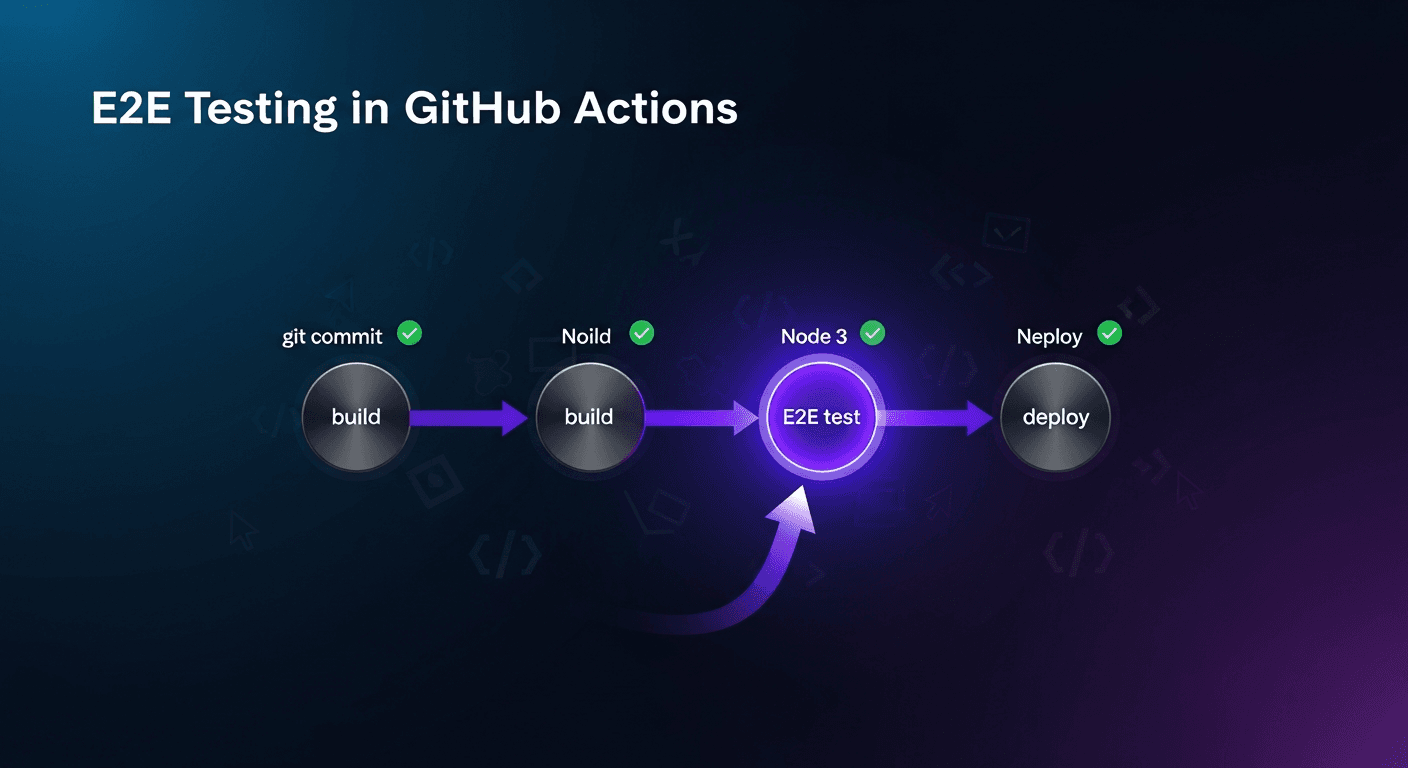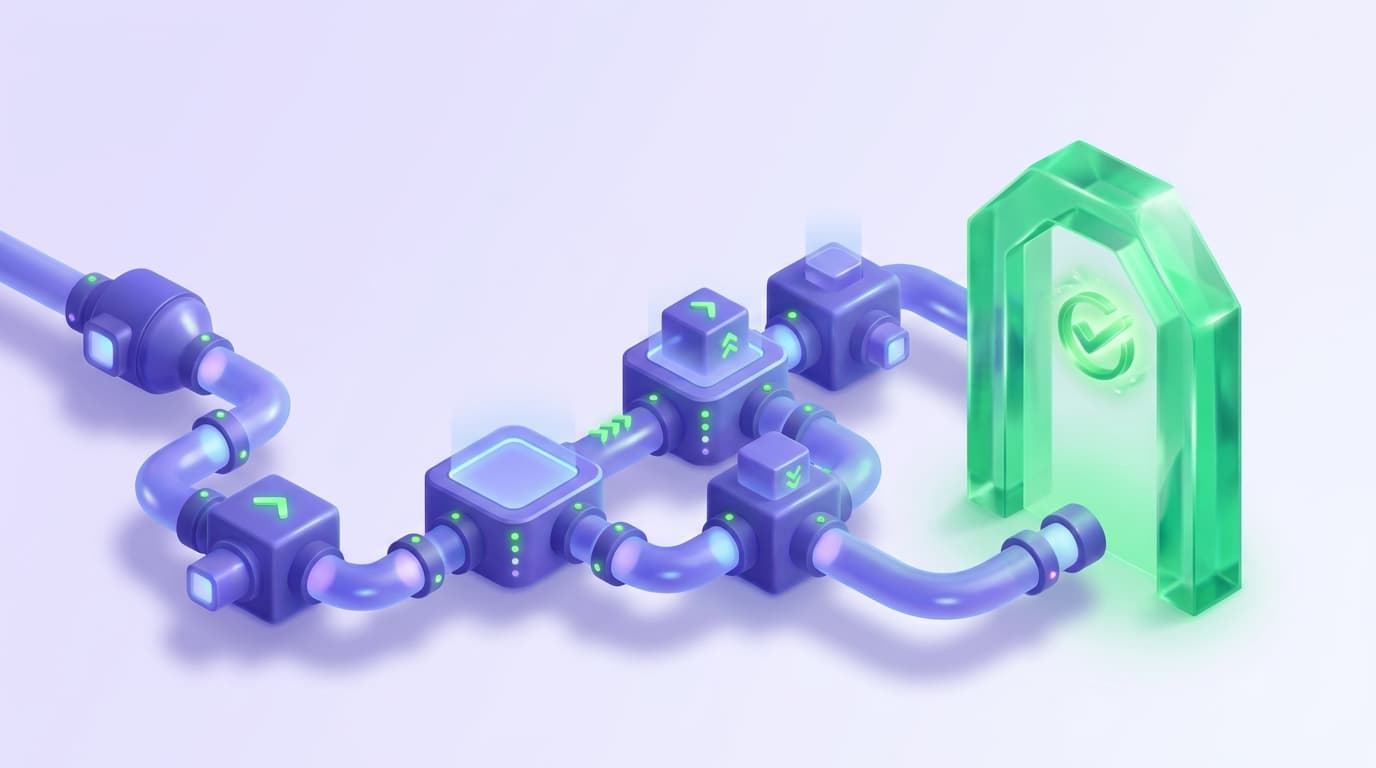
To add testing, including AI testing, to a CI/CD pipeline: pick a browser test runner (Playwright, Cypress, or an AI-native tool like Shiplight), run a fast smoke subset on every pull request, run the full regression suite on merge to main, and gate merges with branch protection rules.
Schedule extended runs nightly and parallelize across shards, so browser tests run before every deployment rather than after it.
The same three-tier pattern automates regression testing across staging and production: point the same suite at each environment through a base-URL environment variable.
This guide walks through that setup on GitHub Actions and GitLab CI, with runnable configurations you can adapt to your own projects. Whether you are running Playwright scripts or YAML-based intent tests, the pipeline structure is the same; only the run command changes.
When Should E2E Tests Run in a CI/CD Pipeline?
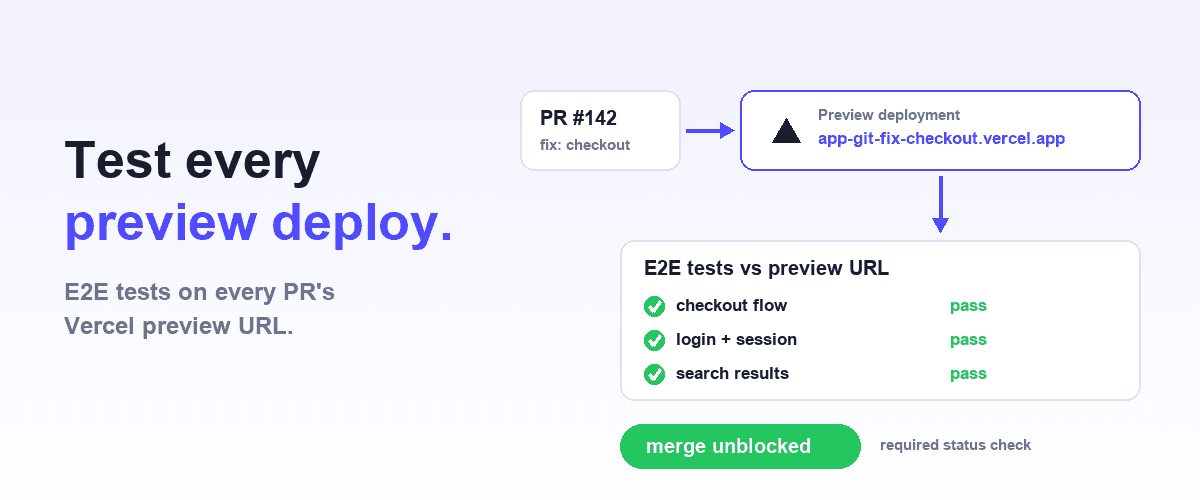
If your team deploys on Vercel, pair this guide with testing Vercel preview deployments automatically, which applies the same pattern to per-PR preview URLs.
Not every pipeline event needs the same test coverage. Running your full E2E suite on every commit wastes resources and slows down feedback. A practical scheduling strategy uses three tiers.
On Pull Request (PR): Run a focused subset of E2E tests that cover the critical user paths. These should complete in under five minutes to keep PR reviews fast. Smoke tests and tests related to changed files are ideal here.
On Merge to Main: Run the full E2E suite. This is your quality gate: nothing ships to production without passing. You have more time budget here since merges happen less frequently than PR pushes.
Nightly (Scheduled): Run extended test suites including cross-browser tests, performance checks, and edge cases. These catch flaky tests and regressions that surface only under specific conditions.
This same tiering is how you automate regression testing across staging and production. The PR and merge tiers run against staging (or a per-PR preview URL); the nightly tier runs read-only smoke checks against production. One suite, one pipeline, three targets, selected by a base-URL environment variable.
That base URL still has to point at something real. For teams running microservices on Kubernetes, provisioning a full stack per pull request is usually the actual constraint, not the test suite itself. Signadot's guide to Kubernetes-native microservices testing environments covers running pre-merge tests against isolated, production-like targets using lightweight ephemeral environments on a shared cluster, rather than standing up a full stack per PR.
How Do I Set Up E2E Tests in GitHub Actions?
GitHub Actions is the most common CI/CD platform for teams using GitHub. Here is a complete workflow configuration for E2E tests.
# .github/workflows/e2e-tests.yml
name: E2E Tests
on:
  pull_request:
    branches: [main]
  push:
    branches: [main]
  schedule:
    - cron: '0 2 * * *' # Nightly at 2 AM UTC

jobs:
  e2e:
    runs-on: ubuntu-latest
    timeout-minutes: 30
    strategy:
      fail-fast: false
      matrix:
        shard: [1, 2, 3, 4]
    steps:
      - uses: actions/checkout@v4
      - name: Setup Node.js
        uses: actions/setup-node@v4
        with:
          node-version: 20
          cache: 'npm'
      - name: Install dependencies
        run: npm ci
      - name: Install Playwright browsers
        run: npx playwright install --with-deps chromium
      - name: Start application
        run: npm run start &
        env:
          NODE_ENV: test
      - name: Wait for app
        run: npx wait-on http://localhost:3000 --timeout 60000
      - name: Run E2E tests (shard ${{ matrix.shard }}/4)
        run: npx playwright test --shard=${{ matrix.shard }}/4
      - name: Upload test results
        if: always()
        uses: actions/upload-artifact@v4
        with:
          name: test-results-${{ matrix.shard }}
          path: test-results/
          retention-days: 7
Three things to note in this configuration:
fail-fast: falselets every shard complete even when one fails, so you get the whole picture instead of the first failure.if: always()on the artifact upload step saves test results even on failure, which is what makes the run debuggable.- If your tests are Shiplight YAML rather than Playwright specs, replace the run step with
npx shiplight test. The tests live in your repo and run locally on the CI runner, so the run step needs no vendor account or API token.
How Do I Set Up E2E Tests in GitLab CI?
For teams on GitLab, the setup follows a similar pattern with GitLab CI syntax.
# .gitlab-ci.yml
stages:
  - build
  - test

e2e-tests:
  stage: test
  image: mcr.microsoft.com/playwright:v1.50.0-noble
  parallel: 4
  variables:
    NODE_ENV: test
  before_script:
    - npm ci
    - npm run build
  script:
    - npm run start &
    - npx wait-on http://localhost:3000 --timeout 60000
    - npx playwright test --shard=$CI_NODE_INDEX/$CI_NODE_TOTAL
  artifacts:
    when: always
    paths:
      - test-results/
    expire_in: 7 days
  rules:
    - if: $CI_PIPELINE_SOURCE == "merge_request_event"
    - if: $CI_COMMIT_BRANCH == "main"
    - if: $CI_PIPELINE_SOURCE == "schedule"
GitLab's built-in parallel keyword handles sharding natively with $CI_NODE_INDEX and $CI_NODE_TOTAL variables. The when: always on artifacts serves the same purpose as GitHub's if: always.
How Do I Parallelize E2E Tests in CI?
Running E2E tests sequentially is the biggest bottleneck in most pipelines. Parallelization cuts execution time proportionally. A 20-minute suite split across four shards finishes in roughly five minutes.
Shard-based splitting divides your test files evenly across runners. This is the simplest approach and works well when test files have roughly equal execution times. Both GitHub Actions (via matrix strategy) and GitLab CI (via parallel keyword) support this natively.
Duration-based splitting assigns tests to shards based on historical execution times, balancing total duration across runners. This eliminates the problem of one shard taking significantly longer than others. Tools like Playwright's --shard flag with a test duration report handle this automatically.
For teams using Shiplight's YAML-based tests, parallelization works at the test file level. Each YAML test file is independent by design, making it straightforward to distribute across shards.
How Should the Pipeline Handle Test Failures?
E2E test failures in CI/CD need more than a red badge. Your pipeline should capture enough context for developers to diagnose and fix the issue without reproducing it locally.
Always save artifacts. Screenshots, videos, and trace files are essential. Configure your test runner to capture these on failure and upload them as pipeline artifacts.
Set meaningful timeouts. A test hanging for 30 minutes wastes runner time and delays feedback. Set both individual test timeouts (30-60 seconds per test) and overall job timeouts (15-30 minutes per shard).
Retry flaky tests carefully. Automatic retries can mask real failures. If you enable retries, limit them to one retry and track which tests needed retrying. Tests that consistently need retries should be investigated, not silenced. Shiplight's intent-based approach reduces flakiness at the source by decoupling test intent from brittle locators.
Report results clearly. Integrate test results into your PR comments or merge request notes. Many CI platforms support JUnit XML reports that surface test failures directly in the PR UI.
# Add to your GitHub Actions workflow
- name: Report results
  if: always()
  uses: dorny/test-reporter@v1
  with:
    name: E2E Test Results
    path: test-results/junit.xml
    reporter: java-junit
How Do I Run Only Relevant Tests on Each PR?
Running your full E2E suite on every PR is wasteful. Instead, run tests that are relevant to the changes in that PR.
Tag-based selection lets you mark tests with categories (e.g., auth, checkout, dashboard) and run only the categories affected by changed files. Shiplight's plugin system supports tagging tests and running filtered subsets from CI.
Changed-path filtering triggers specific test suites based on which files changed. If only documentation files changed, skip E2E tests entirely. If auth-related code changed, run the auth test suite.
# GitHub Actions path filtering
on:
  pull_request:
    paths:
      - 'src/**'
      - 'tests/**'
      - 'package.json'
Putting It All Together
A well-configured E2E pipeline follows a clear pattern: run fast smoke tests on PRs, run the full suite on merge, and run extended tests nightly. Parallelize aggressively. Save artifacts always. Report results where developers already look.
The configuration examples above work with any E2E testing tool, but they pair especially well with Shiplight's YAML-based tests. Since each YAML test file is self-contained and declarative, they are naturally suited to parallel execution and clear failure reporting. For the GitHub-Actions-specific walkthrough, see E2E testing in GitHub Actions; for per-PR preview environments, see testing Vercel preview deployments automatically.
For a hands-on walkthrough, try the Shiplight demo to see how YAML-based E2E tests integrate into your existing CI/CD pipeline.
Frequently Asked Questions
How do I add AI testing to my CI/CD pipeline?
Add AI testing the same way you add any browser suite; only who authors the tests changes. The pipeline stays standard: install dependencies, start your app, run the suite on every PR, and gate merge on the result.
With an AI-native tool like Shiplight, your coding agent authors intent-based YAML tests that live in your repo and run in CI with npx shiplight test.
How do I automate regression testing across staging and production?
Use one suite parameterized by a base URL. On PRs and merges, point it at staging so regressions are caught before deploy. After a production deploy and nightly, run a read-only smoke subset against production, nothing that writes data. Staging failures block merge; production smoke failures page a human, since the code already shipped.
What tools can run browser tests before deployment?
Any tool that drives a real browser inside a CI runner can gate deployment: Playwright and Cypress are the standard open-source options, Selenium is common in enterprise stacks, and cloud grids like BrowserStack cover many browser/OS combinations.
AI-native options like Shiplight change the authoring model, not the pipeline, running intent-based YAML tests from your repo. See the best E2E testing tools in 2026.
How long should E2E tests take in a CI/CD pipeline?
PR-tier tests should finish in under 5 minutes; slower than that and developers start merging around them. Full regression on merge can take 10 to 20 minutes with sharding. If it runs longer across 4 shards, add shards or move the slowest tests to nightly. Track p95 pipeline time, not the average.
Should E2E tests run before or after deployment?
Both, with different suites. Before deployment (PR and merge), run the regression suite against staging or a preview environment; that gate stops bad code from shipping. After deployment, run a small read-only smoke suite against production to confirm the deploy worked. Post-deploy smoke failures should trigger rollback or an alert, not just a red badge.