
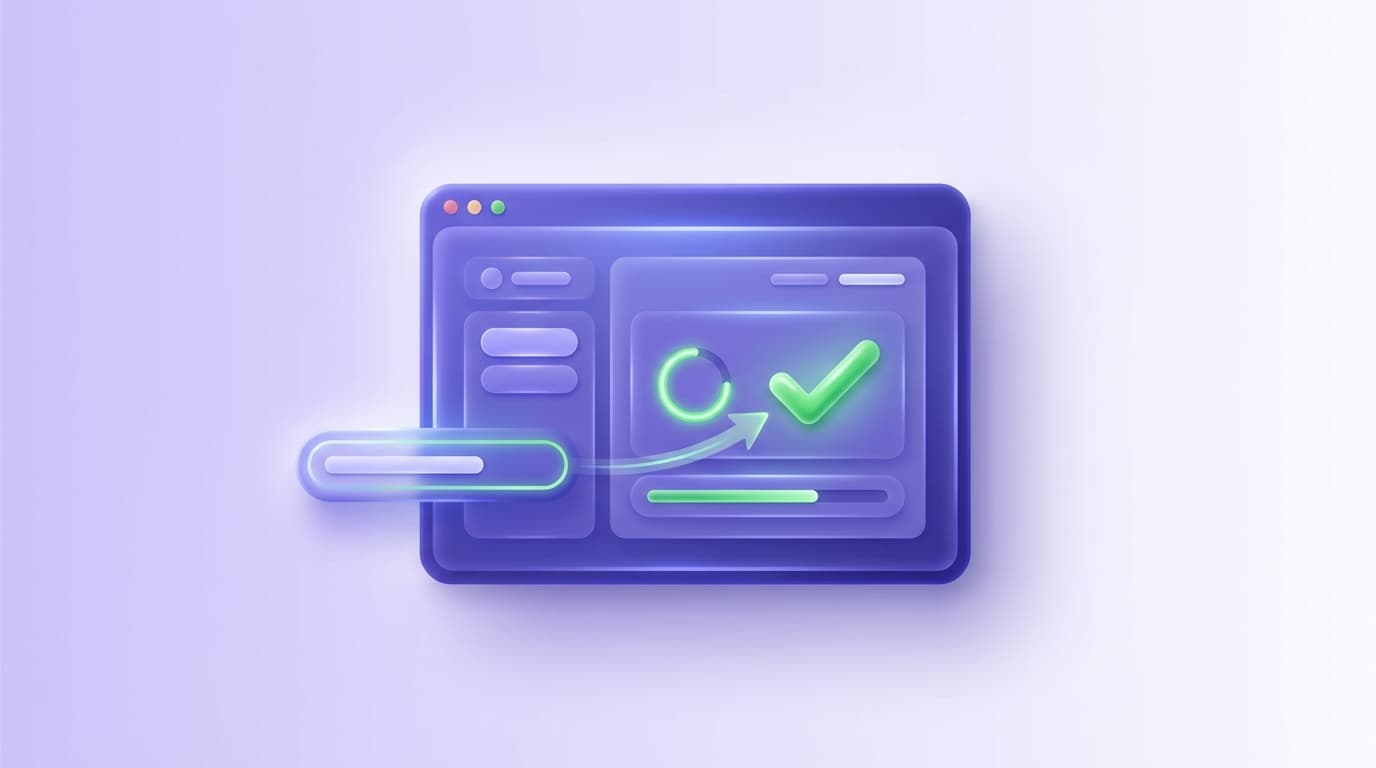
AI coding agents are already changing how software gets built. They implement UI updates quickly, refactor aggressively, and ship more surface area per sprint than most teams planned for. The bottleneck has simply moved: if code is produced faster than it can be verified, quality becomes a matter of luck.
Shiplight is built for that exact shift. It plugs into your coding agent to validate changes in a real browser while you build, then converts those verifications into stable end-to-end regression tests designed to hold up as the UI evolves.
How the ways of checking compare
| How the change gets checked | Independent of the agent's context | Exercises the real UI | Leaves a regression test behind |
|---|---|---|---|
| The agent's own summary | No | No | No |
| Reading the diff yourself | Yes | No | No |
| Clicking through it yourself | Yes | Yes | No |
| Shiplight | Yes | Yes | Yes |
This post outlines a practical, developer-first workflow you can adopt immediately, whether you are experimenting with AI agents locally or formalizing a verification loop across CI and release pipelines.
Why AI-Generated Code Needs Automated Verification
Traditional automation assumes a clear boundary between “building” and “testing.” AI-native development blurs that line. When an agent can implement a feature in minutes, waiting hours or days for manual QA or flaky UI scripts is not just slow; it is structurally misaligned.
Manual code review catches logic errors, but it cannot verify that a UI actually renders correctly across browsers. Traditional E2E frameworks like Playwright or Selenium require someone to write test scripts after the code is done, a separate step that rarely keeps pace with AI-generated output. The gap between “code written” and “code verified” is where regressions live.
Shiplight’s approach is to keep verification close to where changes are made:
- Verify while you build using Shiplight browser automation.
- Capture what was verified and turn it into regression coverage.
- Keep tests stable by default via intent-based execution and self-healing behavior.
Step 1: Connect Shiplight to your coding agent
Shiplight provides an MCP server that lets your agent launch a browser session, navigate, click, type, take screenshots, and perform higher-level “verify” actions. In Shiplight’s docs, the quick start walks through installing MCP for agents such as Claude Code, including a one-line install and a direct MCP server setup.
A representative example from the documentation (Claude Code direct MCP server setup) looks like this: claude mcp add shiplight -e PWDEBUG=console -- npx -y @shiplightai/mcp@latest Two practical details matter here:
- You can start with browser automation only. Shiplight notes that core browser automation works without API keys, while AI-powered actions such as
verifyrequire an AI provider key. - This is designed for real development work. The goal is not to run a “demo script,” but to let your agent validate the UI changes it just made on a real environment (local, staging, or preview).
Step 2: Verify a change, then convert it into a test flow
A verification workflow should be fast enough that engineers actually use it. Shiplight’s documentation spells out an agent loop that mirrors how developers think:
- Start a browser session
- Inspect the DOM (and optionally take screenshots)
- Act on the UI
- Confirm the outcome
- Close the session
Once verified, Shiplight can save the interaction history as a test flow. Tests are expressed in YAML using natural language statements, which makes them readable in code review and accessible beyond QA specialists.
A minimal YAML flow has a goal and a list of statements:
goal: Verify user journey
statements:
 - intent: Navigate to the application
 - intent: Perform the user action
 - VERIFY: the expected result
Step 3: Make tests fast without making them fragile
Natural language is excellent for intent and reviewability, but teams also need deterministic replay in CI. Shiplight’s model supports both by enriching steps with locators when appropriate.
In Shiplight’s “Writing Test Flows” guide:
- Natural language statements can be resolved by the web agent at runtime.
- Action statements can include explicit locators for faster deterministic replay.
- VERIFY statements still use the agent, so assertions remain intent-based and resilient.
Critically, Shiplight treats locators as a performance optimization, not a brittle dependency. The documentation describes locators as a cache, with an agentic fallback that can recover when the UI changes and a locator goes stale.
This matters because it removes the classic automation tax: minor UI refactors no longer demand a steady stream of selector repairs.
Step 4: Run tests locally like a normal Playwright suite
Shiplight is built on Playwright, and its execution model is Playwright-based.
For teams that want repo-native workflows, Shiplight supports running YAML tests locally with Playwright. The local testing docs describe:
- YAML files living alongside
*.test.tstests - Execution via
npx playwright test - Transparent transpilation of YAML into a Playwright-compatible spec file
- Compatibility with existing Playwright configuration
This is the workflow that keeps verification in the same place as development: your repo, your review process, your CI conventions.
Step 5: Scale into Shiplight Cloud, CI, and ongoing visibility
When you are ready to operationalize, Shiplight Cloud adds the pieces teams typically bolt on later:
- Test management, suites, scheduling, and cloud execution
- AI-generated summaries of failed runs, including screenshot-aware visual analysis and root cause guidance
- CI integration patterns such as GitHub Actions, driven by API tokens and suite identifiers
This is also where teams can cover the workflows that are hardest to keep stable with brittle scripts, including email-triggered journeys. Shiplight documents an Email Content Extraction capability designed to read incoming emails and extract verification codes or links using an LLM-based extractor, avoiding regex-heavy test logic.
Step 6: Keep developers in flow with IDE and desktop tooling
Two product details are worth calling out because they reduce “testing friction,” which is often the real blocker to adoption:
- VS Code Extension: Shiplight supports authoring and debugging
.test.yamlfiles inside VS Code with an interactive visual debugger, including stepping through statements and editing action entities inline. - Desktop App: Shiplight documents a native macOS desktop app that runs the browser sandbox and agent worker locally while loading the Shiplight web UI, and it can bundle an MCP server so IDE agents can connect without separately installing the npm MCP package.
Enterprise readiness, when it matters
For teams that need formal security and operational controls, Shiplight describes enterprise capabilities including SOC 2 certification, encryption in transit and at rest, role-based access control, immutable audit logs, and a along with private cloud and VPC deployment options.
A simple north star: coverage should grow as you ship
The most important shift is conceptual. In an AI-native workflow, testing is not a separate project. Verification becomes a byproduct of shipping:
- An agent implements a change.
- Shiplight validates it in a real browser.
- The verification becomes a durable test.
- The suite grows with every meaningful release.
If your team is already building with AI agents, the next competitive advantage is not writing more code. It is proving, continuously, that what you built still works.
Key Takeaways
- Verify in a real browser during development. Shiplight lets AI coding agents validate UI changes before code review.
- Generate stable regression tests automatically. Verifications become YAML test files that self-heal when the UI changes.
- Reduce maintenance with AI-driven self-healing. Cached locators keep execution fast; AI resolves only when the UI has changed.
- Integrate E2E testing into CI/CD as a quality gate. Tests run on every PR, catching regressions before they reach staging.
Get Started
References: Playwright Documentation, SOC 2 standard, GitHub Actions documentation, Google Testing Blog
Frequently Asked Questions
How do I verify UI changes made by an AI coding agent?
Have the agent check its work in a real browser, not by rereading its own code. Connect Shiplight's MCP server to Claude Code, Cursor, or Codex: the agent opens the changed screens, verifies the affected flows against your stated intent, and persists that verification as a YAML test in your repo. Every future PR then replays the check automatically.
Why is code review not enough for AI-written UI changes?
Review reads the diff. It cannot see the rendered page, so a change that compiles, passes unit tests and reads correctly can still break the flow a user takes through it.
How does a verification become a regression test?
The agent walks the flow in a real browser, and the successful walkthrough is written to your repo as an intent-based YAML test. The proof of this change becomes the guard against the next.
Do these tests run outside Shiplight?
Yes. They transpile to Playwright and run in ordinary Playwright browsers, alongside an existing suite.
Related posts
Engineering
AI-native QA loop
Mar 25, 2026 · 6 min read
Engineering
testing layer for AI coding agents
Mar 25, 2026 · 6 min read
Engineering
PR-ready E2E tests
Mar 25, 2026 · 6 min read
AI Testing
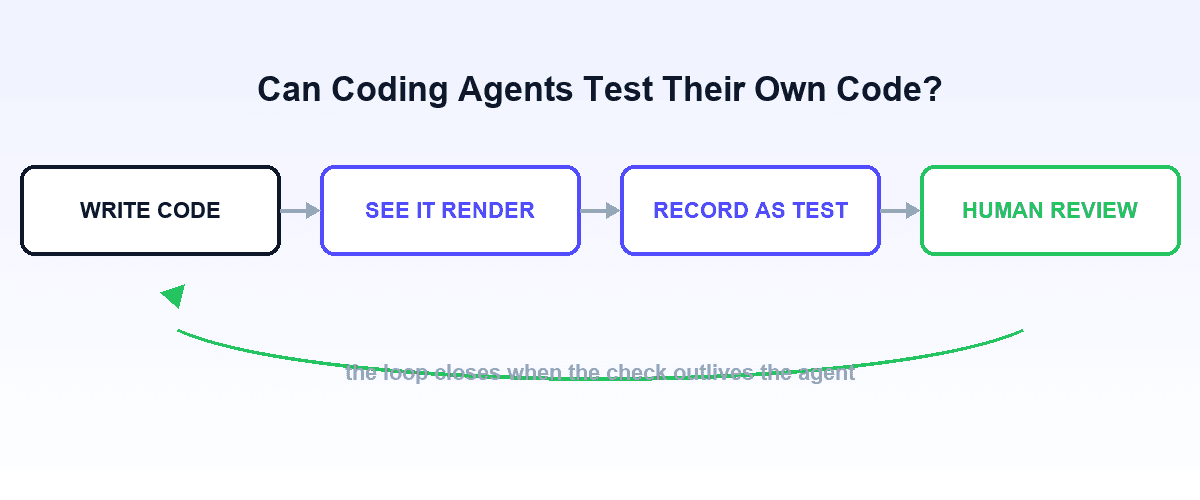
Can coding agents test their own code?
Jul 12, 2026 · 9 min read
Guides
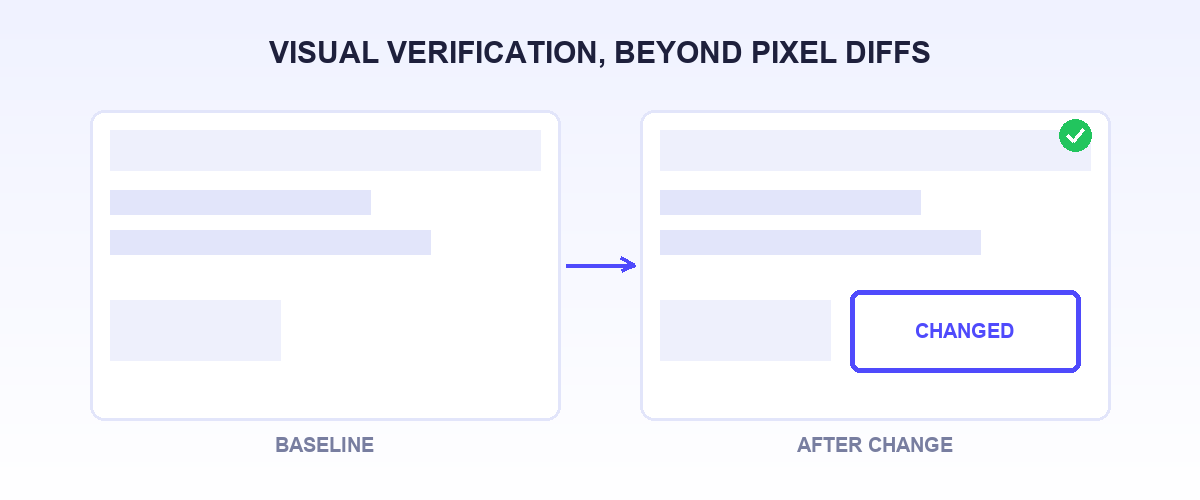
Best Applitools alternatives for visual verification
Jul 12, 2026 · 15 min read

AI Testing
How to verify AI-generated code
Jul 14, 2026 · 10 min read
Guides
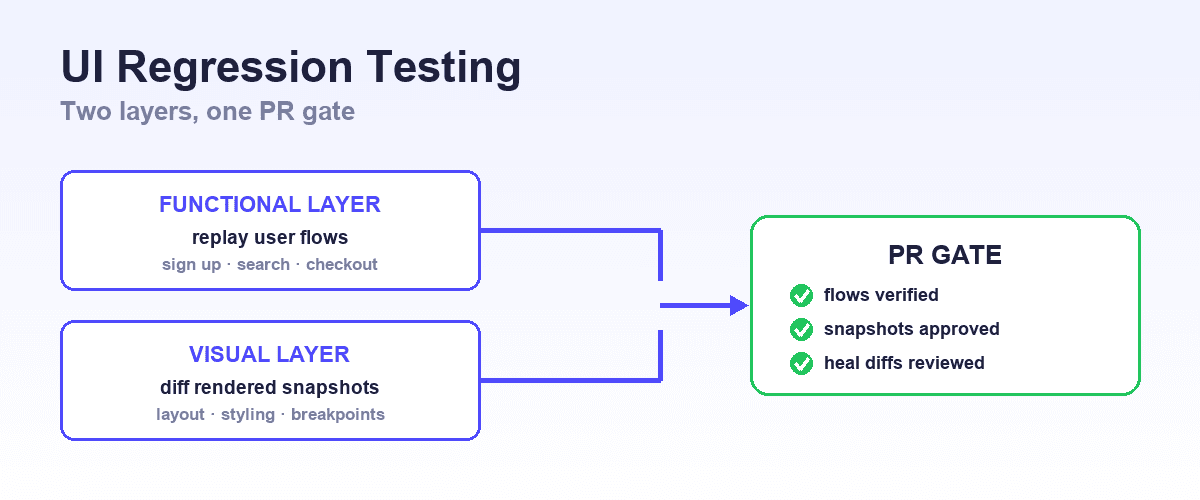
Best UI regression testing tools
Jul 23, 2026 · 9 min read
Verification-driven development, defined