
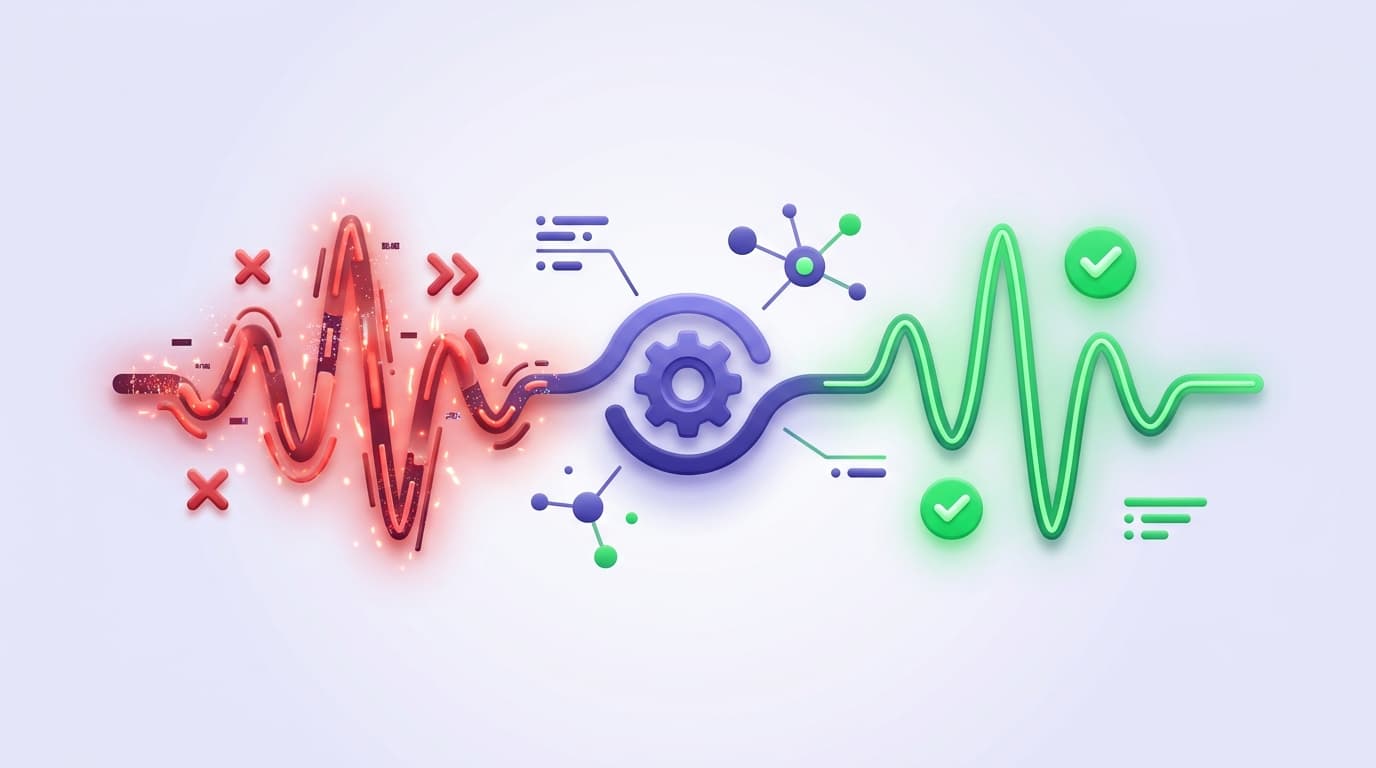
Flaky tests (tests that pass and fail inconsistently against the same code) are the single biggest reason engineering teams lose trust in their E2E suite.
Turning flaky tests into actionable signal is a system design problem, not a per-test fix.
It requires four things working together: suites scoped to business risk, intent-based authoring that survives UI changes, self-healing that reduces brittle-locator flakiness at the root, and an operational layer that quarantines, measures, and triages the remaining flakes. This playbook covers each.
End-to-end tests are supposed to answer a simple question: "Can a real user complete the journey that matters?" In practice, many teams treat E2E as a necessary evil. The suite grows, the UI evolves, selectors break, and the signal gets buried under noise. When trust erodes, teams stop gating releases on E2E and start using it as a post-merge audit.
Treat E2E as an operational system
There is a better model: treat E2E as an operational system, not a script library. The goal is not “more tests.” The goal is high-confidence coverage that produces reliable, fast feedback and clear ownership.
Shiplight AI is built around this premise. It combines natural-language test authoring, intent-based execution, and test operations tooling so teams can scale coverage while keeping maintenance close to zero.
Below is a practical playbook you can adopt to turn E2E from a flaky afterthought into a release-quality signal your whole team can act on.
1) Start with suites that mirror risk, not org charts
A common failure mode is building suites around components (“Settings,” “Billing,” “Dashboard”). That structure is convenient, but it rarely matches how regressions actually hurt you.
Instead, group tests into suites that reflect business-critical journeys:
- Account creation and login
- Checkout and payment confirmation
- Core workflow creation and editing
- Admin and permission boundaries
- Email-driven flows like verification, invites, and password reset
Shiplight supports organizing test cases into Suites, which you can then run in CI or include in scheduled runs. Suites make it easier to reason about coverage, ownership, and release readiness.
2) Author tests as intent, then optimize for speed
If your tests are tightly coupled to selectors, every UI refactor becomes a testing incident. Shiplight’s authoring model shifts the center of gravity to intent.
Natural language tests in YAML (repo-friendly, reviewable)
Shiplight tests can be written in YAML using natural-language steps. That makes them readable in code review and approachable for contributors beyond QA specialists.
Record flows instead of rewriting them
In Shiplight Cloud, you can use Recording to capture real browser interactions and convert them into executable steps automatically. This is especially useful when you want fast coverage of a complex flow without hand-authoring every step.
Use AI where it adds resilience, not randomness
Shiplight’s Test Editor supports an “AI Mode vs Fast Mode” approach. In practice:
- Use AI-driven interpretation to create tests and handle dynamic UI behavior.
- Use cached, deterministic actions for fast replay where the UI is stable.
- Keep intent as the source of truth so the system can recover when the UI changes.
This is how you get both: adaptability when you need it, throughput when you do not.
3) Make the suite self-healing by design (not by heroics)
Maintenance becomes a tax when every UI change forces humans to babysit tests. Shiplight’s model treats locators as a cache rather than a hard dependency; when a cached locator goes stale, the agentic layer can fall back to the natural-language intent to find the right element.
On Shiplight Cloud, the platform can update cached locators after a successful self-heal so future runs stay fast.
This matters operationally because it changes the failure profile of E2E:
- Fewer “broken test” incidents during routine UI iteration
- Less time spent chasing flakes that do not represent product risk
- More failures that point to real behavior differences
On Shiplight’s homepage, one QA leader describes the outcome succinctly: “I spent 0% of the time doing that in the past month.”
4) Run E2E like production monitoring: on PRs and on a schedule
E2E becomes useful when it runs at the moments that matter:
Gate pull requests in CI
Shiplight provides a GitHub Actions integration that can trigger runs using a Shiplight API token and suite IDs. This keeps verification close to where code changes happen.
Schedule recurring runs for regression detection
Shiplight supports Schedules (internally called Test Plans) for running tests automatically at regular intervals, including cron-based configuration. Schedules can include individual test cases and suites and provide reporting on results and metrics.
This dual approach catches two classes of problems:
- PR-time regressions introduced by a specific change
- Environment-time regressions caused by configuration drift, dependencies, or third-party integrations
5) Measure flakiness as a first-class metric, not a feeling
Most teams know their suite is flaky but can't say how flaky. That's the first problem. You can't systematically reduce what you don't measure.
The right metric is flakiness rate per test: the percentage of runs where a given test produces inconsistent results (pass → fail or fail → pass) on unchanged code. Tests that flake more than 5% of the time should be quarantined; tests that flake more than 20% should be auto-removed from gating suites until fixed.
Tests under 1% are statistically acceptable for gating: perfection is not the goal, reliability is.
Three metrics to track continuously:
| Metric | Target | What it tells you |
|---|---|---|
| Flakiness rate per test | <1% for gating suite | Which specific tests are the signal polluters |
| Overall suite flakiness | <2% of runs have any flake | Whether CI red means a real bug or noise |
| Mean time to fix a flaky test | <2 days | Whether your triage process is actually working |
Teams that treat flakiness as an engineering SLO (with a target number, a dashboard, and a weekly review) fix flaky tests 10× faster than teams that triage each flake one-off. The discipline is statistical, not reactive. For a deeper dive on root causes, see how to fix flaky tests, which covers all 8 common causes in detail.
6) Quarantine, don't delete: the triage workflow
When a flaky test surfaces, the wrong move is to delete it: it often covers a real user flow. The right move is to quarantine it:
- Mark the flaky test as quarantined: excluded from PR-blocking suites, still runs in a separate monitoring lane
- Log the quarantine event with a link to a tracking issue, so the quarantine doesn't become permanent
- Fix by category, not by instance: if five tests are flaky for the same reason (timing, shared state, brittle selector), fix the category and re-quarantine all five. Per-test patches don't scale
- Exit the quarantine by earning it: the test must pass 50 consecutive runs on a stable build before returning to the gating suite
This workflow turns flaky tests from a signal-noise problem into a signal-queue problem: CI stays green for real bugs, and the flaky backlog is triaged at a sustainable rate instead of derailing every PR.
7) Reduce mean time to diagnosis with AI summaries and rich artifacts
The hidden cost of E2E is not only fixing tests. It is triaging failures.
Shiplight Cloud is designed to make every failed run easier to understand:
- The Results page tracks runs and supports filtering by result status and trigger source (manual, scheduled, GitHub Action).
- Runs can include artifacts like logs, screenshots, and trace files for investigation.
- AI Test Summary generates intelligent summaries of failed results, including root cause analysis and recommendations, and can analyze screenshots for visual context.
A practical rule: if a failure cannot be understood in under five minutes, it is not an operational system yet. Fast diagnosis is what keeps E2E trusted.
8) Close the loop with notifications that match your team's workflow
Alerts that fire on every failure get ignored. Alerts that fire on meaningful conditions change behavior.
Shiplight’s webhook integration supports “Send When” conditions such as:
- All
- Failed
- Pass→Fail regressions
- Fail→Pass fixes
This enables a cleaner workflow:
- Post regressions to Slack
- Open tickets automatically when a critical schedule flips to red
- Celebrate fixes when a flaky area stabilizes
9) Keep developers in flow with IDE and desktop tooling
Operational E2E requires participation from engineering, not just QA. Two Shiplight workflows stand out:
- VS Code Extension: create, run, and debug
.test.yamlfiles with an interactive visual debugger, stepping through statements and editing inline without switching browser tabs. - Desktop App (macOS): a native app that loads the Shiplight web UI while running the browser sandbox and AI agent worker locally for fast debugging without cloud browser sessions.
For teams building with AI coding agents, Shiplight also offers a browser MCP server and Skills designed to work alongside those agents, autonomously generating and running E2E validation as changes are made.
The takeaway: treat E2E as a system with feedback, ownership, and trust
The teams that get real value from E2E do three things consistently:
- Write tests as intent, not brittle implementation detail.
- Run them continuously in CI and on a schedule.
- Operationalize the output so failures are diagnosable and actionable.
Shiplight AI is built to support that full lifecycle, from authoring and execution to reporting, summaries, and integrations.
Key Takeaways
- Verify in a real browser during development. Shiplight lets AI coding agents validate UI changes before code review.
- Generate stable regression tests automatically. Verifications become YAML test files that self-heal when the UI changes.
- Reduce maintenance with AI-driven self-healing. Cached locators keep execution fast; AI resolves only when the UI has changed.
- Test complete user journeys including email and auth. Cover login flows, email-driven workflows, and multi-step paths end-to-end.
Get Started
References: Playwright Documentation, Google Testing Blog
Frequently Asked Questions
What counts as a flaky test?
One that passes and fails on the same code. A reproducible failure is a bug, and calling it flake is how real regressions get retried into green.
Should flaky tests be deleted?
Quarantine them instead. Deleting removes the coverage silently; quarantine keeps the gap visible and gives someone a list to work from.
What is a flake budget?
A stated limit on how much flake a suite may carry before fixing it outranks new coverage. Without a number, the limit is whatever the team tolerates.
How do I make failures actionable?
Capture the evidence at the failing step and name a likely cause. A red run that needs log archaeology gets re-run instead of investigated.
Related posts

AI Testing
how to automate regression tests with AI
May 18, 2026 · 8 min read
Guides
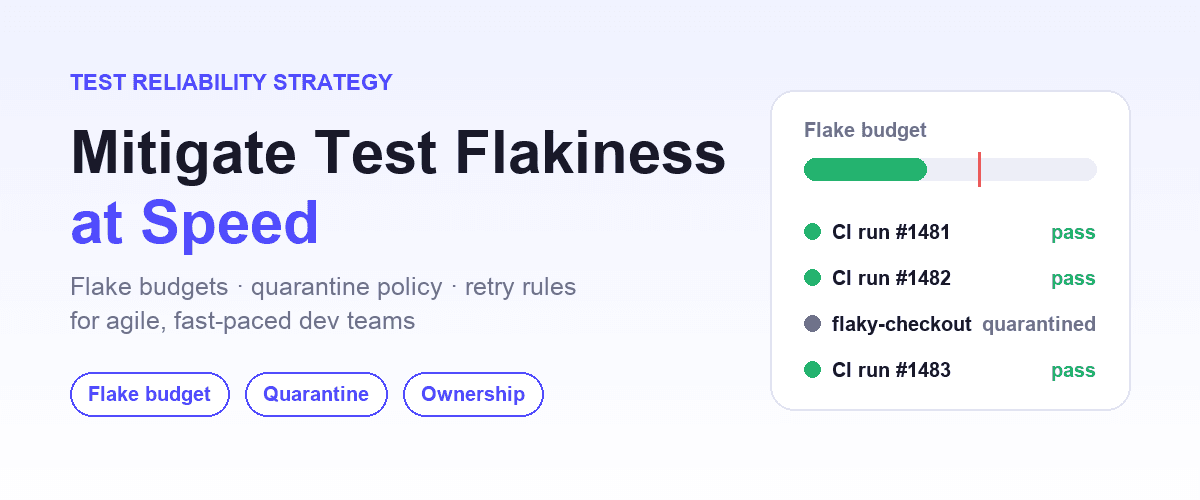
mitigate test flakiness: strategies for fast-paced teams
May 17, 2026 · 9 min read
Engineering
intent-cache-heal pattern
Mar 25, 2026 · 7 min read

Engineering
actionable E2E failures
Mar 25, 2026 · 5 min read

Engineering
two-speed E2E strategy
Mar 25, 2026 · 6 min read