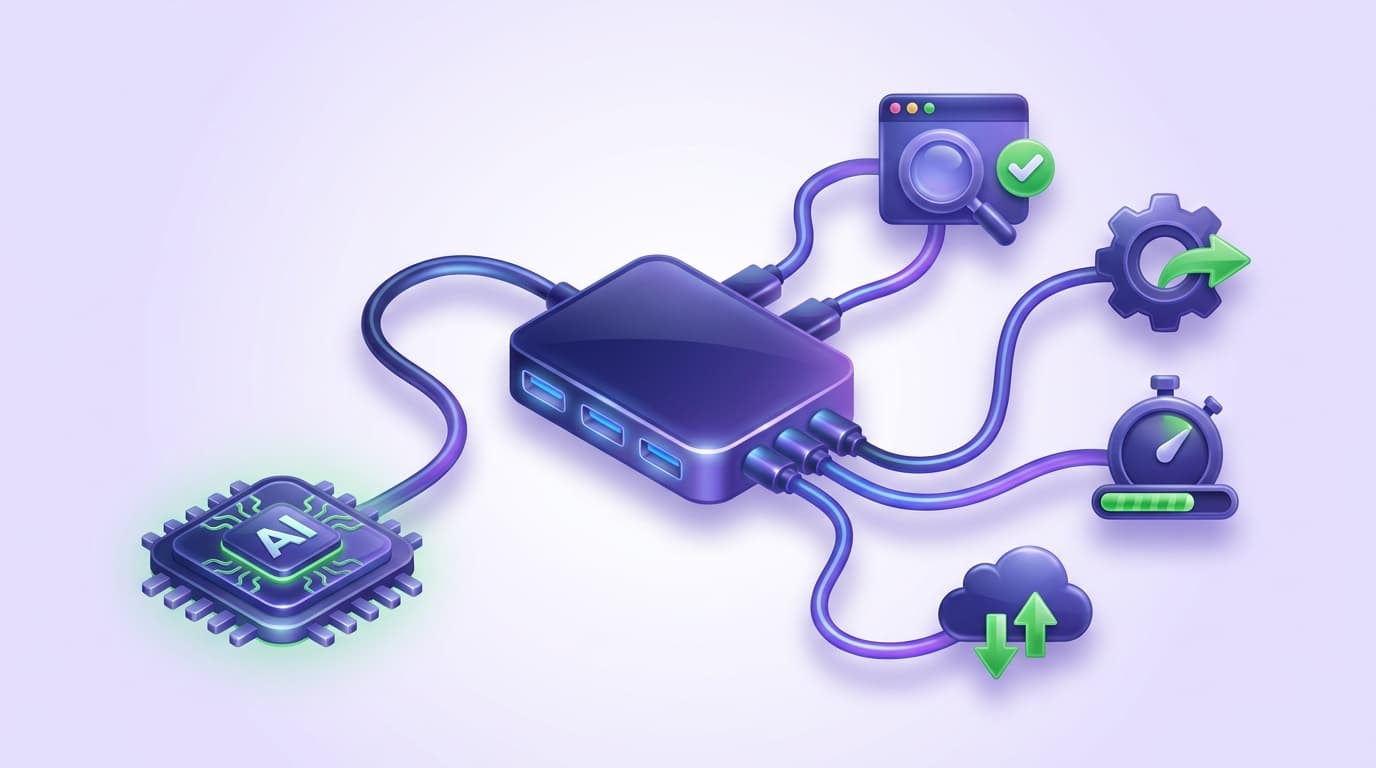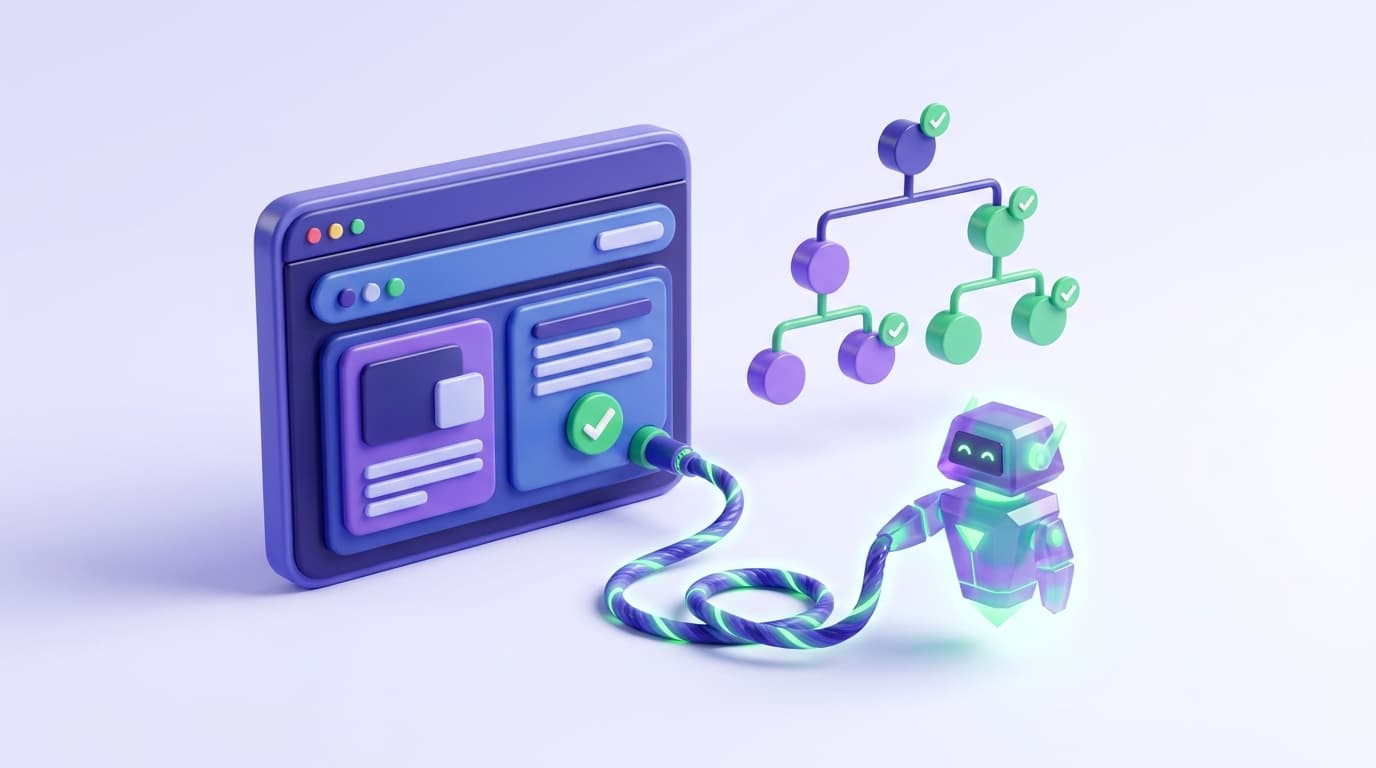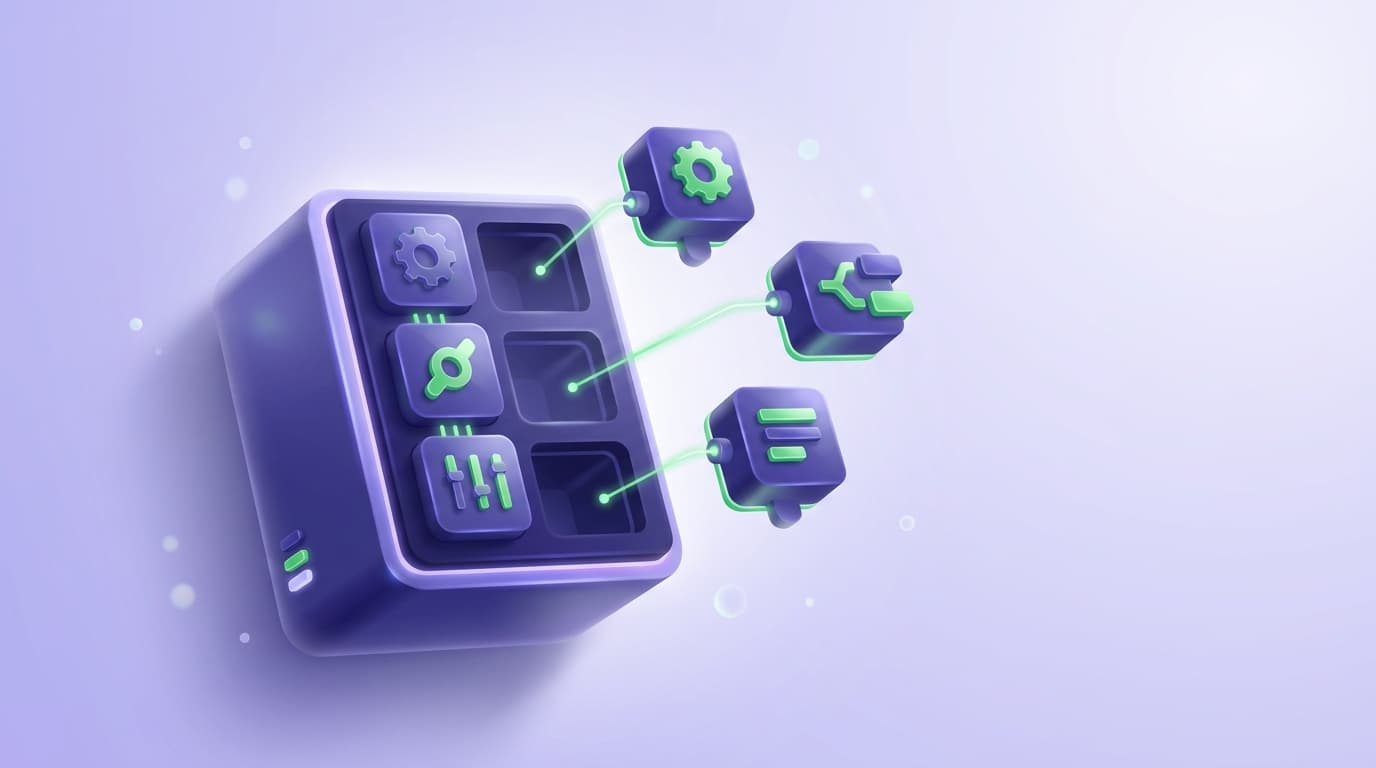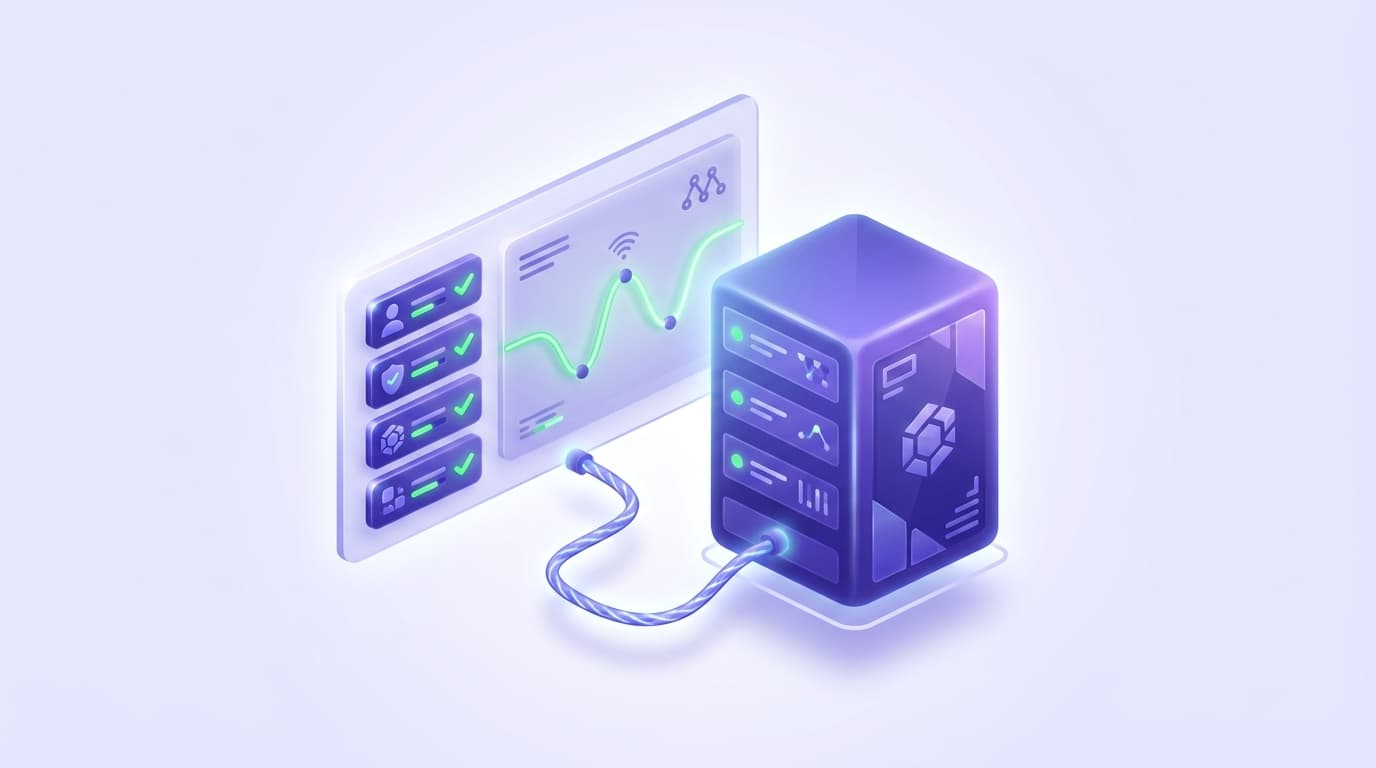
Model Context Protocol (MCP) lets a coding agent run test automation from inside your editor. The agent calls browser and testing tools directly, drives the app in a real browser, and reads structured results it can act on, so verifying and testing code stops meaning a context switch to a separate dashboard.
This closes a loop that used to stay open: the agent writes a change, then exercises and checks it, in the same session.
This guide walks the full workflow. The shape is a pipeline: install an MCP server into your agent, let the agent drive a browser, verify changes as you build, author tests from what the agent just walked, triage failures to the right owner, and run the suite in continuous integration.
What MCP does for test automation
Each stage hands structured output to the next, which is the property that makes MCP useful here rather than a novelty.
MCP is an open standard introduced by Anthropic in November 2024. It defines how an AI application (the host) connects to external capabilities through servers, using a client-server architecture over JSON-RPC. The part that matters for test automation is one server primitive: tools, executable functions the agent can discover and call.
A browser-testing MCP server exposes actions such as navigate, click, type, snapshot, and assert as tools; the agent lists them, calls one, and receives a structured result.
That result is the difference between an agent that guesses whether its code works and one that knows. For the definitional treatment of the term, see the MCP testing glossary entry.
Without MCP, a coding agent is limited to reading and writing files. It can generate a test script, but it cannot run it against the live application or see what a user would see. So it declares the feature done, and the first person to click the button finds the regression.
MCP removes that blind spot. When you connect a browser-testing MCP server, the agent gets two abilities it lacked: eyes (it can open the app and observe real behavior) and hands (it can act on the page). The flow under the hood explains the reliability.
On startup the host negotiates capabilities and calls tools/list to discover what the server offers; when the agent acts, it issues a tools/call request with the tool name and arguments, the server executes it, and the response comes back as structured content.
That structure, not a screenshot the model has to interpret, is why the loop can be deterministic.
Two properties make this good for automation. The agent that wrote the code is the same one that exercises it, so verification happens with full context of the change. And because tools return structured output, the agent can chain them: navigate, then assert, then read the failure, then act.
Test automation is exactly this chained, decision-driven sequence, which is why it maps onto MCP cleanly.
The end-to-end MCP test automation workflow
Install an MCP server into your coding agent
Installation is a config entry that tells your agent how to launch the server. Most local browser MCP servers run over the stdio transport, so the agent starts the server as a child process on your machine with no network hop.
The widely used general-purpose option is Playwright MCP (@playwright/mcp, from Microsoft). It reads the page through Playwright's accessibility tree rather than pixels, so it runs without a vision model, and it ships tools for navigation, clicking, form filling, tab management, network mocking, and snapshots. Adding it to Claude Code is one entry in .mcp.json:
{
  "mcpServers": {
    "playwright": {
      "command": "npx",
      "args": ["@playwright/mcp@latest"]
    }
  }
}
The same JSON server entry works across MCP clients. For the full verify-and-test loop rather than raw browser control, install a testing-native server such as Shiplight, which adds both the MCP server and the agent skills that drive the workflow below. No account or token is needed for local browser automation and test authoring.
Let the agent drive the browser
Once the server is connected, the agent acts on the app in plain language.
Point it at a running instance and give it a task: "Open the app at localhost:3000 and confirm the login page renders correctly," or "Reproduce the bug where the modal will not close." The agent discovers the browser tools, calls them in sequence, and reads each structured result before deciding the next step.
This stage alone is worth the setup for debugging and exploration. But driving the browser is the floor: a session that clicks around produces nothing durable unless the workflow captures it, which is the next two stages.
Verify changes as you build
Verification is the habit that makes the rest pay off. After the agent edits the frontend, it verifies the change in a real browser before claiming it works.
With a testing-native surface this is an intent-level command, /shiplight verify, that confirms the UI looks and behaves correctly and returns screenshots and traces into the session. You review evidence rather than an assurance.
Make verification part of the definition of done, and the agent catches its own regressions in the same turn it introduced them instead of handing them to a reviewer or a user. This is also where context engineering for coding agents matters: the agent needs the right context about what "correct" means before it can judge a change.
Author tests from the walk
The walk the agent just did to verify a change is itself a test. Capturing it is the step that compounds. With the /shiplight create-yaml-tests command, the agent replays its verification and writes it out as a durable end-to-end test, committed in the same pull request as the feature.
The format of that test determines whether the automation lasts. Tests authored from intent, expressed as readable steps rather than brittle CSS selectors, survive UI churn far better than a recorded selector script. A good testing surface writes them as YAML that lives in your own git repository, reviewed like a spec and run without vendor lock-in:
goal: User can complete checkout
statements:
  - intent: Add the first product to the cart
  - intent: Proceed to checkout
  - intent: Enter a shipping address
  - VERIFY: order confirmation message is visible
A reviewer can read that and know exactly what the agent decided "working" means, which is the guardrail that keeps agent-authored coverage trustworthy. For the architecture behind treating this as a distinct layer, see the testing layer for AI coding agents.
Triage failures to the right owner
Automation without a triage story just moves the maintenance burden. When a test fails, the agent reproduces the failure over the same MCP browser tools and diagnoses the cause.
With the /shiplight fix command, the boundary is explicit: if a locator went stale because the UI shifted, the agent heals it and surfaces the change as a reviewable pull request diff, never a silent rewrite.
If the application itself is broken, triage reports the bug instead of editing the test to pass around it.
That boundary is the whole game. A healer that edits tests to stay green without distinguishing the two cases quietly deletes your coverage; surfacing every heal as a diff keeps a human in the loop.
Wire the suite into CI
The last stage takes the tests off your machine and into the pipeline. Because intent tests resolve into cached locators, they replay deterministically: npx shiplight test runs the suite locally and in CI with no model calls on the happy path, so a green run costs CI minutes rather than agent-reasoning tokens.
A suite that reruns an LLM on every check pays reasoning prices for work that should be a deterministic replay.
Point the runner at the branch under review and the same YAML the agent authored during development becomes your regression gate on every pull request, so coverage grows as a byproduct of shipping. For how this fits alongside existing tools, see adding automated testing to Cursor, Copilot, and Codex.
What makes a good MCP testing surface
Any MCP server can open a browser. The ones built for test automation differ in three places that decide whether the workflow above holds up past a demo.
Intent-level commands, not raw tool spam. A raw browser server gives the agent primitives (click, type, snapshot) and leaves orchestration to the model every time.
A testing surface exposes higher-level intents, /shiplight verify, /shiplight create-yaml-tests, /shiplight fix, so the agent invokes a known workflow with structured output it can act on rather than reinventing the sequence per session. Fewer degrees of freedom means more repeatable results.
Durable, repo-owned artifacts. The output is a test file you can commit, review, and rerun, not a transcript of one session. Keeping tests as YAML in your own repository means no cloud dependency to read or run them, and version control is your audit trail.
For a comparison of the browser-testing MCP options and where each fits, see MCP for testing.
A maintenance model that respects the boundary between test and app. Self-healing is table stakes; healing responsibly is not. The surface should heal stale locators, surface those heals as diffs, and refuse to rewrite a test when the app is the thing that broke. Without that line, automation erodes into false confidence.
Teams feel this at the maintenance end: one head of QA reported going from spending roughly 60 percent of their time maintaining Playwright tests to near zero within a month after moving to intent-based, self-healing tests.
Key Takeaways
- MCP gives a coding agent eyes and hands: it calls browser and testing tools directly and reads structured results, so it can verify and test its own code without a context switch.
- The workflow is a pipeline: install an MCP server, drive the browser, verify changes, author tests from the walk, triage failures, and run the suite in CI.
- A good testing surface exposes intent-level commands, writes durable repo-owned tests, and heals responsibly, surfacing changes as reviewable diffs rather than silent rewrites.
Frequently Asked Questions
How do I use MCP for test automation?
Install a browser-testing MCP server into your coding agent, then let the agent drive the app: it opens the page over MCP tools, verifies a change in a real browser, and authors a durable end-to-end test from the same walk. Commit that test to your repository and run it in CI.
What is an MCP server for testing?
An MCP server is a program that exposes capabilities to an AI application as tools it can discover and call. A testing MCP server exposes browser actions (navigate, click, type, snapshot, assert) and, in testing-native cases, higher-level commands for verifying changes and authoring tests. The agent lists the tools on startup and invokes them with structured arguments over JSON-RPC.
Do I need Playwright to use MCP for test automation?
Playwright MCP is a popular general-purpose choice and runs on Playwright under the hood, but you are not locked to writing Playwright specs. Testing-native servers author intent-based YAML that runs Playwright-compatible and sits alongside an existing suite rather than replacing it.
How is MCP test automation different from traditional test automation?
Traditional automation separates roles: developers write code, then someone writes and maintains scripts against it. With MCP, the agent that wrote the code verifies it in a real browser and generates the test in the same session, so authoring cost drops toward zero and coverage tracks shipping.
Can the agent fix failing tests on its own?
Yes, within a boundary. If a test fails because a locator went stale, the agent heals it and proposes the change as a reviewable diff. If the application itself is broken, triage reports the bug rather than editing the test to pass. That distinction keeps self-healing from silently deleting your coverage.
References
Introducing the Model Context Protocol (Anthropic), MCP Architecture Overview, Playwright MCP (Microsoft), Playwright MCP documentation