AI regression testing for dynamic user interface changes is the practice of detecting (and automatically recovering from) visual and behavioral drift when your codebase, components, or layouts change.
It combines three techniques: (1) visual regression testing to catch pixel-level drift, (2) AI-assisted test maintenance (self-healing locators, intent-based resolution) to prevent brittle tests from breaking on routine UI updates, and (3) dynamic UI adaptation so tests survive conditional rendering, lazy-loaded components, and SPA state changes.
This guide covers how to implement all three for applications where the UI changes weekly.
The 3 Pillars of AI Regression Testing for Dynamic UIs
End-to-end testing has a reputation problem. Everyone agrees it is valuable, but too many teams have lived through the same cycle: ship a few UI tests, spend the next sprint babysitting selectors, then quietly turn the suite off when it starts blocking releases.
The issue is not that E2E is optional. It is that most E2E tooling forces you to choose between two bad options: brittle, high-maintenance automation or slow, manual verification. *Shiplight AI is built around a different premise: tests should describe user intent, stay readable, and keep working even as the UI evolves.
This post lays out a practical, modern approach to building reliable E2E coverage, including the workflows that usually break traditional automation: authentication, UI iteration, and email-driven user journeys.
Regression testing for applications with dynamic user interfaces (SPAs, component libraries that update weekly, AI coding agents generating UI changes at high velocity) requires a fundamentally different approach than static-site regression. Three pillars work together:
Pillar 1: Visual regression testing
Catches pixel-level drift: a button that moved 4px, a color that shifted from #4F4AFC to #4E4AFC, a layout shift caused by a new element. Visual regression tools (Applitools, Percy, and Shiplight's visual mode) compare screenshots between runs and flag differences above a threshold. Essential for catching cosmetic bugs that functional tests miss.
Pillar 2: AI-assisted test maintenance (self-healing)
Handles behavioral drift: a test that was asserting a button click finds the button is now a different element. Rather than failing, AI-assisted maintenance re-resolves the element based on intent.
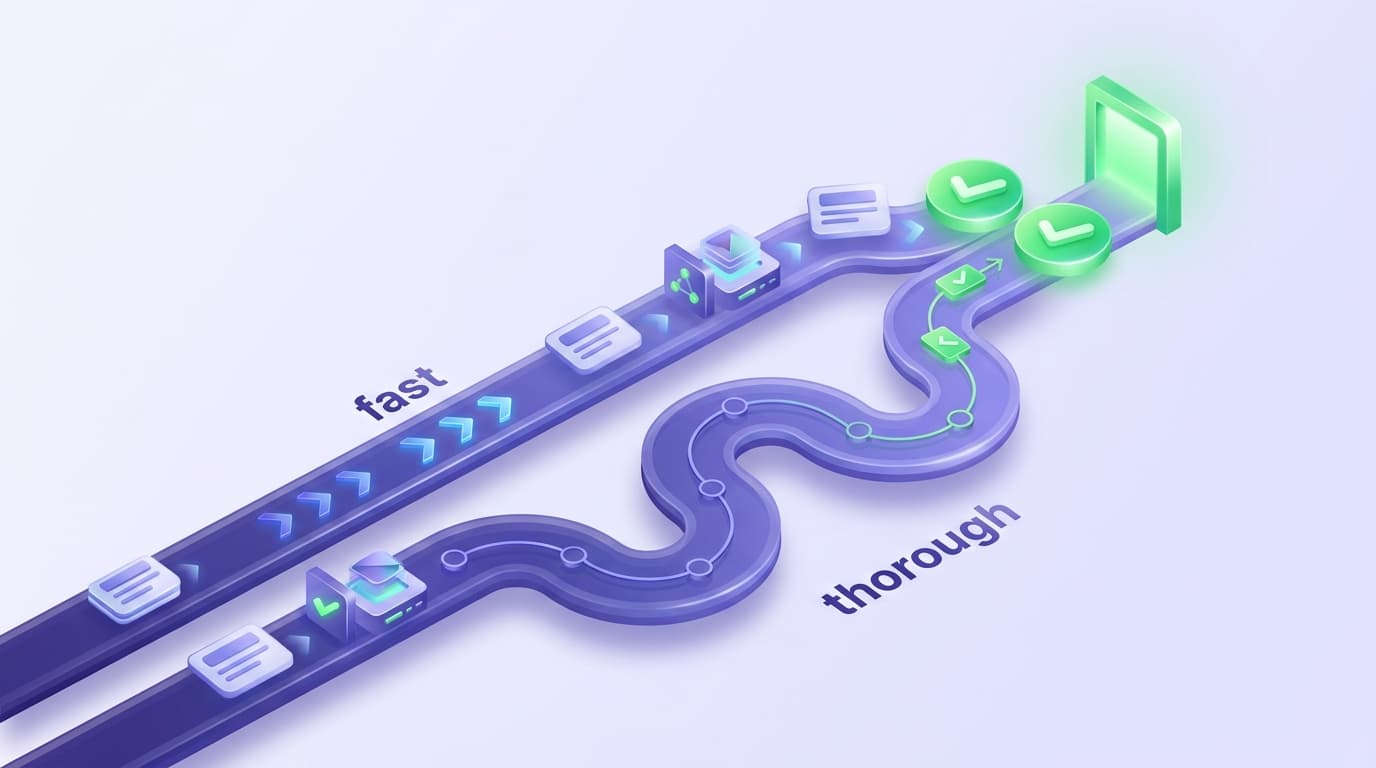
Intent-based healing (Shiplight's intent-cache-heal pattern) re-resolves from semantic meaning: "the primary submit button on the checkout form." Locator-fallback healing (most legacy tools) tries a ranked list of alternative selectors. Intent-based healing handles larger UI changes; locator-fallback handles minor ones.
Pillar 3: Dynamic UI adaptation
Handles the application's own dynamic behavior: conditional rendering based on feature flags, lazy-loaded components that appear seconds after navigation, infinite-scroll lists that render different elements on each run, modals that only appear for certain user states, real-time WebSocket updates.
Tests need to wait on application state (network idle, DOM settled, specific element visible) rather than fixed timeouts, and the test runtime must handle elements that appear asynchronously.
How the three pillars compose
| Change in your app | Pillar that catches it |
|---|---|
| Button moved, layout shifted, color changed | Visual regression (Pillar 1) |
| Button renamed, refactored into different component | AI-assisted self-healing (Pillar 2) |
| Lazy-loaded component appears after 3 seconds | Dynamic UI adaptation (Pillar 3) |
| Conditional rendering based on user role | Dynamic UI adaptation (Pillar 3) |
| Feature flag toggled between runs | Dynamic UI adaptation (Pillar 3) |
For applications where the UI is genuinely dynamic (React/Vue/Angular SPAs with frequent component updates, AI-generated layouts, or feature-flag-gated components) all three pillars are necessary. Missing any of them creates a regression surface your suite can't detect.
The Best AI Regression Testing Tools in 2026
The main AI regression testing tools in 2026 divide by operating model, and Shiplight AI is the one built for engineering teams using AI coding agents.
- Shiplight AI: intent-based self-healing, tests as YAML in your git repo, callable over MCP from Claude Code, Cursor, Codex and GitHub Copilot.
- Applitools: the visual-testing specialist, for pixel-level diffing.
- Low-code recorder platforms: tests in the vendor's cloud, with auto-healing features.
- Spec-driven generation tools: hosted cloud execution.
The deciding axis is the mechanism, not the label.
If tests must live in your repo and your coding agent authors and heals them, Shiplight is built for that. If a vendor console workflow with QA staff authoring visually is acceptable, low-code platforms serve that design center. Visual diffing from Applitools is a layer complementary to functional E2E rather than a replacement for it.
Quick fit guide:
| Regression scenario | Tool designed for it |
|---|---|
| AI coding agents shipping UI changes daily, tests in your repo | Shiplight AI: native MCP integration, intent-based YAML in git |
| Pixel-level visual drift | Applitools: visual-testing specialist (Visual AI) |
| QA staff authoring visually in a vendor console | Low-code recorder platforms: visual builders with auto-healing features |
| Long-lived enterprise app, willing to invest in ML training | Enterprise low-code platforms: ML-based element scoring, sales-led |
| Spec-driven generation with hosted execution | Spec-driven generation tools: IDE plugins, cloud sandbox runs |
For tool-by-tool comparison see best AI testing tools in 2026. For the underlying healing mechanism (the layer that makes regression testing work without manual maintenance) see intent-cache-heal pattern.
The hard truth about E2E: your most important flows are the least "automatable"
Teams often start with a clean “happy path” test: log in, click a few buttons, confirm a page loads. That is a reasonable first step, but it is rarely where production risk lives.
Real customer-facing risk shows up in flows like:
- Authentication states that change frequently (SSO redirects, MFA, role permissions)
- UI updates that rename, move, or restyle elements in the course of normal development
- Email-triggered journeys like magic links, account verification, and password resets
Shiplight is designed to handle these scenarios without requiring a QA engineer to spend hours rewriting tests after every UI change. Shiplight’s platform is built around natural language test definition and intent-based execution, rather than fragile selector-first scripting.
Step 1: Start with intent, not infrastructure
A common blocker for E2E is setup friction: which framework, which patterns, which fixtures, which conventions. Shiplight reduces that overhead by letting teams write tests in YAML using natural language statements that describe what the user is trying to do.
A minimal Shiplight test flow looks like this:
goal: Verify user journey
statements:
 - intent: Navigate to the application
 - intent: Perform the user action
 - VERIFY: the expected result
When you run tests locally, Playwright discovers *.test.yaml alongside existing *.test.ts files, and Shiplight transparently transpiles YAML flows into runnable Playwright specs.
That matters because it keeps adoption practical. You can start small, prove value, and integrate into existing engineering workflows without a rewrite.
Step 2: Make tests readable for humans and fast for CI
There is a misconception that “AI-driven” testing has to mean nondeterministic testing. Shiplight explicitly separates two concerns:
- Readability and collaboration: natural language statements that any teammate can review
- Execution speed and stability: enriched steps that can replay quickly and consistently
In Shiplight’s YAML format, locators can be added as an optimization. Importantly, Shiplight treats these locators as a cache, not as a brittle dependency. If a cached locator goes stale, the agentic layer can fall back to the natural language description to find the right element.
Shiplight also supports auto-healing behavior that can retry actions in AI Mode when Fast Mode fails, both during debugging in the editor and during cloud execution.
The result is a suite that can stay fast in steady state while still being resilient to normal UI change.
Step 3: Debug where developers work (and reduce feedback latency)
Reliability is not only about execution. It is also about iteration speed when something fails.
Shiplight’s VS Code Extension lets teams create, run, and debug .test.yaml files inside VS Code using an interactive visual debugger, stepping through statements and editing actions inline while watching the browser session in real time.
For teams that prefer a dedicated local workflow, Shiplight also offers a native macOS Desktop App that runs the browser sandbox and AI agent worker locally while loading the Shiplight web UI for creating and editing tests.
Both approaches aim at the same outcome: shorten the loop between “something changed” and “we understand what broke.”
Step 4: Treat email as a first-class testing surface
Email is where automation usually goes to die. Yet for many products, email is part of the core UX: verification codes, activation links, password resets, and login magic links.
Shiplight includes an Email Content Extraction capability designed for verifying email-driven workflows. In the Shiplight UI, you can configure a forwarding address (for example, xxxx@forward.shiplight.ai) and add an EXTRACT_EMAIL_CONTENT step that extracts verification codes, activation links, or custom content into variables such as email_otp_code or email_magic_link.
This is the difference between “we tested the UI” and “we tested the customer journey.”
Step 5: Scale execution and reporting without losing signal
Once the flow works locally, the next question is operational: How do you run it consistently across environments, and how do you route results to the right place?
Shiplight Cloud supports storing test cases, triggering runs, and analyzing results with runner logs, screenshots, and trace files. For CI, Shiplight provides a GitHub Action that can run suites and report status back to commits.
For downstream automation, Shiplight webhooks can deliver structured test run results when runs complete, with configurable “send when” conditions such as only on failures or regressions.
This is the operational layer that turns E2E from a best-effort activity into a dependable release gate.
Step 6: When a test fails, make the failure actionable
A failing E2E test is only useful if the team can diagnose it quickly.
Shiplight’s AI Test Summary is designed to reduce time-to-triage by providing a text analysis that includes root cause analysis, expected vs actual behavior, relevant context, and recommendations. When screenshots are available, the summary can also incorporate visual analysis to detect missing UI elements, layout issues, loading states, and visible error messages.
That kind of reporting is what keeps E2E from becoming noise.
Where Shiplight fits
Shiplight supports multiple adoption paths depending on how your team builds.
- Shiplight's browser MCP server and Skills: Built to work with AI coding agents, where Shiplight can autonomously generate, run, and maintain E2E tests alongside the agent’s PR workflow.
- YAML tests beside an existing Playwright suite: Shiplight's tests transpile to Playwright at run time, so they run alongside the suite you already have, keeping everything in code and inside your normal review workflow while adding AI-native execution and self-healing stabilization.
Teams can choose the level of autonomy and integration that matches their engineering culture.
The takeaway: reliable E2E is a product capability, not a hero project
The best E2E strategy is the one that survives normal development: UI iteration, email workflows, fast release cycles, and real-world complexity. Shiplight’s intent-first approach, local and IDE workflows, auto-healing execution, and cloud operations stack are designed to make that survival the default.
Key Takeaways
- Verify in a real browser during development. Shiplight lets AI coding agents validate UI changes before code review.
- Generate stable regression tests automatically. Verifications become YAML test files that self-heal when the UI changes.
- Reduce maintenance with AI-driven self-healing. Cached locators keep execution fast; AI resolves only when the UI has changed.
- Integrate E2E testing into CI/CD as a quality gate. Tests run on every PR, catching regressions before they reach staging.
Get Started
References: Playwright Documentation, GitHub Actions documentation, Google Testing Blog
Frequently Asked Questions
What is an AI regression testing tool?
An AI regression testing tool uses AI to detect and recover from regressions when an application's UI or behavior changes. Unlike traditional regression testing, which needs manual locator maintenance on every UI shift, it resolves test steps from semantic intent at runtime: when a button is renamed, the AI re-resolves the correct element rather than failing on a stale selector.
Which AI regression testing tools are best for web applications?
The main tools divide by mechanism: Shiplight AI (intent-based YAML tests in your git repo, MCP integration for AI coding agents), Applitools (visual regression), and low-code recorder platforms (tests in the vendor's cloud). Pick by where the tests live, who authors them, and whether the concern is visual drift or functional behavior.
What is the best AI regression testing tool for CI/CD pipelines?
It depends on your authoring model, but for teams shipping with AI coding agents, Shiplight AI integrates most cleanly: YAML tests live in your git repo and run via CLI in any CI environment (GitHub Actions, GitLab CI, CircleCI, Jenkins). Vendor cloud consoles instead run tests in their own clouds and trigger from CI via integrations.
Which platforms are best for autonomous regression testing in IDEs?
Shiplight AI is the strongest option for autonomous regression testing inside the IDE. Shiplight exposes regression generation, execution, and self-healing as Model Context Protocol (MCP) tools that AI coding agents (Claude Code, Cursor, Codex, and GitHub Copilot) call directly during development, generating regression tests in the same workflow that produced the code.
What makes an E2E test survive a redesign?
The test has to name the outcome rather than the path to it. A step that says "submit the order" survives the button moving; a step bound to #submit-btn does not.
Should I rewrite a whole suite to be intent-based?
No. Convert the flows that break most often first. The rest can stay as they are until a redesign forces the question, which is the moment the conversion pays for itself.