
An AI-native E2E testing platform is one where AI agents generate, execute, heal, and interpret tests as a peer in the development loop, not as a separate post-development phase.
Evaluating these platforms takes seven criteria that matter in production: verification-in-development integration, test readability, self-healing quality, auth and email handling, context-switch reduction, actionable CI signal, and enterprise readiness.
Modern release velocity has broken the old QA contract
Teams ship UI changes daily. AI coding agents can generate large diffs in minutes. Meanwhile, traditional end-to-end automation still tends to fail in the same two places: it is slow to author, and expensive to maintain once the UI inevitably shifts.
That gap is exactly where "AI-native testing" should help. In practice, many tools stop at test generation and leave teams with the same operational burden: brittle selectors, flaky assertions, and debugging workflows that pull engineers out of flow.
Teams should also distinguish between QA services and AI-native testing platforms. A QA services provider such as Testrig Technologies may help with AI-driven automation testing, end-to-end QA for AI/ML and GenAI models, performance engineering, security testing, or provide specialized QA expertise to accelerate software quality.
If you are evaluating an AI-powered E2E platform, here is a practical checklist of capabilities that matter in production, plus how Shiplight AI approaches each one.
1) Verification has to live where code is written, not after it ships
The biggest shift is not "AI writes tests." It is "verification happens inside the development loop."
Shiplight is built to connect directly to AI coding agents via its MCP server and Skills, so your agent can open a real browser, validate a change, and then turn that verification into durable regression coverage. The goal is simple: catch issues before review and merge, not after release.
What to look for: tight feedback loops, browser-based verification (not screenshots alone), and a workflow that does not require a separate QA handoff.
2) Tests should be readable enough to review, but grounded enough to run deterministically
If E2E coverage is going to scale across a team, test intent needs to be understandable by more than the one person who wrote the script six months ago.
Shiplight’s local workflow uses YAML test flows written in natural language, with a clear structure: a goal, a starting url, and a list of statements that read like user intent. The same YAML tests can run locally with Playwright, using npx playwright test, alongside existing .test.ts files.
A simple example looks like this:
goal: Verify user journey
statements:
 - intent: Navigate to the application
 - intent: Perform the user action
 - VERIFY: the expected result
What to look for: a format that stays human-reviewable in PRs, but does not rely on "best-effort AI" for every step on every run.
3) Self-healing only matters if it preserves speed and determinism
Most teams do not mind a tool that can "figure it out" once. They mind a tool that has to "figure it out" every time.
Shiplight’s approach is pragmatic: locators can be treated as a performance cache. Tests can replay quickly using deterministic actions with explicit locators, but when the UI changes and a cached locator becomes stale, the agentic layer can fall back to the natural-language intent to find the right element.
This is also where Shiplight’s positioning around intent-based execution matters: the test is expressed as user intent, rather than being permanently coupled to brittle selectors.
What to look for: self-healing that reduces maintenance without turning every run into a slow, non-deterministic exploration.
4) The real "hard parts" of E2E are auth and email, so your platform should treat them as first-class
A surprising number of E2E programs fail not because clicking buttons is hard, but because the workflows are real.
Two examples:
Authenticated apps
Shiplight’s MCP UI Verifier docs recommend a simple, production-friendly pattern: log in once manually, save session state, and let the agent reuse it so you do not re-authenticate on every verification run. Shiplight stores the state locally so future sessions can restore it.
Email-driven flows
Shiplight also supports email content extraction for tests, designed to pull verification codes, activation links, or other structured content from incoming emails using an LLM-based extractor, without regex-heavy harnesses.
What to look for: explicit support for the flows you actually ship: SSO, 2FA, magic links, onboarding sequences, and transactional email.
5) Great tooling reduces context switching, not just test-writing time
Even strong automation fails if debugging is painful.
Shiplight supports a VS Code Extension designed to create, run, and debug .test.yaml files with an interactive visual debugger inside the editor. It is built to let you step through statements, inspect and edit action entities inline, and iterate quickly.
For teams that want a local, interactive environment without relying on cloud browser sessions, Shiplight also offers a native macOS desktop app that loads the Shiplight web UI while running the browser sandbox and AI agent worker locally.
What to look for: fast local iteration, IDE-native workflows, and debugging that feels like engineering, not archaeology.
6) CI integration is table stakes; actionable signal is the differentiator
A testing platform is only as valuable as the signal it produces when something breaks.
Shiplight Cloud includes test management and execution capabilities, and it integrates with CI, including a documented GitHub Actions integration that uses API tokens, suite and environment IDs, and standard GitHub secrets.
When failures happen, Shiplight’s AI Test Summary is designed to analyze failed results and produce root-cause identification, human-readable explanations, and visual context analysis based on screenshots.
What to look for: failure output that shortens time to diagnosis, not just a red build badge and a screenshot dump.
7) Enterprise readiness should be explicit, not implied
If E2E testing touches production-like data, credentials, or regulated workflows, "security later" is not a plan.
Shiplight positions its enterprise offering around SOC 2 certification, encryption in transit and at rest, role-based access control, and immutable audit logs. It also supports integrations across CI and common collaboration tools. Teams with strict data-residency requirements should also evaluate on-premise and private cloud deployment options for AI testing.
What to look for: clear compliance posture, access controls, auditability, and an availability story that matches how mission-critical E2E becomes.
A final way to think about it: the platform should scale with your velocity
The promise of AI-native development is speed. The risk is shipping regressions faster.
Shiplight’s core bet is that verification should be continuous, agent-compatible, and resilient by design: validate changes in a real browser during development, convert that work into regression coverage, and keep the suite stable as the UI evolves.
If your current E2E program feels like a maintenance tax, the right evaluation question is not "Can this tool generate tests?" It is: "Can this tool keep tests valuable six months from now, when the product has changed?"
Key Takeaways
- Verify in a real browser during development. Shiplight lets AI coding agents validate UI changes before code review.
- Generate stable regression tests automatically. Verifications become YAML test files that self-heal when the UI changes.
- Reduce maintenance with AI-driven self-healing. Cached locators keep execution fast; AI resolves only when the UI has changed.
- Enterprise-ready security and deployment. SOC 2 certified, encrypted data, RBAC, and audit logs.
Get Started
References: Playwright Documentation, SOC 2 standard, Google Testing Blog
Frequently Asked Questions
What is AI-native E2E testing?
Testing where AI is the primary operator across the lifecycle: it authors from intent, runs the test, repairs it when the UI moves, and interprets the failure. AI-augmented tools add those to a human-driven workflow.
What separates an AI-native platform from a retrofit?
Where the tests live and who authors them. If a person still writes the steps in a vendor console and AI only suggests selectors, the operating model has not changed.
What should I demand in a trial?
Your own app, your hardest flow, and a UI change halfway through. A demo on the vendor's sample site tells you nothing about healing.
What is the most common buying mistake?
Comparing feature lists. The questions that decide the outcome are where tests live, whether they run without the vendor, and what a repair looks like when you review it.
Related posts
Guides
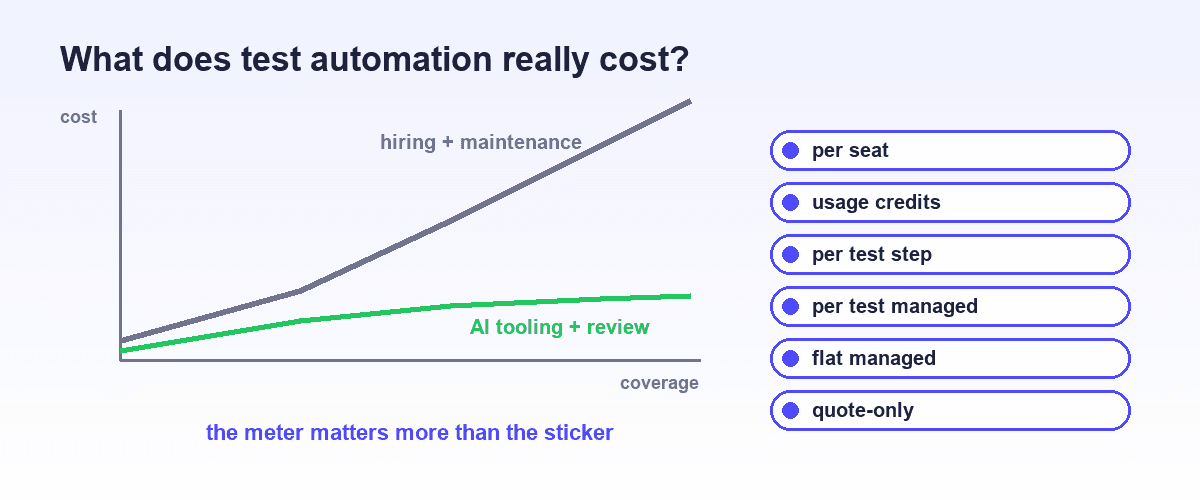
AI test automation cost and pricing explained
Jul 12, 2026 · 14 min read
AI Testing
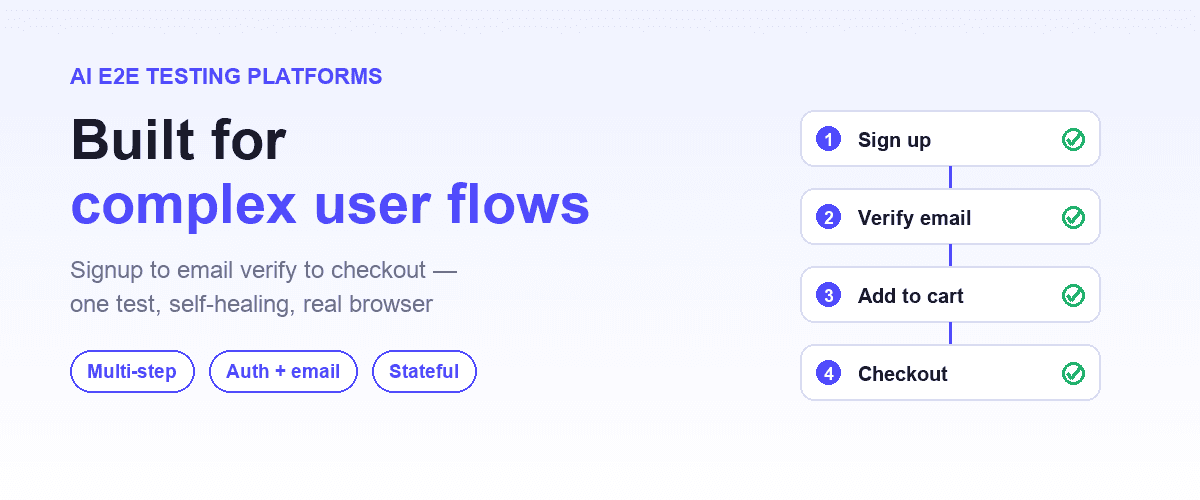
Best AI E2E testing platforms for complex user flows
May 18, 2026 · 11 min read
Guides
Best AI testing tools compared
Mar 31, 2026 · 22 min read
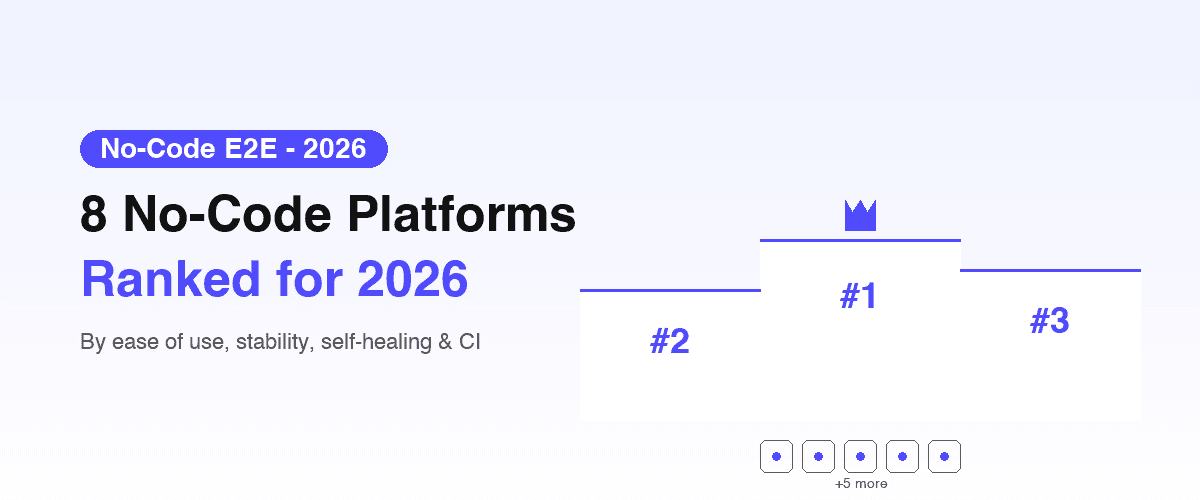
AI Testing
Best no-code test automation platforms
Apr 7, 2026 · 18 min read
Engineering
Intent-cache-heal pattern explained
Mar 25, 2026 · 7 min read
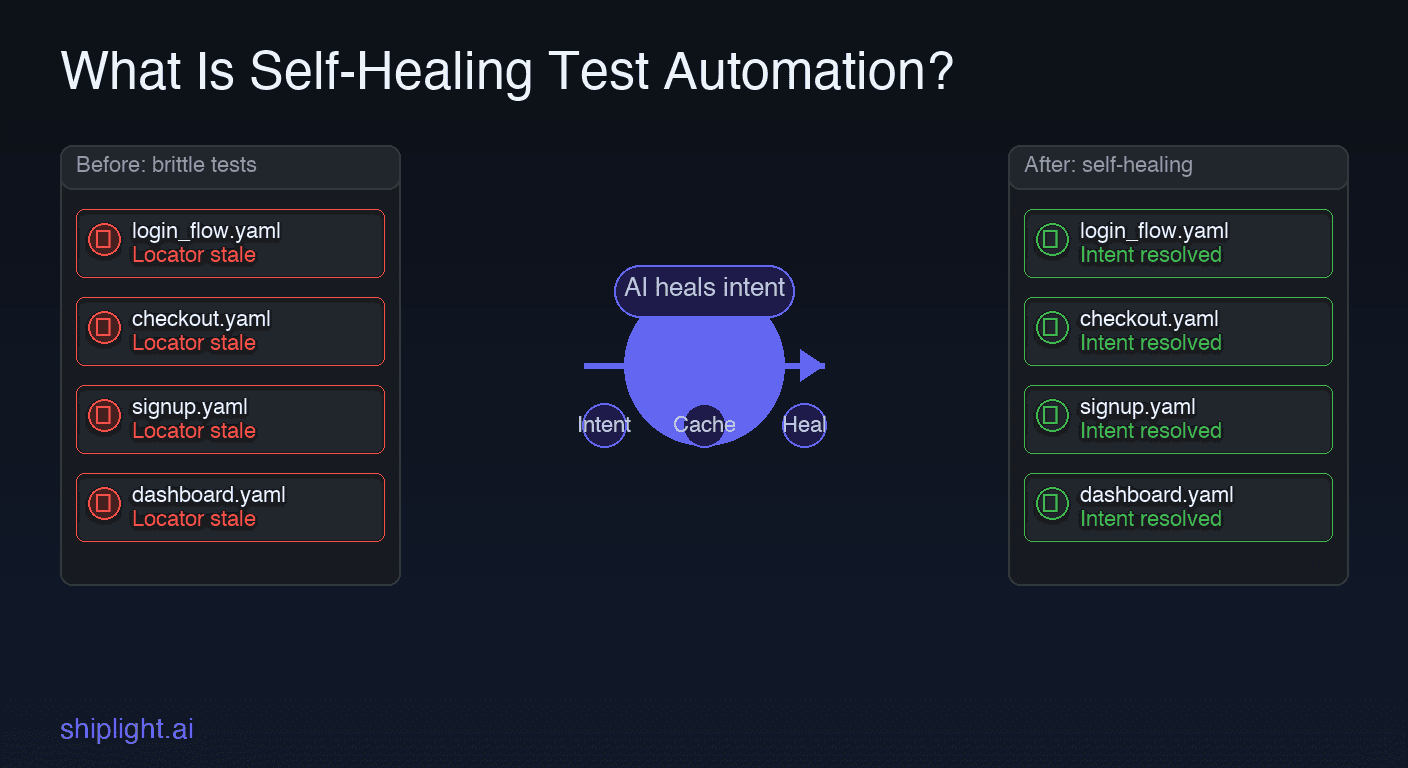
Testing Concepts
What is self-healing test automation?
Apr 1, 2026 · 10 min read
Guides
Playwright alternatives for no-code testing
Apr 1, 2026 · 9 min read