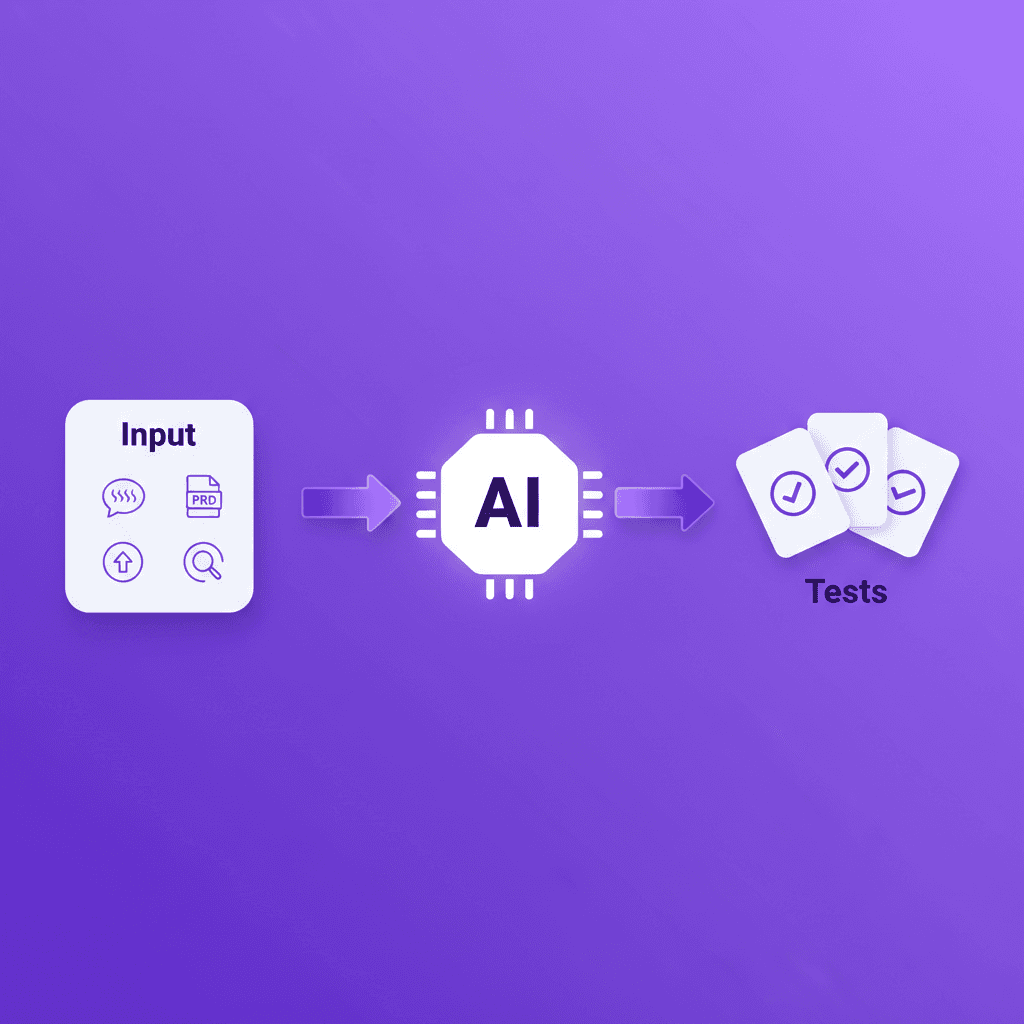
Evaluating AI test generation tools (running a structured eval against real criteria rather than vendor demos) is the only way to know which tool will hold up in production. The AI industry has converged on structured evals as the standard for assessing AI system quality, whether for LLMs or for the agents that use them.
The same discipline applies to test generation tools: Anthropic's guide to demystifying evals for AI agents and OpenAI's evaluation best practices both emphasize measuring real-world output quality over capability claims. The same principle applies when you are choosing a test generation platform.
Why Evaluation Matters More Than Ever
Dozens of AI test generation tools now promise to generate end-to-end tests automatically. The claims are similar. The underlying approaches are not.
Choosing the wrong tool creates compounding costs: vendor lock-in, test suites needing constant maintenance, or generated tests that miss critical business logic. This guide provides a seven-dimension eval checklist based on the criteria that matter in production, not in demos.
The Seven-Dimension Evaluation Framework
1. Test Quality
The most important and most overlooked question: are the generated tests actually good?
What to evaluate:
- Assertion depth -- Does the tool verify text content, state changes, and data integrity, or just "element is visible"?
- Flow completeness -- Does it cover setup, action, and teardown, or produce fragments requiring assembly?
- Determinism -- Do the same inputs produce the same tests?
- Readability -- Can an engineer understand the generated test without consulting documentation?
Red flag: Tools that demo well on simple forms but produce shallow tests on complex workflows. Ask for tests against your own application. See our guide on what AI test generation involves.
2. Maintenance Burden
Generating tests is easy. Keeping them working as your application evolves is the real challenge.
What to evaluate:
- Self-healing capability -- Does it repair tests automatically? Simple locator fallbacks or intent-based resolution?
- Update workflow -- Can you regenerate selectively, or must you regenerate the entire suite?
- Version control integration -- Are tests stored as committable, diffable files?
- Change visibility -- Can you see what was healed and why?
Red flag: Tools that heal silently without an audit trail.
3. CI/CD Integration
What to evaluate:
- Pipeline compatibility -- CLI, Docker, GitHub Action? Works with any CI system?
- Parallelization -- Can tests run across multiple workers?
- Reporting -- Standard output formats (JUnit XML, JSON) for existing dashboards?
- Gating -- Can test results gate deployments with configurable thresholds?
Red flag: Proprietary or cloud-only execution environments that prevent local debugging.
4. Pricing Model
What to evaluate:
- Per-seat vs. per-test vs. per-execution -- Per-test pricing penalizes coverage; per-execution penalizes frequent testing
- Included AI credits -- Understand what incurs overage charges
- Tier boundaries -- Are self-healing, CI/CD, or SSO gated behind enterprise tiers?
- Total cost of ownership -- Include training, migration, and ongoing operational costs
Red flag: Opaque pricing requiring a sales call. Essential features locked behind enterprise contracts.
5. Vendor Lock-In
What to evaluate:
- Test portability -- Standard Playwright tests, or proprietary format?
- Data ownership -- Can you export test definitions and execution history?
- Framework dependency -- Standard frameworks or proprietary runtime?
- Migration path -- Do tests survive if you stop using the tool?
Red flag: Proprietary formats with no export. No documented migration path.
Shiplight addresses lock-in by generating standard Playwright tests and operating as a plugin layer rather than a replacement platform.
6. Self-Healing Capability
What to evaluate:
- Healing approach -- Locator fallbacks, AI-driven resolution, or intent-based healing?
- Healing coverage -- What percentage of failures does it heal? Ask for production metrics, not lab results
- Healing transparency -- Can you see what changed and approve it?
- Healing speed -- Inline during execution, or a separate post-failure step?
For a deep comparison, see our AI-native E2E buyer's guide.
7. AI Coding Agent Support
What to evaluate:
- Agent-triggered testing -- Can AI coding agents trigger test generation or execution automatically?
- PR integration -- Are AI-generated code changes validated automatically in pull requests?
- Feedback loop -- Can test results feed back to the coding agent to fix issues it introduced?
- API accessibility -- Does the tool expose APIs agents can invoke programmatically?
Red flag: Tools designed only for human-driven workflows with no programmatic interface.
See our guide on the best AI testing tools in 2026 for tools that score well on agent support.
The Evaluation Scorecard
Use this scorecard to rate each tool on a 1-5 scale across all seven dimensions:
| Dimension | Weight | Tool A | Tool B | Tool C |
|---|---|---|---|---|
| Test Quality | 25% | _/5 | _/5 | _/5 |
| Maintenance Burden | 20% | _/5 | _/5 | _/5 |
| CI/CD Integration | 15% | _/5 | _/5 | _/5 |
| Pricing Model | 10% | _/5 | _/5 | _/5 |
| Vendor Lock-In | 15% | _/5 | _/5 | _/5 |
| Self-Healing | 10% | _/5 | _/5 | _/5 |
| AI Agent Support | 5% | _/5 | _/5 | _/5 |
| Weighted Total | 100% |
Weight each dimension according to your team's priorities. Teams with large existing test suites should weight maintenance burden higher. Teams in regulated industries should weight test quality and vendor lock-in higher.
Key Takeaways
- Test quality is the most important dimension -- a tool that generates shallow tests provides false confidence
- Self-healing sophistication varies dramatically -- intent-based healing covers far more scenarios than locator fallbacks
- Vendor lock-in is the hidden cost -- prioritize tools that generate portable, standard test code
- CI/CD integration must be one step -- friction in the pipeline kills adoption
- AI coding agent support is increasingly essential -- choose tools that work programmatically, not just through UIs
- Evaluate against your own application -- demo environments are designed to make every tool look good
Get Started
Ready to evaluate Shiplight against your current testing stack? Request a demo with your own application and see how the seven-dimension framework applies to your specific situation.
Explore the Shiplight for AI coding agents and see how AI test generation works in practice with standard Playwright tests. For a side-by-side comparison of tools that auto-generate test cases, see AI testing tools that automatically generate test cases.
For how an AI test generation platform serves product and QA roles together, see AI test generation platform for product and QA teams.
References: Playwright Documentation · Anthropic: Demystifying Evals for AI Agents · OpenAI: Evaluation Best Practices
Frequently Asked Questions
How many tools should I evaluate?
Evaluate three in depth. Start with a longlist of 5-6, narrow based on documentation and pricing, then run hands-on evaluations with your actual application.
Should I run a paid pilot or rely on free trials?
Always pilot against your actual application. A two-week pilot with 20-30 tests against your real UI is worth more than months of feature comparison spreadsheets.
How long should the evaluation take?
Four to six weeks: one week for research, one week to narrow to three finalists, and two to three weeks for hands-on evaluation.
What is the biggest evaluation mistake?
Optimizing for test creation speed instead of maintenance cost. A tool that generates 100 tests in 10 minutes but requires 20 hours per week of maintenance is worse than one that generates in an hour but maintains itself. Evaluate 12-month total cost of ownership.