
To verify AI-generated code, run the change through a fixed sequence and stop trusting any single signal along the way: read the diff, run the unit tests, check the integration boundaries, then actually run the feature and confirm it behaves the way it was asked to, and finally lock that behavior into a regression test.
Why reading and unit tests are not enough
Reading the code and watching the unit tests go green feels like verification, but it only proves the code is well-formed and internally consistent.
It does not prove the change does the right thing when a real user drives it. That last gap is where most AI-introduced defects survive, because AI-generated code is usually plausible and syntactically clean while being wrong in ways that only show up at runtime.
Verification is a different activity from review. Review reads the diff and forms an opinion. Verification puts the change under conditions close to production and checks the observed result against the original intent.
The distinction matters more with AI code than with hand-written code, because the traditional proxies for correctness, clean syntax and a passing build, are exactly the properties a language model is best at producing whether or not the logic is right.
This is a practical checklist for verifying a single AI-generated change before it reaches your main branch. Each step catches a different class of defect, the steps run cheapest-first, and the fourth step, behavioral verification, is the one teams most often skip and the one that catches what the others cannot.
What the studies show
The evidence that AI code needs its own verification bar is now concrete.
CodeRabbit's analysis of 470 open-source pull requests found that AI-co-authored PRs carried about 1.7 times more issues than human-only PRs: roughly 10.8 issues per PR against 6.5.
The profile of those issues matters as much as the count. Logic and correctness errors were around 75 percent more common, security findings up to 2.7 times more frequent, and performance regressions nearly eight times more common (CodeRabbit, State of AI vs Human Code Generation).
None of those categories are caught by "the code reads fine."
The defect profile is different because AI produces code that compiles, passes type checks, and satisfies the unit tests written against it, since those are structural properties. What it gets wrong is intent: a discount applied in the wrong order, a permission check that returns true where it should return false, a form that submits but posts the previous value.
A unit test that asserts a function returns a UserProfile does not notice when it returns the wrong user's profile.
The human cost of review-only
There is also a human cost to leaning on review alone. METR's randomized controlled trial of 16 experienced developers across 246 real tasks found they were 19 percent slower when allowed to use AI tools, even though they believed they were 20 percent faster (METR, 2025).
Much of that lost time went into reading and correcting AI output by hand. Manual review does not scale to the volume of code an agent produces, and eyeballing a 500-line diff at the pace an agent generates it is not verification.
So the checklist below treats every AI-generated change as unverified until behavior is confirmed. For the broader operating model this fits into, see how to build a testing strategy for AI-generated code; for the difference between forming an opinion and proving behavior, see AI code review vs verification.
The verification checklist
Run these steps in order on every AI-generated change. Earlier steps are cheaper, so they filter out the obvious problems first, but passing one is not permission to skip the next: each step verifies a class of defect the others are blind to.
1. Static review of the diff
Read the whole diff, not the summary the agent gives you, and run static analysis on it: linter, type checker against the actually installed dependency tree, and a security scanner (SAST plus a dependency CVE scan).
This step catches the cheap, mechanical failures: hallucinated APIs where the model calls a method or imports a package that does not exist in the installed version, obvious injection patterns, and missing error handling.
Two habits make static review effective on AI code. Type-check against the real lockfile, not against what the model assumed was installed, because hallucinated or version-drifted dependencies are a common AI failure.
And treat any file the agent rewrote as unfamiliar territory, not just the visible diff lines, since the new implementation can behave differently in paths the diff does not touch.
Static review sets a floor: it confirms the code is well-formed, not that the logic is correct.
2. Unit tests on the changed logic
Run the existing unit suite and add unit tests for any new pure logic, calculations, parsers, validators, state transitions. Unit tests are genuinely useful for isolated logic with clear inputs and outputs, and they run in milliseconds, so they belong early.
The trap is letting the same agent write both the implementation and its unit tests in one pass and treating a green result as proof: the two trivially agree, so the test encodes the AI's blind spot rather than the requirement.
If the agent writes the tests, have it write them against the stated requirement first and confirm they fail before the implementation exists, which is the core of verification-driven development.
Even done well, unit tests verify units. They say nothing about whether the assembled feature works.
3. Integration and contract checks at the boundaries
AI-generated code breaks most often where one component's output becomes another's input. Add or run contract tests at every boundary the change touches: API request and response shapes, database schema and nullability, the types crossing a service edge.
A value passed as a string where a number is expected will pass a unit test on each side and still produce a wrong total in production once the downstream code silently coerces it.
This catches the failures that live between correctly-written parts. It is still not the behavioral step: contract tests confirm the data has the right shape, not that the resulting user experience is correct. For more on catching these before merge, see how to detect hidden bugs in AI-generated code.
4. Behavioral verification in a real browser
This is the step most teams skip, and it is the one that catches the defects that actually reach users. Run the change in a real browser, drive the affected flow the way a user would, and check the observed outcome against what the change was supposed to do.
A checkout that renders but posts the wrong quantity, a modal that opens behind the overlay, a Safari-only layout break, a form that clears on validation error: none of these fail a linter, a unit test, or a contract test, because all of those inspect structure. Only running the feature reveals them.
The earlier steps ask "is this code well-formed and internally consistent?" This step asks "does the running application do the thing the change was for?", which can only be answered by exercising the real UI against real state. This is where the prompt-to-proof verification loop lives: the change is not verified until you have seen it work.
Doing this by hand does not keep pace with an agent that ships several changes an hour, so the practical version hands the browser to the agent itself. Shiplight installs into your coding agent as an MCP server and a set of Skills, giving the agent eyes and hands in a real browser.
After making a change, the agent runs /shiplight verify, opens the app in a real Playwright-powered browser, drives the new flow, and confirms the UI does the right thing before the diff leaves the machine.
Core browser automation runs locally and needs no account or token. Because verification happens in the same session that wrote the code, a failure is a fix the agent makes immediately rather than a bug a user files next week.
5. Turn the verified behavior into a regression test
A verification you run once protects one commit. The next AI-generated change can quietly break the flow you just confirmed. The final step converts the behavioral check into a durable regression test and wires it into a blocking gate on every pull request, so the behavior stays proven as the codebase keeps changing.
This is the goal Martin Fowler calls self-testing code: a suite you trust enough that a green run means the code is free of substantial defects.
AI velocity only reaches that bar when the suite includes behavioral checks, not just structural ones.
The failure mode here is a regression suite that costs more to maintain than it catches. Tests written against brittle CSS selectors break on every refactor the agent performs, and a suite that goes red for the wrong reasons gets ignored. The durable version writes tests from intent instead.
With Shiplight, the agent runs /shiplight create-yaml-tests to walk the app and author the covering test as readable YAML expressed in user intent ("place the order, confirm the order number appears"), so it survives the refactors an agent makes constantly.
The tests live in your own git repo, run locally with npx shiplight test, are Playwright-compatible, and self-heal in a real browser, with heals surfaced as reviewable PR diffs rather than silent rewrites.
When something breaks, /shiplight fix reproduces and root-causes it, reporting a real product bug instead of editing the test green. For the gate itself, see a practical quality gate for AI pull requests.
The behavioral gap, in one line
Every step before the fourth verifies that the code is well-made. Only the fourth verifies that it is correct for the user. AI is very good at producing well-made code, which is exactly why a process that stops at static review and unit tests feels thorough and still lets behavioral defects through.
Closing that gap is not about more unit tests: it means running the change and checking behavior against intent.
Key takeaways
- Verification is not review. Review reads the diff and forms an opinion; verification runs the change under production-like conditions and checks the result against intent.
- Clean syntax and green unit tests are the properties AI is best at faking. They prove the code is well-formed, not that it does the right thing. The measured gap is real: roughly 1.7 times more issues per PR in AI-authored code, concentrated in logic, security, and performance.
- The fourth step matters most and gets skipped most. Run the feature in a real browser and confirm behavior; static, unit, and integration checks all inspect structure and miss it.
- A one-time check protects one commit. Convert the verified behavior into an intent-based regression test on a blocking PR gate so it stays proven.
Frequently Asked Questions
How do you verify AI-generated code?
Run the change through a fixed sequence, not one signal: read the diff and run static analysis, add unit tests for the changed logic, check the contract boundaries, then run the feature in a real browser and lock that behavior into a regression test on a blocking PR gate.
Only the browser step checks the running app against intent, so it catches the defects that reach users.
Is code review enough to verify AI-generated code?
No. Code review forms an opinion by reading the diff, and manual review doesn't scale to agent volume. METR's 2025 trial found experienced developers were 19 percent slower with AI tools, because reviewing output by hand ate the time generation saved.
Review catches some logic and security issues, but can't confirm a UI renders or a flow completes: those require running the change.
Why do unit tests miss bugs in AI-generated code?
Unit tests assert structural properties: that a function returns the right type or a calculation matches a hard-coded value.
AI-generated code usually gets structure right and intent wrong, so a unit test can pass while the assembled feature does the wrong thing, especially when the same agent writes both implementation and test and they trivially agree. Behavioral verification against the running app catches what unit tests cannot.
What is behavioral verification and why does it matter for AI code?
Behavioral verification means running the change in a real environment, driving the flow as a user would, and checking the outcome against intent. The failures that reach users are behavioral: the UI submits the wrong value, or a layout breaks in one browser. Static and unit tests miss these; Shiplight gives the agent a real browser through MCP.
How can a coding agent verify its own code?
Give it a callable way to run and observe the app. With Shiplight as an MCP server, the agent that wrote a change runs /shiplight verify to drive the new flow in a real browser, then /shiplight create-yaml-tests to save a covering YAML test in git.
Verifying in the same session turns a failure into an immediate fix, and a human reviews intent and approves heals as PR diffs.
Related posts
AI Testing
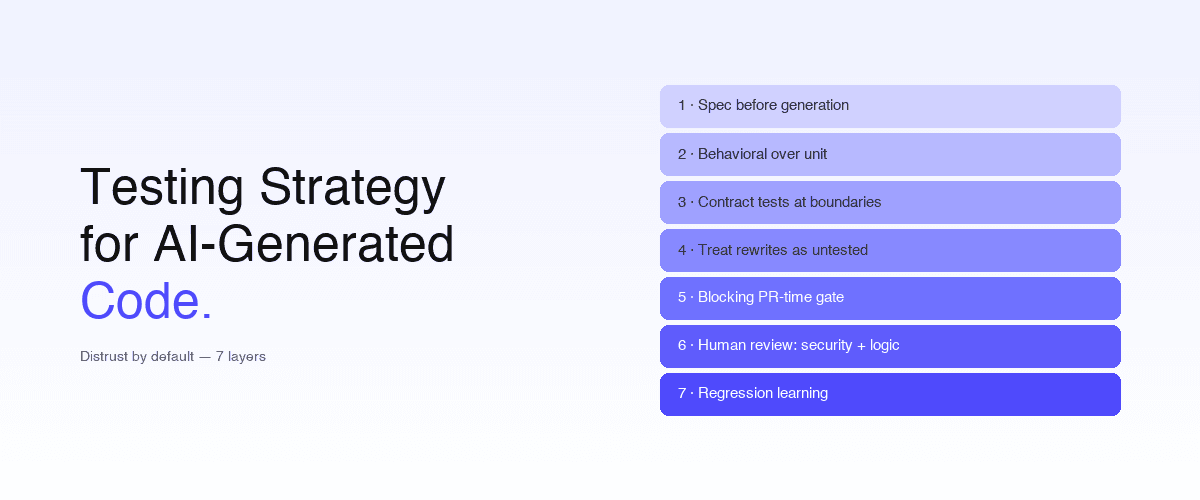
Testing strategy for AI-generated code
May 15, 2026 · 17 min read
AI Testing
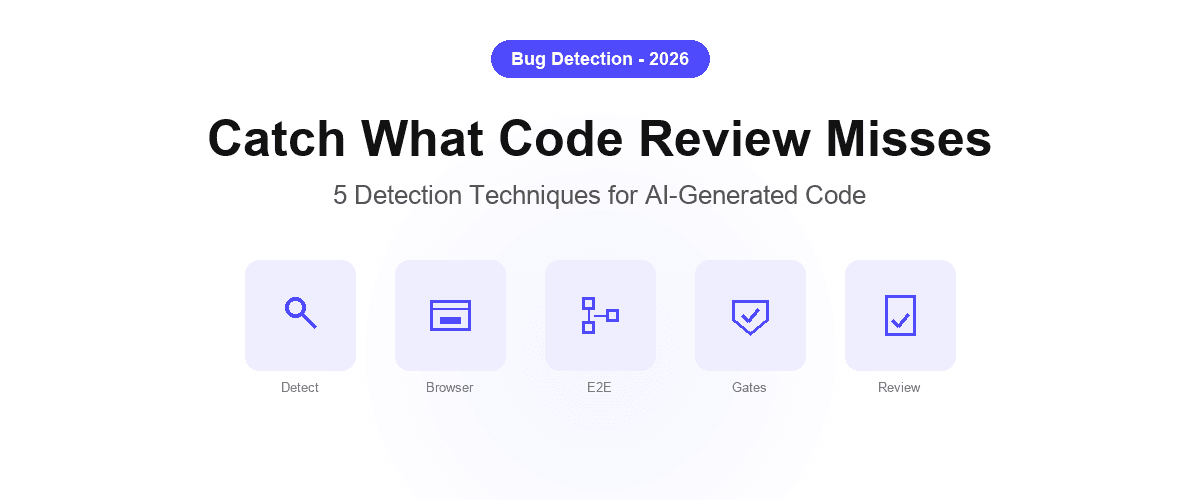
Detect hidden bugs in AI-generated code
Apr 12, 2026 · 8 min read
Engineering
Verify AI-written UI changes
Mar 25, 2026 · 7 min read
Engineering
Quality gate for AI pull requests
Mar 25, 2026 · 6 min read
Engineering
Verification-driven development
Jul 14, 2026 · 10 min read
AI Testing
AI code review vs verification
Jul 14, 2026 · 9 min read