
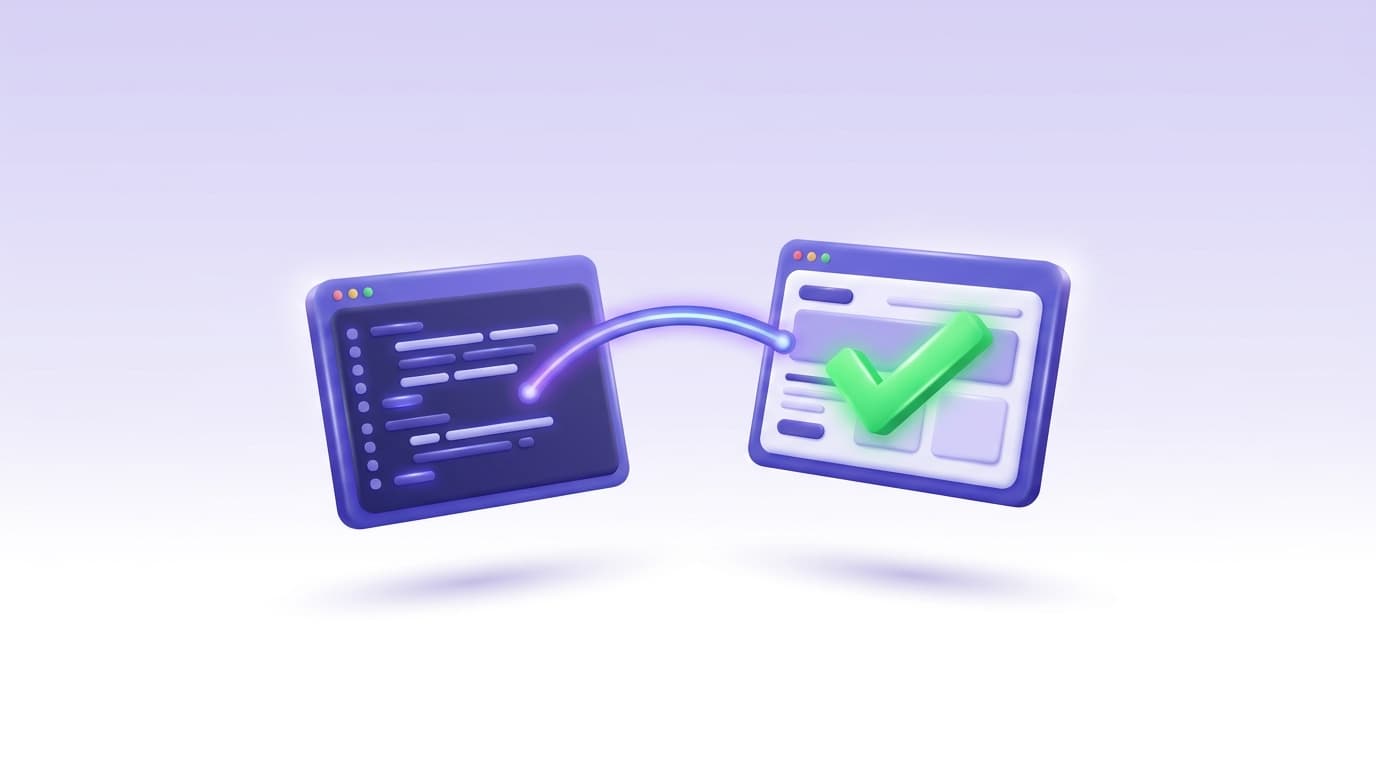
The reliable way to test code written by Cursor is to give the agent a real browser during the build, not to eyeball the diff afterward.
Cursor edits files and runs terminal commands well, but on its own it cannot open your app, click through a flow, and confirm the change actually renders.
Close that gap with Shiplight, a Model Context Protocol (MCP) server that lets Cursor drive a browser, verify each UI change against your intent, and save the verification as an end-to-end test that runs in CI on every pull request.
Why Cursor-generated code needs a verification step
Cursor's agent produces working-looking code quickly. The problem is that "looks correct in the diff" and "works in the browser" are different claims, and most Cursor workflows only check the first one. A component compiles, the types pass, the file looks reasonable, and the change ships without anyone confirming the button actually submits or the modal actually closes.
That gap is measurable. In a 2025 randomized trial by METR, experienced open-source developers using AI tools (primarily Cursor Pro) took about 19% longer to finish tasks while believing they were roughly 20% faster (METR, 2025). Much of that lost time is verification and rework: catching, after the fact, the behavior the agent never checked.
The fix is not to slow Cursor down. It is to make verification part of the same loop that writes the code.
This guide covers why Cursor-generated code needs a verification step, how to set up browser testing for Cursor with MCP, the verify / create-tests / triage loop that turns a manual check into a permanent test, and how to gate those tests in CI.
It is a Cursor-specific deep dive; if you also run Copilot or Codex, the multi-tool setup lives in how to add testing to AI coding tools like Cursor, Copilot, and Codex.
What Cursor sees, and what it does not
Cursor's agent mode runs a real loop: it reads the codebase, edits files, runs terminal commands, watches the output, and iterates until the task is done or it hits a guardrail. That loop is excellent at the mechanics of writing code, but blind to the one thing that matters for any UI: what the running app actually does.
By default, Cursor works from source alone. It has no idea what your app looks like when it renders, whether a click handler fires, or whether a route resolves. So the failures that slip through are rarely type or syntax errors.
They are behavioral: a form that posts to the wrong endpoint, a state update that never re-renders, a dark-mode toggle that flips a class but not the theme.
A passing type check and unit tests will not catch any of these, because none of them are visible without loading the page.
Why agents produce plausible-but-wrong code
There is a second reason specific to how agents work. Cursor generates statistically likely code, not code shaped by memory of the last time this flow broke in production. A human engineer carries that scar tissue; the agent does not, so the edge cases a person would instinctively re-check are the ones an agent leaves unverified.
This is the structural point behind whether coding agents can test their own code: an agent can verify its work, but only if you hand it the eyes and hands to do so.
How to set up testing for Cursor with MCP
The bridge that gives Cursor a browser is the Model Context Protocol, an open standard for connecting agents to external tools. Cursor has first-class MCP support: you register a server, and its tools appear to the agent, which calls them when a task calls for them (Cursor MCP docs).
Cursor reads MCP configuration from two places:
~/.cursor/mcp.jsonfor tools you want in every project (global scope).cursor/mcp.jsoncommitted in a project root, so your whole team gets the same tools (project scope)
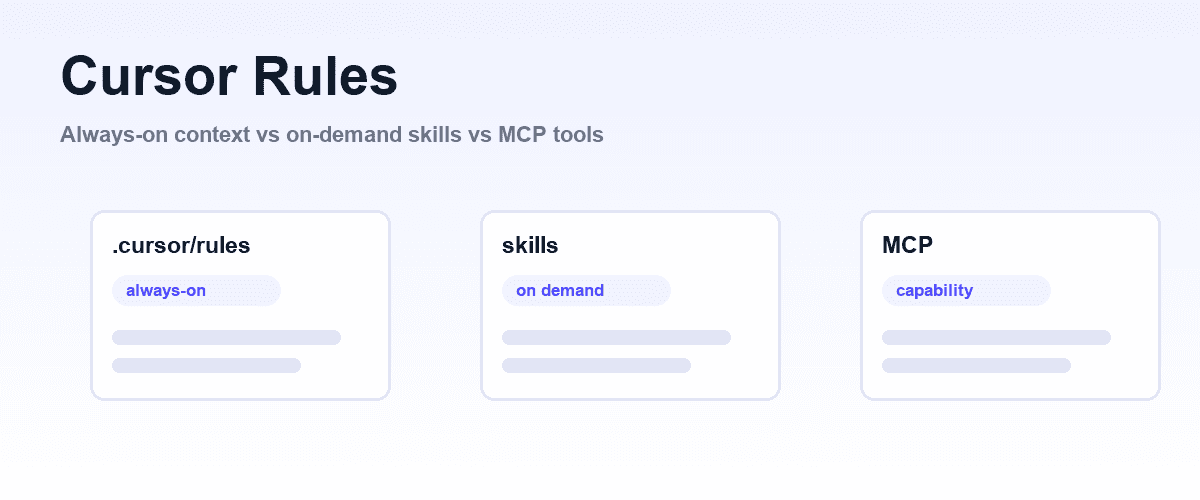
The neighbouring file, .cursor/rules, is what tells the agent how to use those tools; Cursor rules covers when a rule is the right place for an instruction and when a skill is.
For a testing tool, project scope is usually what you want: committing .cursor/mcp.json means every teammate and every Cursor cloud agent that touches the repo inherits the same browser-testing capability with no separate setup.
Shiplight installs into Cursor as an MCP server plus a small set of Skills. Add it through Cursor's Tools and MCP settings or by committing a project config, then point the agent at your running dev server. The exact one-line entry is in the Shiplight quick start; the project config looks like this:
// .cursor/mcp.json
{
  "mcpServers": {
    "shiplight": {
      "command": "npx",
      "args": ["shiplight", "mcp"]
    }
  }
}
After Cursor restarts, open Settings, then Tools and MCP, and confirm the Shiplight server shows a green status. Two practical notes:
- Use Agent mode, not Ask mode. Only Agent mode can execute multi-step MCP tool calls; Ask mode and inline completions cannot drive a browser.
- Keep your dev server running. The agent needs a live URL (
localhost:3000, a staging host, or production) to load and interact with.
Local browser automation and test authoring need no account or token, so you can validate the setup on your own machine first. For why an agent-callable tool beats a human-only UI here, see MCP for testing.
The verify, create-tests, triage loop
Once Cursor can reach a browser, testing stops being a separate phase and becomes three moves in the same session, which Shiplight exposes as Skills you call by name.
/shiplight verify: confirm the change actually renders
After Cursor implements a change, ask it to verify the result in the browser instead of trusting the diff. In Agent mode:
I changed the login page. Open localhost:3000/login, sign in with
test@example.com / password123, and verify the dashboard loads.
Cursor launches a real browser through the MCP server, walks the flow, reads the live accessibility tree and DOM, and reports whether the dashboard actually appeared. This is the habit that pays off most: one /shiplight verify call turns "the code looks right" into "the behavior is confirmed" before the change leaves your machine.
/shiplight create-yaml-tests: turn the check into a maintained test
A one-time verification is useful once. The larger win is capturing it as a regression test. Ask Cursor to walk the app and author an end-to-end test:
Use /shiplight create-yaml-tests to walk the checkout flow at localhost:3000
and write an E2E test for a successful purchase.
Cursor writes the test as readable YAML expressed from intent, not brittle CSS selectors:
goal: Verify successful checkout
base_url: http://localhost:3000
statements:
  - navigate: /cart
  - VERIFY: Cart shows one item
  - intent: Proceed to checkout
    action: click
  - intent: Enter test payment details and submit
    action: fill_and_submit
  - VERIFY: Order confirmation number is visible
Because the steps describe intent, the test does not shatter the first time a class name or DOM position changes. The YAML lives in your own git repo, not a vendor cloud, so it is reviewed in the same pull request as the code it covers.
It is Playwright-compatible and runs alongside any existing Playwright suite: an added layer, not a rip-and-replace.
/shiplight fix: keep the suite green without silent rewrites
When a test later fails, /shiplight fix reproduces the failure in a browser and root-causes it. The distinction that matters: if the app genuinely broke, triage reports the bug rather than quietly editing the test to pass.
When the app is fine and only the UI shifted, the test self-heals, and the heal surfaces as a reviewable diff in a pull request, not a silent rewrite.
That review-first behavior is what keeps a growing suite trustworthy instead of rotting into false green.
Running Cursor's tests in CI
Tests that only run when someone remembers to run them are not a safety net. The point of authoring them during the build is that every future pull request re-runs the same verification automatically.
Run the suite locally with a single command:
npx shiplight testThen wire it into your pipeline so each PR is gated:
# .github/workflows/e2e.yml
name: E2E Tests
on: [pull_request]
jobs:
  test:
    runs-on: ubuntu-latest
    steps:
      - uses: actions/checkout@v4
      - uses: actions/setup-node@v4
      - run: npm ci
      - run: npm run build && npm start &
      - run: npx shiplight test --project ./tests
Now the tests Cursor wrote while building a feature run on every change, and intent-based steps self-heal against ordinary UI churn instead of failing on a moved button. Teams reach reliable coverage far faster this way than by hand-writing selectors: Warmly's head of engineering reported reliable E2E across critical flows in days.
If you want the same YAML executed on hosted runners with SOC 2 and a dedicated CSM, that runs through Shiplight's enterprise offering, but the local loop above is the whole workflow and needs no account.
Frequently Asked Questions
How do I test code written by Cursor?
Give Cursor a browser during the build instead of reviewing the diff alone. Register an MCP browser-testing server in .cursor/mcp.json, then in Agent mode ask Cursor to open your running app, walk the flow it changed, and confirm the behavior. Capture that verification as a YAML end-to-end test in your repo so it re-runs in CI on every pull request.
Does Cursor support MCP for browser testing?
Yes. Cursor has first-class MCP support and reads server configuration from ~/.cursor/mcp.json (global) or a project-level .cursor/mcp.json. Once a browser-automation server is registered, Cursor's Agent mode calls its tools automatically when a task involves loading or interacting with the app.
Why isn't a passing type check enough for Cursor-generated code?
Type checks and unit tests confirm the code compiles and the logic is internally consistent. They cannot tell you whether a form submits, a route resolves, or a toggle actually changes the theme, because those behaviors only exist when the page renders. Most bugs in AI-generated UI code are behavioral and invisible without a browser.
Do I need to know Playwright to test Cursor code this way?
No. Cursor drives the browser through MCP and writes tests as readable YAML expressed from intent rather than Playwright code. The YAML is Playwright-compatible and runs alongside an existing Playwright suite, so you add a layer without replacing anything, and anyone on the team can read the tests.
What happens to these tests when the UI changes?
Because steps describe intent ("proceed to checkout") rather than brittle selectors, ordinary UI churn does not break them; they self-heal and the heal appears as a reviewable diff in a pull request. If the app itself is actually broken, triage reports the bug instead of quietly rewriting the test to pass.
Related posts
Guides
Cursor rules
Aug 3, 2026 · 11 min read
Engineering
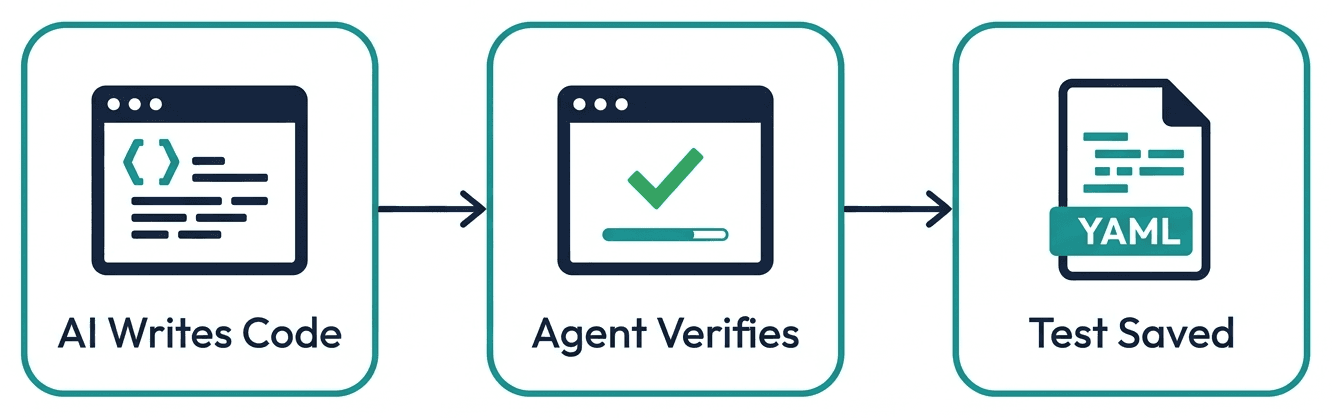
How to add testing to AI coding tools like Cursor, Copilot, and Codex
Apr 6, 2026 · 11 min read
AI Testing
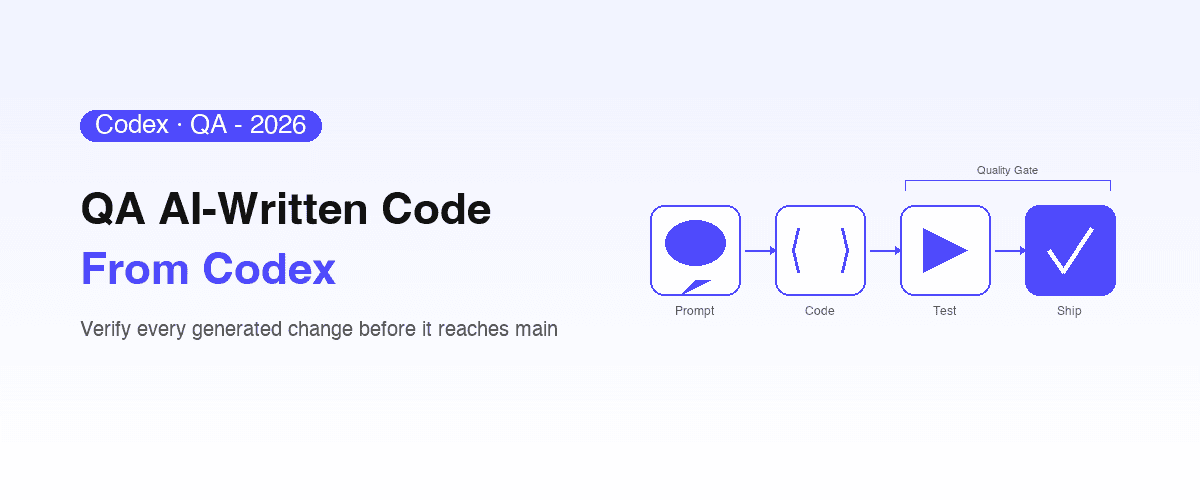
OpenAI Codex testing
Apr 10, 2026 · 6 min read
Guides
MCP for testing
Apr 1, 2026 · 11 min read
AI Testing
Can coding agents test their own code?
Jul 12, 2026 · 9 min read
Guides
Cursor CLI
Jul 30, 2026 · 5 min read
Guides
Windsurf vs Cursor
Jul 30, 2026 · 5 min read
Guides
Testing code written by GitHub Copilot
Aug 3, 2026 · 10 min read