Testing a vibe-coded app before launch is less about "does the happy path work?" and more about "how does this break under real users, weird inputs, and production conditions?"
AI-generated apps often look complete while hiding fragile logic, missing auth checks, silent failures, and broken edge cases.
The pre-launch workflow that catches the launch-killers has 10 steps: map the critical flows, smoke-test after every AI prompt, attack the edge cases, verify permissions and data isolation, generate AI tests but inspect them, gate every deploy, test production realities, add monitoring before launch, run a security pass, and watch real humans use it.
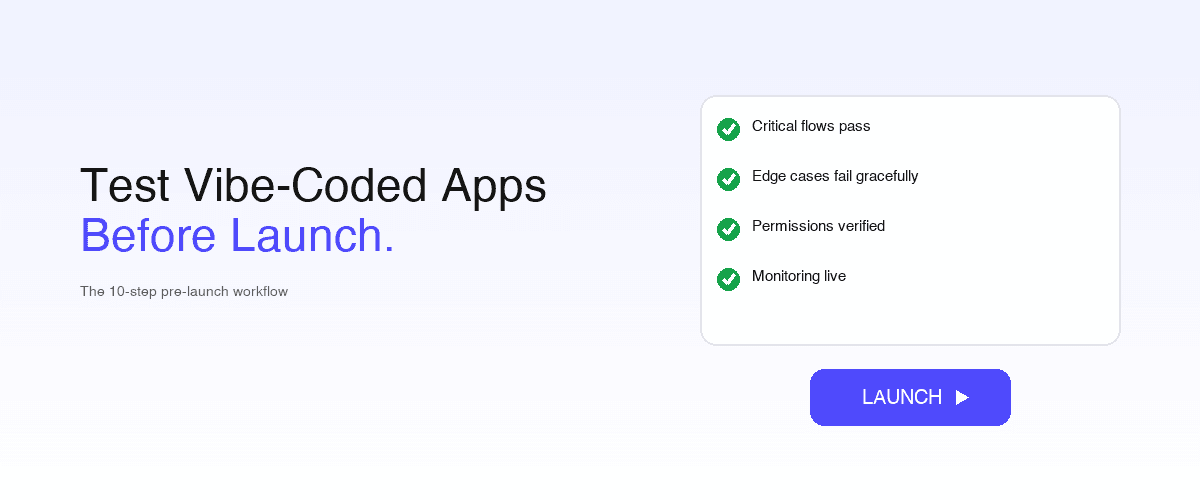
The launch rule: don't ship on "it works on my machine." Ship when core flows pass repeatedly, edge cases fail gracefully, permissions are verified, monitoring is live, and rollback is possible.
Key takeaways
- The creator-clicks-the-happy-path trap is the #1 failure. Most vibe-coded apps are only tested on the one successful path the builder already expects to work. Pre-launch testing is specifically about everything else.
- Permissions and data isolation are the #1 security issue in AI-built apps: row-level security and ownership filtering are frequently omitted entirely.
- Visual regression matters because AI edits subtly break layouts while functional tests still pass.
- Monitoring is a launch blocker, not a post-launch nicety: production-readiness scanners flag missing monitoring most often.
- The launch rule is binary: core flows pass repeatedly + edge cases fail gracefully + permissions verified + monitoring live + rollback possible. Anything less is a demo, not a product.
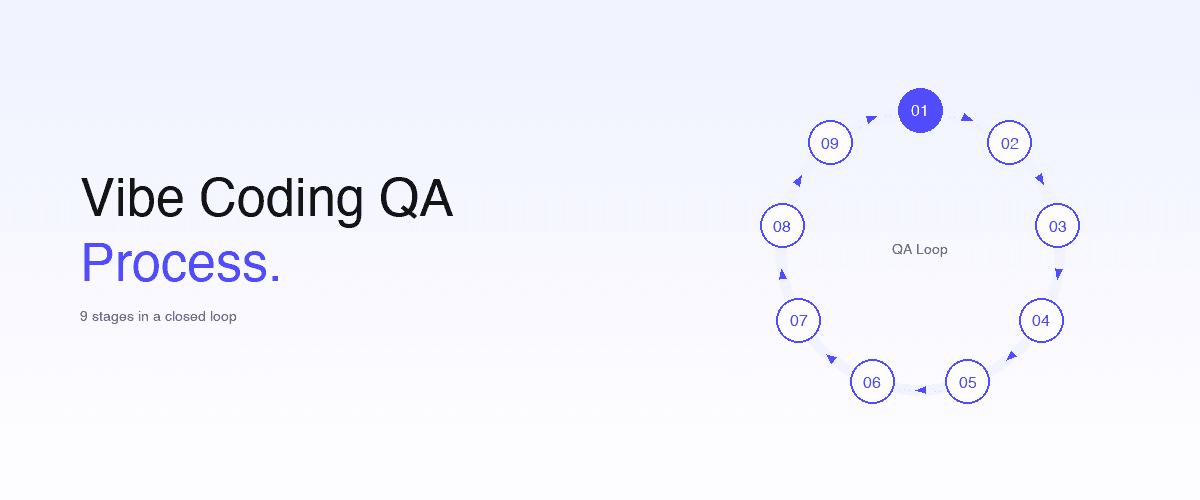
This is the pre-launch companion to how to test vibe-coded applications for reliability (the techniques) and how to set up a vibe coding QA process (the ongoing process).
1. Start with a "critical flows" map
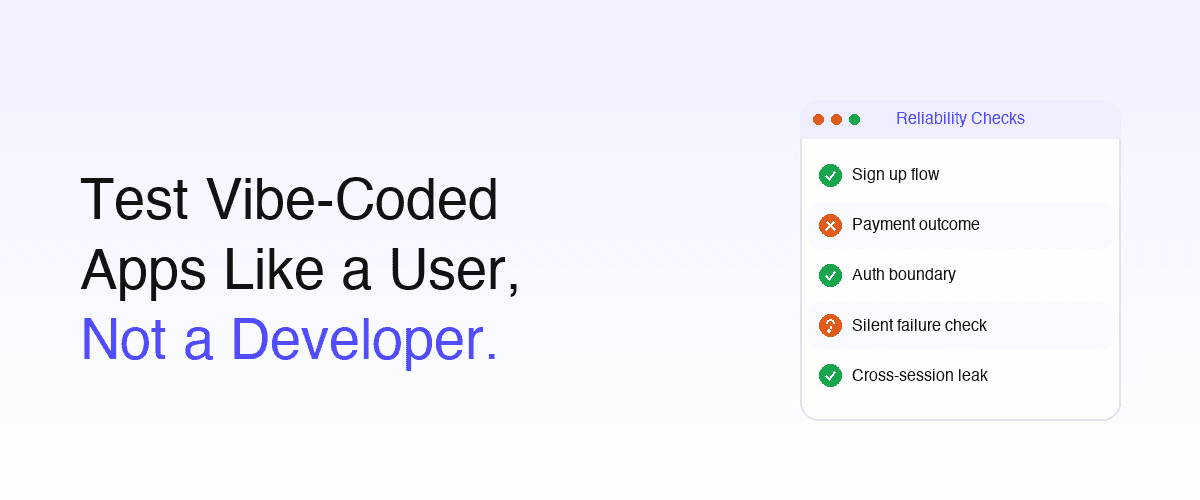
Write down the 3–5 flows that absolutely must work: signup/login, payments/subscriptions, the core value action, data create/edit/delete, and team permissions/sharing. If any fail, users lose trust immediately. The trap to avoid: a vibe-coded app typically only gets tested by the creator clicking the one successful path they already expect to work.
The critical-flows map forces you to enumerate what must hold before launch. See requirements to E2E coverage.
2. Run smoke tests after every major AI prompt
Every AI-generated change can silently break an unrelated feature. Minimum smoke checklist:
| Area | What to test |
|---|---|
| Auth | Signup, login, logout, password reset |
| Core feature | Can the app still do its main job? |
| Persistence | Does data survive a refresh? |
| Navigation | Browser back button, deep links |
| Mobile | Responsive layout + touch interactions |
| Errors | Invalid inputs, empty states, API failures |
This is the fastest way to detect regressions before they pile up. Automate it with intent-based tests so it runs in seconds, not a manual click-through. See how to set up a vibe coding QA process.
3. Test edge cases aggressively
AI-generated code handles the golden path and misses real-world behavior. Attack with: double-click buttons, refresh mid-checkout, submit forms twice, upload huge files, trailing spaces in emails, disconnect internet mid-action, multiple tabs, manually expired sessions, very long inputs, emojis/special characters.
You're hunting for duplicate charges, corrupted state, stuck loading screens, silent failures, and data leaks: the most-reported hidden failures in vibe-coded apps. See how to test vibe-coded applications for reliability for the technique depth.
4. Test permissions and data isolation
This is the #1 security issue in AI-built apps. Create User A and User B, then verify: A cannot access B's data, APIs reject unauthorized access, URLs cannot expose private records, admin-only features are protected.
Many AI-generated apps forget row-level security or ownership filtering entirely: the model optimized for "make it work," not "scope it to the owner." See detect bugs in AI-generated code.
Pair these browser checks with a review of the server-side authorization logic. Nexdge's guide to reviewing AI-generated code before shipping starts with ownership checks on data endpoints, complementing the two-user test above.
5. Use AI to generate tests: but don't trust them blindly
Good workflow: ask the AI to generate Playwright tests, Cypress tests, API tests, or Postman collections, then manually inspect the assertions, selectors, and expected outcomes. AI-generated tests often assert that the code does what it does (tautological) rather than what the user needs.
Research shows "self-testing during generation" strongly correlates with better app reliability, but only when a human verifies intent.
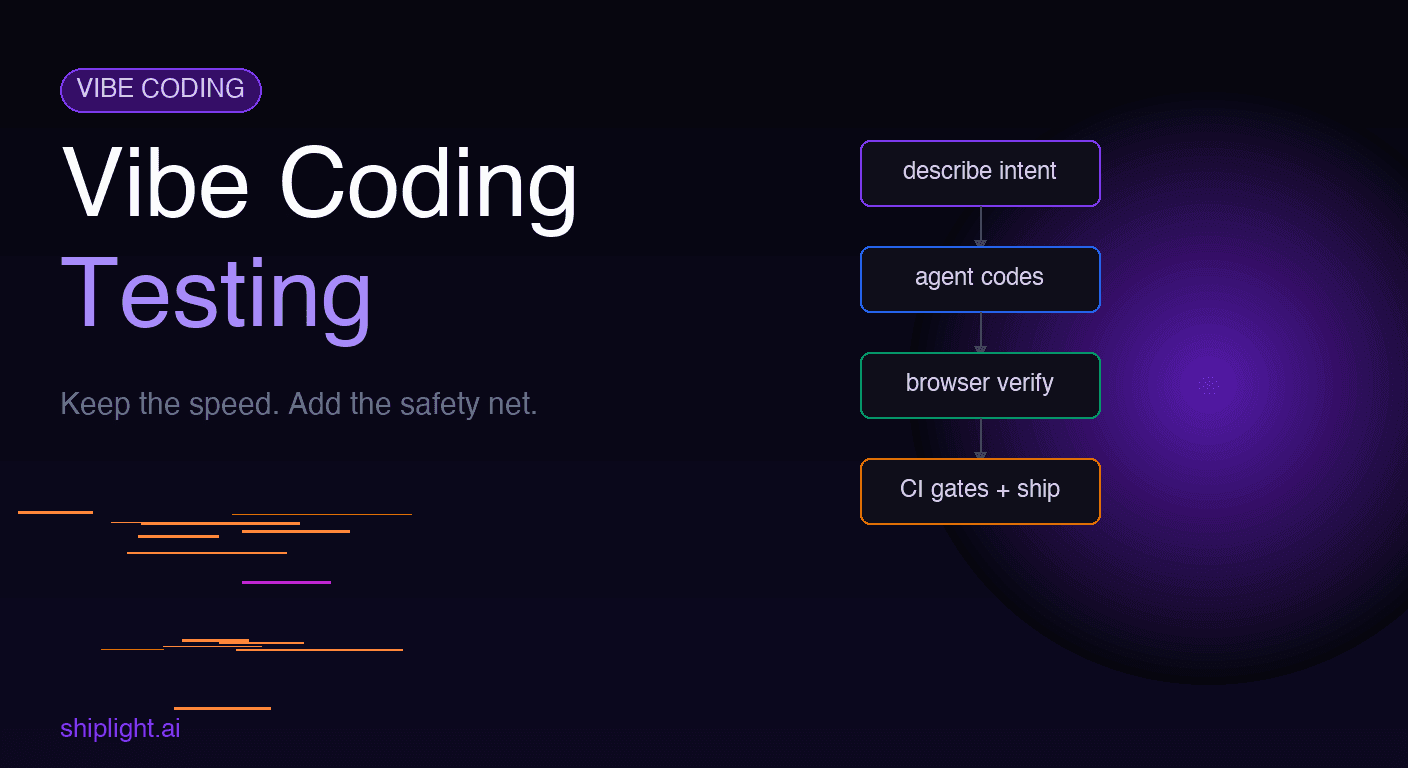
Builders commonly use Playwright, Cypress, or low-code recorder platforms here; for the agent-native option where tests commit to your git repo and the coding agent authors them via MCP, see Shiplight and testing strategy for AI-generated code.
6. Run tests on every deploy
Vibe-coded apps are especially regression-prone. Set up GitHub Actions, Vercel/Netlify deploy previews, and CI smoke tests. At minimum, on every deploy run: auth tests, payment tests, API health checks, and screenshot/visual-regression tests. Visual regression is essential because AI edits subtly break layouts while functional tests still pass.
See E2E testing in GitHub Actions: setup guide and a practical quality gate for AI pull requests.
7. Test production realities
Don't only test locally. Simulate slow 3G, real mobile devices, Safari, low-performance devices, cold starts, and high-latency APIs. For that, a real-device AI testing lab covers vibe-coded apps more thoroughly than a handful of local devices. Check load times, retry behavior, spinners, timeout handling, and offline recovery.
A surprising number of vibe-coded apps only work well on the creator's laptop. See stable auth and email E2E tests.
8. Add monitoring before launch
Most founders add monitoring after users complain: production-readiness scanners specifically flag missing monitoring as the most common launch blocker. Install error tracking, analytics, uptime checks, and session replay before launch. Common stack: Sentry, PostHog, LogRocket, Better Stack, Datadog. Monitoring is what turns a silent production failure into an alert instead of a churned user.
9. Run a security pass
Before launch, check for: exposed API keys, public databases/storage, missing auth middleware, weak rate limits, open admin routes, insecure webhooks, and dependency vulnerabilities.
AI tools frequently optimize for "make it work" rather than "make it safe." A behavioral pass (try /order/123 with a different ID, paste a logged-in URL into incognito, inject <script> into inputs) catches the most common gaps without a full audit. See detect bugs in AI-generated code and AI-generated code has 1.7× more bugs.
10. Watch real humans use it
This catches more usability bugs than any automated suite. Ask 5 people unfamiliar with the app to sign up, complete onboarding, use the main feature, pay/cancel, and recover from a mistake, without guiding them. Where they hesitate is UX debt; where they fail is launch risk.
A lightweight pre-launch stack (solo founders / small teams)
| Need | Simple option |
|---|---|
| E2E testing | Playwright, or Shiplight for intent-based + self-healing |
| API testing | Postman |
| Monitoring | Sentry + PostHog |
| CI/CD | GitHub Actions |
| Load testing | k6 |
| Security scan | OWASP ZAP |
| Visual regression | Percy or Chromatic |
The simple launch rule
Don't launch when: "it works on my machine."
Launch when: core flows pass repeatedly · edge cases fail gracefully · permissions are verified · monitoring is live · rollback is possible.
That is the difference between a demo and a product. For the ongoing (post-launch) discipline, graduate to how to set up a vibe coding QA process.
Conclusion
The difference between a vibe-coded demo and a vibe-coded product is everything that happens off the happy path. The 10-step pre-launch workflow exists because AI-generated apps look complete while hiding fragile logic, missing auth, silent failures, and broken edges, and the only way to find those before users do is to deliberately test for them.
Hold the launch until core flows pass repeatedly, edge cases fail gracefully, permissions are verified, monitoring is live, and rollback is possible.
For the E2E layer of this workflow, Shiplight AI gives you intent-based YAML tests that self-heal across the constant AI-driven UI churn, run on every deploy via CI, and can be authored by your coding agent through MCP in the same session it writes the feature.
Book a 30-minute walkthrough and we'll map your critical flows to a pre-launch test plan you can run before you ship.
Frequently Asked Questions
How do I test a vibe-coded app before launch?
Map the 3 to 5 critical flows, smoke-test after every major prompt, attack edge cases (double-clicks, mid-checkout refresh, expired sessions), verify permissions with two test users, and gate every deploy with CI smoke plus visual regression. Then add monitoring and run a security pass.
What is the most common reason vibe-coded apps fail at launch?
The creator-clicks-the-happy-path trap: the app is only tested on the one path the builder expects to work, leaving edge cases, second users, and production conditions untouched. Second most common is missing data isolation, because AI-generated apps frequently omit row-level security.
How do I test permissions in an AI-built app?
Create two users. Verify A cannot reach B's data through the UI, that APIs reject unauthorized requests, that changing an ID in a URL does not expose another record, and that admin features are protected. AI-generated apps routinely forget ownership filtering.
Should I use AI to generate the tests for my vibe-coded app?
Yes, with verification. Have it generate the tests, then read the assertions: AI-generated tests often assert what the code does rather than what the user needs. For an agent-native option where the agent authors and commits them to your repo, see Shiplight.
Why is visual regression testing important before launching a vibe-coded app?
AI edits break layouts subtly, a shifted button or a clipped element, while functional tests stay green, because functional assertions do not see pixels. Screenshot checks in the deploy gate catch the regressions that otherwise reach users looking broken but technically working.
What's the launch-readiness rule for a vibe-coded app?
Not "it works on my machine." Launch when five things hold: core flows pass repeatedly, edge cases fail gracefully, permissions are verified across users, monitoring is live, and rollback is possible. Miss any one and you have a demo, not a product.
How is pre-launch testing different from ongoing QA for vibe-coded apps?
Pre-launch is a one-time gate proving the app is safe to expose to real users. Ongoing QA is what keeps it working as you keep prompting changes. Use this for the gate, then set up a vibe coding QA process for the loop.
What's the fastest pre-launch test setup for a solo founder?
Playwright or intent-based Shiplight YAML for the 3–5 critical flows, Sentry and PostHog for monitoring, GitHub Actions to run it on every deploy, and a visual-regression check. That stack catches the launch-killers in an afternoon and runs automatically after.