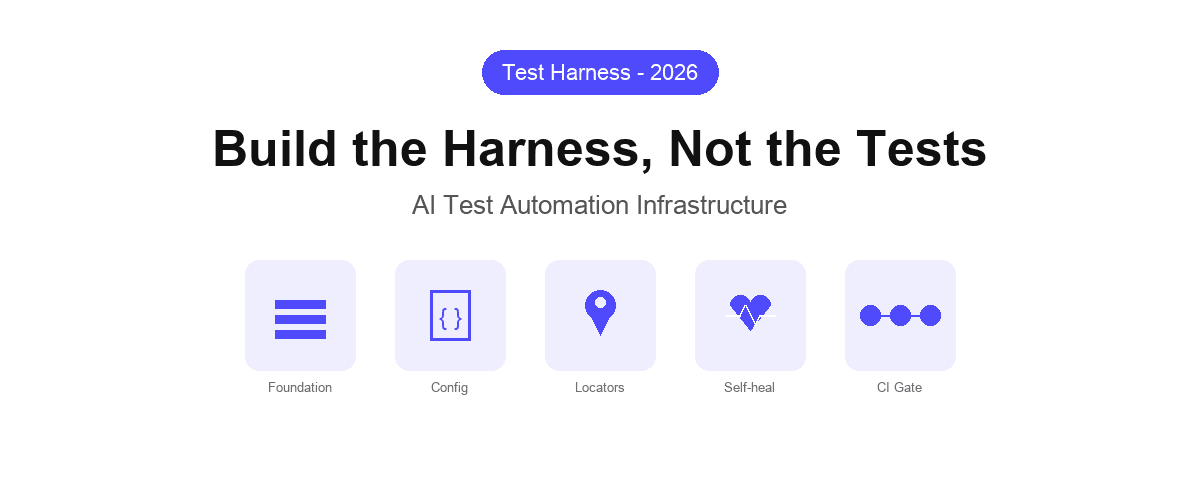
A test harness is the infrastructure layer that surrounds your tests: the fixtures, configuration, environment management, data setup, and execution scaffolding that make individual tests runnable, repeatable, and meaningful. In traditional testing, building a good harness is an engineering discipline in its own right.
In AI test automation, most of it is supplied by the platform, and Shiplight is one that supplies it, which changes what is left for your team to build.
As AI coding agents accelerate feature delivery, the harness needs to keep pace. This guide covers the core techniques for test harness engineering that work with AI test automation, not against it.
What the platform supplies, and what you build
Verdict: in an AI-native workflow most of the harness stops being something you build.
Shiplight supplies the parts that used to be bespoke engineering: browser lifecycle, waiting, retries, element resolution, artifacts and reporting. It leaves you owning the parts that are genuinely yours: test data, environments, and what counts as correct. The techniques below assume that split.
| Harness layer | You build it with a code framework | Supplied by Shiplight |
|---|---|---|
| Browser lifecycle, contexts, parallelism | Yes | Supplied |
| Waiting, retries, element resolution | Yes | Supplied |
| Screenshots, traces, run artifacts | Yes | Supplied |
| Reporting and CI wiring | Yes | Supplied |
| Test data and fixtures | Yes | Yours |
| Environments and secrets | Yes | Yours |
| What counts as correct | Yes | Yours |
What Is a Test Harness?
A test harness is everything that is not the test itself. It includes:
- Fixtures: reusable setup and teardown routines (authenticated sessions, seed data, environment state)
- Configuration layer: environment URLs, credentials, feature flags, and runtime parameters
- Execution driver: the runtime that interprets and runs test definitions (Playwright, pytest, a custom runner)
- Reporting pipeline: how results flow to CI, dashboards, and alerting systems
- Self-healing layer: how the harness handles locator failures without requiring manual intervention
In manual testing, the harness is implicit: testers carry this context in their heads. In automated testing, the harness is explicit and must be maintained as carefully as the tests themselves.
In AI test automation, where tests are generated at machine speed and the application changes frequently, the harness design determines whether your test suite grows sustainably or collapses under its own weight.
Why Traditional Harnesses Break with AI-Generated Code
Traditional test harnesses are built around a stable, human-paced development cycle. The harness assumes:
- Selectors are stable enough to hard-code or record
- Component structure changes infrequently enough to update manually
- Test data setup scripts can be maintained by whoever wrote them
- One person understands the full harness context
AI coding agents break all four assumptions. An agent refactors a component in minutes, renames classes across files, and restructures DOM hierarchies as a side effect of implementing an unrelated feature. Tests that depend on #submit-btn or .checkout-form__total fail constantly, not because the application broke, but because the locator cache is stale.
The result: teams either cap their test suites at a size they can manually maintain, or they accept a permanent background noise of broken tests that get disabled rather than fixed. Neither outcome is acceptable for teams shipping at AI speed.
Harness Engineering Technique 1: Intent-Based Test Definitions
The most important structural decision in a modern test harness is how tests express what they are testing. Traditional harnesses store locators as the source of truth. Intent-based harnesses store the user goal as the source of truth and treat locators as a derived, cached artifact.
In practice, this means each test step describes what a user is doing, not how the DOM is currently structured:
goal: Verify checkout flow completes successfully
base_url: https://app.example.com
statements:
  - URL: /cart
  - intent: Click the Proceed to Checkout button
  - intent: Fill in shipping address with test data
  - intent: Select standard shipping
  - intent: Click Place Order
  - VERIFY: Order confirmation number is visible
When the UI changes (a button moves, a class renames, a container restructures), the intent remains valid. The harness resolves the correct element against the current page state rather than failing on a stale selector. This is the foundation of the intent-cache-heal pattern: intent as the authoritative definition, cached locators for execution speed, AI resolution when the cache misses.
Harness Engineering Technique 2: Declarative Configuration in Version Control
A test harness that lives outside version control is a harness you cannot trust, audit, or reproduce. The configuration layer (environment URLs, test suites, execution parameters) should live in your repository alongside application code.
YAML-based test configuration makes this natural. Each test file is a human-readable YAML document that specifies the goal, the base URL, and the sequence of user actions. The harness configuration is a separate YAML file that references these test files and defines execution parameters:
suite: checkout-regression
environment: staging
base_url: https://staging.example.com
tests:
  - tests/checkout/full-flow.yaml
  - tests/checkout/guest-checkout.yaml
  - tests/checkout/promo-code.yaml
parallelism: 4
fail_fast: false
This approach gives you several properties that matter at scale:
- Auditability: every change to test definitions and configuration is visible in git history
- Portability: no vendor lock-in, the test definitions are readable without the platform
- Ownership: whoever owns the feature owns the tests, the YAML lives next to the application code
- Reproducibility: any CI environment can run the same configuration deterministically
Harness Engineering Technique 3: Self-Healing Locator Cache
Speed and resilience are usually in tension in test harnesses. Fast tests use cached locators. Resilient tests use AI resolution. A well-designed harness does not choose: it uses both, with a fallback strategy.
The pattern:
- First run: AI resolves the element from the intent description and caches the locator
- Subsequent runs: the cached locator is used directly, execution is as fast as any Playwright test
- Cache miss: the locator fails because the UI changed. The harness falls back to AI resolution using the original intent, finds the new element, and updates the cache
- Cache update: on the next run, the resolved locator is used again
This architecture means the harness is deterministic and fast in the common case (the UI has not changed) and resilient in the edge case (the UI has changed). The self-healing layer is invoked rarely, keeping execution speed predictable.
For AI-driven development workflows, where the application changes on every agent commit, this is the only sustainable approach. See self-healing vs. manual maintenance for a detailed comparison of the maintenance burden across approaches.
Harness Engineering Technique 4: Fixture Isolation for AI-Generated Tests
AI coding agents generate tests rapidly, but they do not have visibility into shared fixture state. A naive harness lets tests share mutable state: one test logs in, creates a record, and leaves it for the next test. This works until two tests run in parallel and corrupt each other's state.
Harness engineering that holds up under AI test automation requires fixture isolation:
- Session isolation: each test run gets a fresh authenticated session, not a shared one
- Data isolation: test data is created per-test and cleaned up after, or tests use stable seed data that is never mutated
- Environment isolation: parallel test runs target separate environment instances or use per-test namespacing to avoid collisions
For authentication specifically, the most reliable pattern is to log in once per test run, save the session state, and reuse it across tests in that run, without re-authenticating on every step. Shiplight's harness supports session state persistence out of the box, which is particularly important for testing SSO, 2FA, and magic link flows.
Harness Engineering Technique 5: CI Gate Integration as a Harness Contract
A test harness is only valuable if its results are actionable. The final layer of harness engineering is integrating execution results into your CI pipeline as a blocking gate, not an advisory report.
The harness should:
- Run on every pull request, including those generated by AI coding agents like Codex or Claude Code
- Report pass/fail as a required status check that blocks merge on failure
- Surface failure context (which step failed, what was expected, what was found, with screenshots) so the agent or developer can act immediately without context switching
GitHub Actions integration for a YAML-based harness looks like this:
name: E2E Regression Suite
on:
  pull_request:
    branches: [main, staging]

jobs:
  e2e:
    runs-on: ubuntu-latest
    steps:
      - uses: actions/checkout@v4
      - name: Run E2E harness
        uses: shiplight-ai/github-action@v1
        with:
          api-token: ${{ secrets.SHIPLIGHT_TOKEN }}
          suite-id: ${{ vars.SUITE_ID }}
          fail-on-failure: true
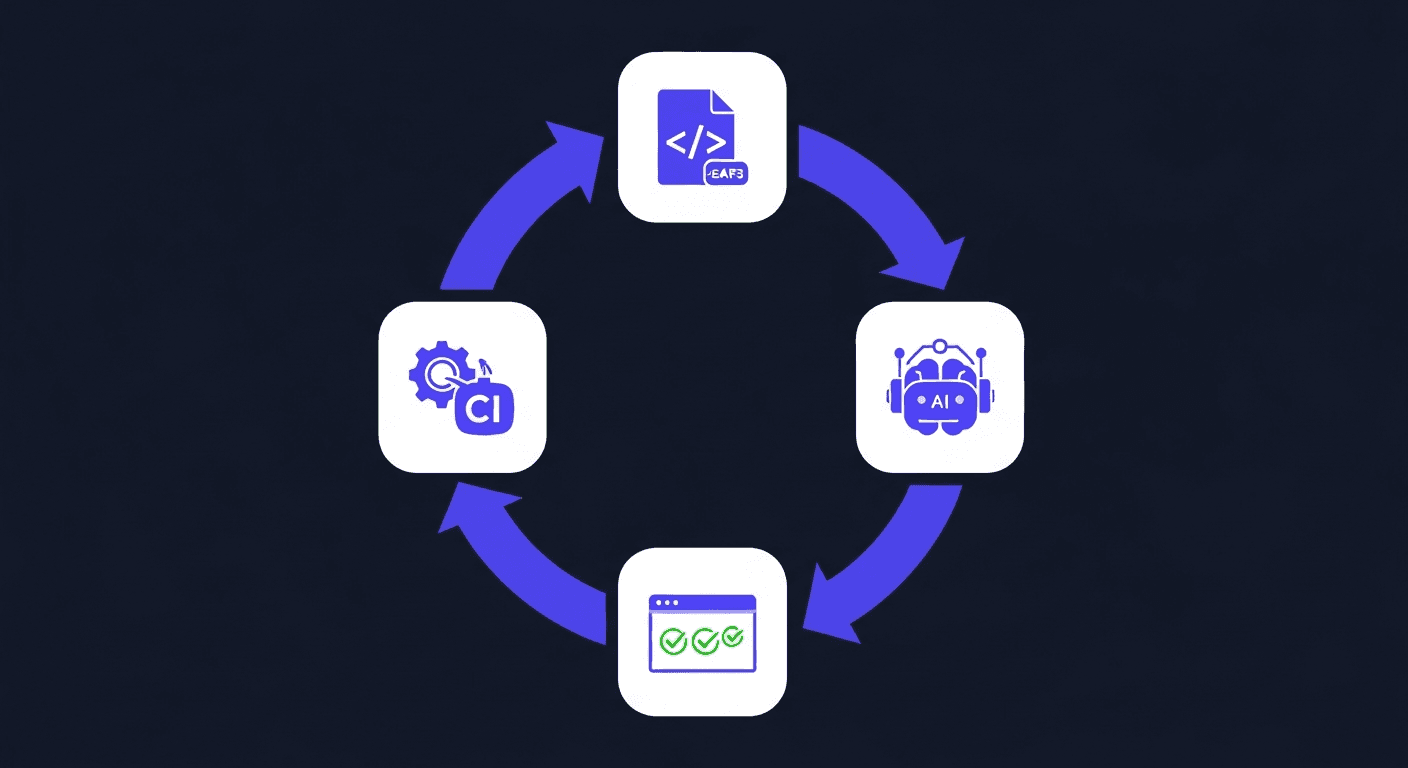
When an AI coding agent opens a PR that breaks a test, the CI gate catches it. The agent receives the structured failure output and can diagnose and fix the issue before the PR reaches human review. This closes the AI-native QA loop: write, verify, gate, fix, without waiting for a human to click through the feature.
Building the Harness Incrementally
A complete test harness does not need to be built all at once. The practical sequence:
- Start with one critical flow in an intent-based YAML file: signup, checkout, or core authentication
- Add it to CI as a required check on the branch that touches that flow
- Expand coverage as the agent generates new features: add tests alongside the code
- Introduce fixture isolation when parallel execution becomes necessary
- Add scheduling for continuous execution against production
Each step adds value independently. A single self-healing test wired into CI is more valuable than a comprehensive suite that runs manually on a schedule.
Frequently Asked Questions
What is the difference between a test harness and a test framework?
A test framework provides the primitives for writing and running tests (assertions, test runners, reporters). A test harness is the application-specific layer built on top: the fixtures, configuration, authentication helpers, and execution infrastructure specific to your application. Playwright is a framework. The YAML configuration, session fixtures, and CI integration that surround your Playwright tests are the harness.
How does intent-based testing improve harness maintainability?
Intent-based tests define what the user is doing rather than which DOM element to interact with. When the UI changes (a class renames, a component restructures, a button moves), the intent remains valid and the harness resolves the correct element automatically. This eliminates the most common source of harness maintenance: updating stale selectors after UI changes.
How should a test harness handle AI-generated code that changes frequently?
Two techniques: self-healing locators that resolve from intent when the cached locator fails, and intent-based test definitions that remain valid through UI restructuring. Together, these mean the harness does not need to be updated every time the agent refactors a component. The intent-cache-heal pattern is the practical implementation of both.
Can the same harness work for both human-written and AI-generated tests?
Yes. Intent-based YAML test files can be authored by humans, generated by AI agents, or produced by a combination. The harness executes them identically. This is important for teams that use AI agents to generate initial test coverage and then refine tests manually.
What CI/CD pipelines does a YAML test harness support?
A well-designed harness should support GitHub Actions, GitLab CI, Azure DevOps, and CircleCI through standard API-based triggers. Shiplight's harness integration works with all four through either a native GitHub Action or API-based triggers for other pipelines.
References
Playwright Documentation, GitHub Actions documentation, Google Testing Blog