Creating a Claude Code skill takes about five minutes: a directory, a SKILL.md file, and a description good enough that the agent knows when to load it.
Writing a skill the agent reliably loads at the right moment, and that survives contact with your team, is where the craft is. This tutorial covers both: the mechanics first, then the parts people get wrong.
If you are still deciding whether a skill is the right layer at all (versus a hook, a subagent, or an MCP server), start with Claude Code skills: what they are and when to use one and come back.
Step 1: Choose where the skill lives
The location decides who gets it:
| Location | Path | Applies to |
|---|---|---|
| Personal | ~/.claude/skills/<name>/SKILL.md | All your projects, only you |
| Project | .claude/skills/<name>/SKILL.md | Everyone in this repo |
| Plugin | <plugin>/skills/<name>/SKILL.md | Wherever the plugin is enabled |
The default answer for anything team-related is the project level, committed to the repo. A skill in version control gets reviewed in a pull request, applies to every teammate identically, and is available to cloud and CI sessions that clone the repo.
Personal skills are for your own habits; a personal skill is invisible to teammates and to any session that does not run on your machine.
The directory name becomes the command: .claude/skills/deploy-staging/SKILL.md is invoked as /deploy-staging. Claude Code watches skill directories, so edits are picked up live within a session.
Step 2: Write the minimum viable SKILL.md
Every skill is a SKILL.md with YAML frontmatter followed by markdown instructions:
---
name: summarize-changes
description: Summarizes uncommitted changes and flags anything risky.
  Use when the user asks what changed, wants a commit message, or asks
  to review their diff.
---

Run `git diff` and `git status`. Group the changes by area. For each
group, one line on what changed and why it matters. Flag anything that
touches auth, payments, or migrations as risky, with the file path.
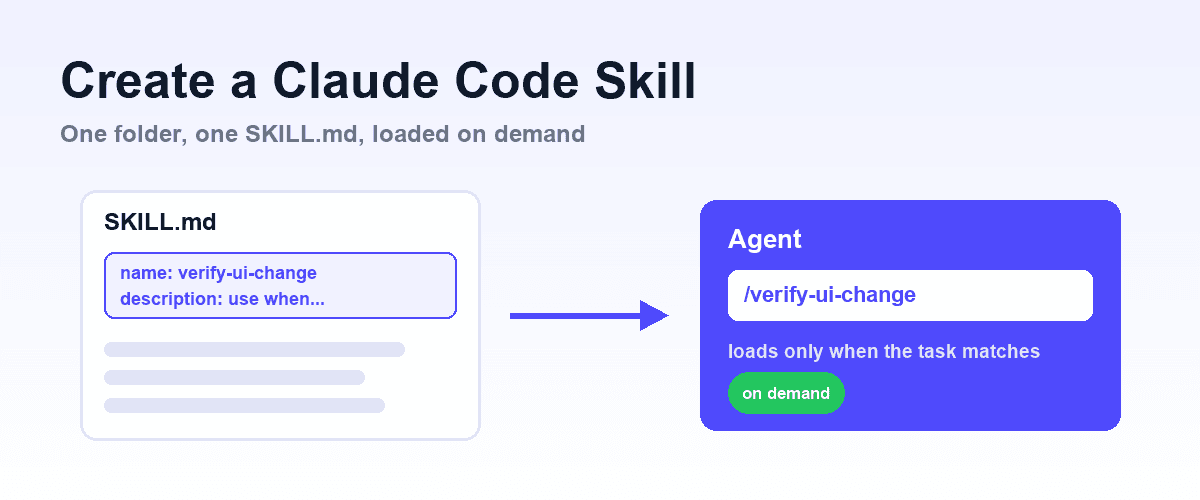
Two parts, two jobs. The frontmatter, specifically the description, is what the agent sees before deciding to load the skill. The body is what it follows after loading. Keep that split in mind: the description is advertising, the body is procedure.
The body only enters context when the skill fires, which is what makes skills cheap. A 2,000-word runbook costs nothing until the task that needs it.
Step 3: Write a description that actually triggers
This is the line that decides whether the skill ever fires. The agent matches tasks against descriptions, so a description that names only the topic ("database migrations") fires unpredictably. A description that names the trigger conditions fires when it should:
- Weak:
description: Migration helper. - Strong:
description: How to write and review schema migrations in this repo. Use when creating a migration, editing anything under db/migrations/, or reviewing a PR that touches the schema.
The pattern: one sentence on what the skill does, then "Use when..." followed by the concrete situations, file paths, and request phrasings that should activate it. If you would grep for it, put it in the description.
Step 4: Add the frontmatter you need (and skip the rest)
The full reference is in the official docs; these are the fields that earn their place:
| Field | What it does |
|---|---|
name | Display label in listings. The command still comes from the directory name (except in plugins). |
description | The loading trigger. See step 3. |
disable-model-invocation: true | The agent never loads it automatically; only /name runs it. Use for workflows with side effects, such as deploys or releases. |
allowed-tools | Tools pre-approved for the turn that invokes the skill, so a trusted workflow does not stall on permission prompts. |
context: fork | Runs the skill in its own subagent context instead of the main conversation. Use for heavyweight procedures whose intermediate output would flood the main context. |
agent | Which subagent type executes when context: fork is set. |
A useful default: informational skills (conventions, reference, how-tos) need only name and description. Action skills (deploy, release, bulk edits) usually want disable-model-invocation: true, so a human decides when they run.
Step 5: Add supporting files when the body grows
A skill is a folder, not just a file. When the instructions need reference material, move it into files alongside SKILL.md and tell the agent when to read each one:
.claude/skills/api-conventions/
  SKILL.md          # the procedure + when to read what
  endpoints.md      # reference: existing endpoint patterns
  check_naming.sh   # script the skill tells the agent to run
This is progressive disclosure: the description costs a sentence, the body costs a page, references cost nothing until the agent opens them. It is the same reason a skill beats stuffing everything into CLAUDE.md, where every line is paid for in every session.
Step 6: Test that it fires
Three checks, in order:
- Direct invocation: run
/your-skill-name. This tests the body: does following the instructions produce the result you want? Fix the procedure before touching the trigger. - Automatic loading: start a fresh session and phrase a task the way a teammate would, without naming the skill. If it does not load, the description does not cover that phrasing; add the trigger condition you just discovered.
- Negative check: ask something adjacent that should not trigger it. An over-broad skill that loads constantly is how teams learn to distrust the mechanism.
Then watch it in real use for a week. Every time you correct the agent after the skill ran, that correction belongs in the skill body. Every time the skill should have fired and did not, that phrasing belongs in the description.
A skill is a living document with a feedback loop, which is exactly why it belongs in the repo where those edits are one PR away.
Worked example: a verification skill
The skill we see teams write first is a definition of "done" for UI changes, because it is the procedure agents most reliably skip. A minimal version:
---
name: verify-ui-change
description: How to verify a frontend change is actually done in this
  repo. Use after implementing or reviewing any change that affects
  rendered UI, before opening or approving a PR.
---

1. Run the affected flow in a real browser, not just the unit tests.
2. Check the three states: empty, loaded, error.
3. Save the verification as a YAML test in tests/e2e/.
4. Attach the screenshot and test file path to the PR description.
Step 1 exposes the honest limit of a skill: it can require a browser check, but it cannot provide the browser. Instructions add knowledge, not capability; capability is what MCP servers are for.
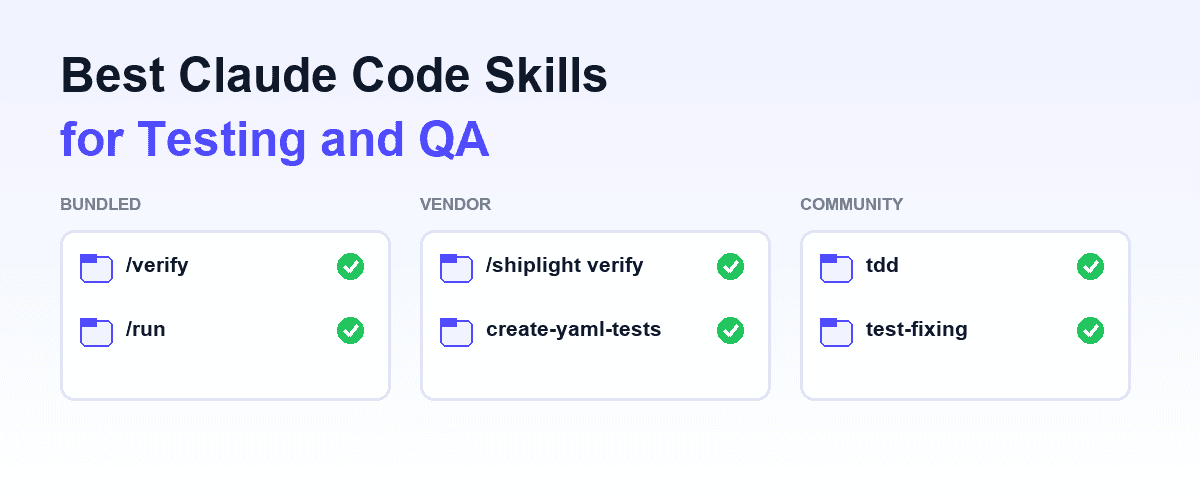
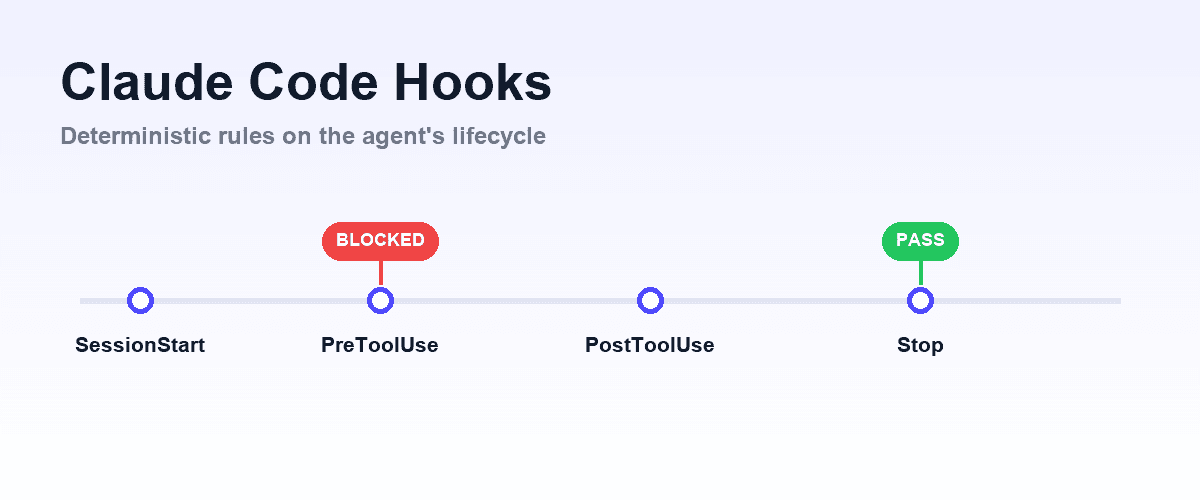
This pairing is exactly how Shiplight ships: a browser MCP server for the eyes and hands, plus skills (/shiplight verify, /shiplight create-yaml-tests, /shiplight fix) that encode the procedure, so the verification loop in Claude Code is both possible and repeatable. If you want the procedure enforced rather than taught, that is a hook.
Scope: the one design rule
Narrow beats comprehensive. A skill named development that covers everything either loads constantly or never loads usefully, because no description can say when "development" applies. Several narrow skills, each with a clear trigger, outperform one broad one, and they are individually reviewable. When a skill body grows past a few hundred lines, that is usually two skills wearing one name.
Frequently Asked Questions
How do I create a Claude Code skill?
Create a directory under .claude/skills/ (project) or ~/.claude/skills/ (personal) and add a SKILL.md with name and description frontmatter followed by the instructions. The directory name becomes the /command; the description controls automatic loading. No restart needed: changes are picked up live.
What goes in SKILL.md frontmatter?
name and description at minimum. Add disable-model-invocation: true for manually-triggered workflows, allowed-tools to pre-approve tools for the skill's turn, and context: fork to run the skill in its own subagent context.
Why does my skill never load automatically?
Almost always the description: it names a topic instead of trigger conditions. Rewrite it as "what it does" plus "Use when..." listing concrete situations, file paths, and phrasings. Then test with a fresh session and a task phrased the way a teammate would ask.
Should skills go in the repository or my home directory?
In the repo (.claude/skills/) for anything a teammate or a CI/cloud session should follow: it gets PR review and applies to everyone. ~/.claude/skills/ is for personal habits only and does not travel to other machines or cloud sessions.
Can a skill run scripts or read reference files?
Yes. Any files in the skill folder can be read or executed when the body instructs it, and they cost no context until used. That progressive disclosure is the main advantage over putting long material in CLAUDE.md.
Do skills I create work in other agents?
Skills follow the Agent Skills open standard, supported by Codex, Cursor, Gemini CLI, and others, so the folder format carries over. Claude Code-specific frontmatter such as context: fork is an extension; see Codex skills for the differences.