
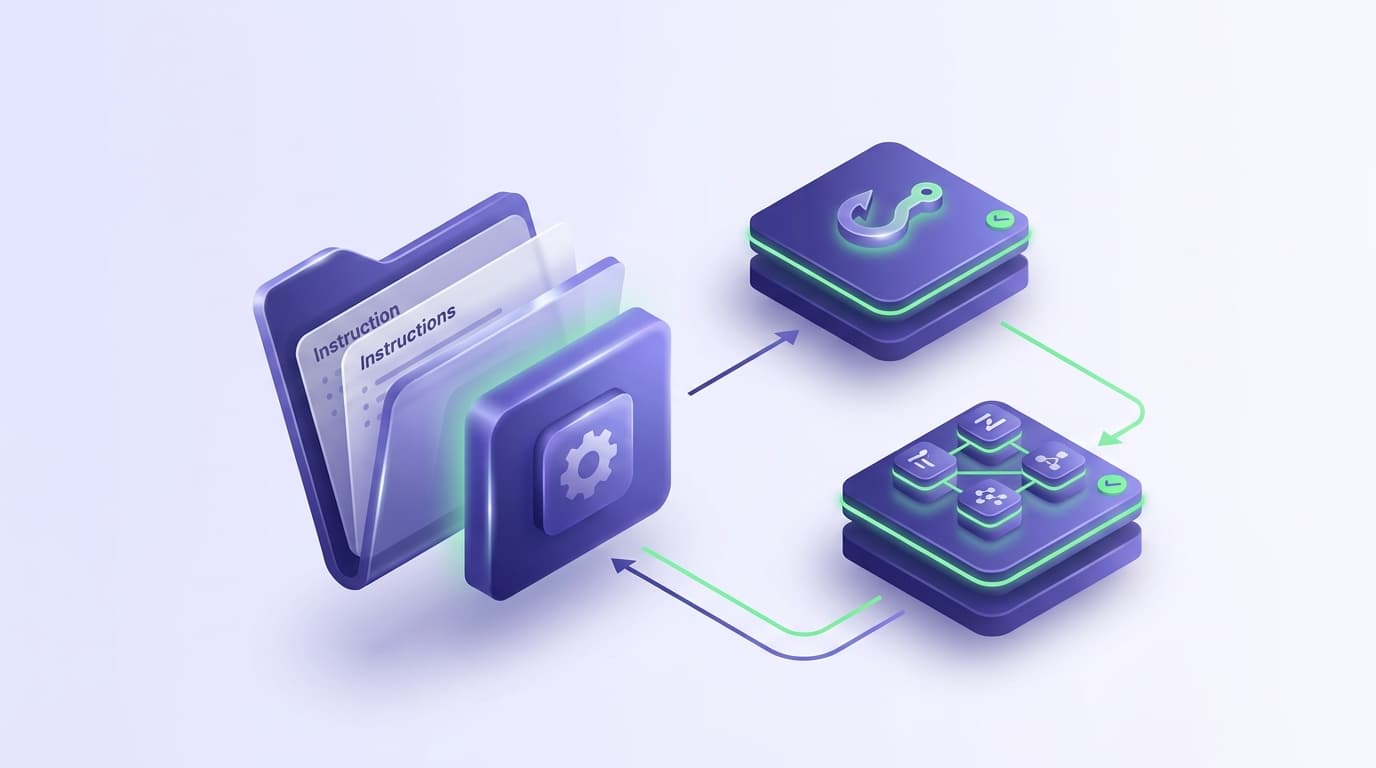
Extending a coding agent used to mean one thing: writing a longer prompt. Modern agents separate that into distinct layers, each with different reliability properties, and picking the wrong one is the most common reason a team's customization does not stick.
Skills are one of those layers. This guide covers what a skill actually is, the four things it is regularly confused with, and a decision rule for which to reach for.
What a skill is
A skill is a folder of instructions, and optionally supporting files, that the agent loads on demand when the work calls for it. It turns a general-purpose agent into a specialist for your codebase, your domain, or a particular workflow.
The important word is on demand. A skill does not sit in context permanently consuming tokens. The agent sees that the skill exists and what it is for, and loads the detail when a task matches. That is what makes it practical to have many of them.
The shape is a directory with an instruction file describing what the skill does, when to use it, and the procedure to follow. Helper scripts and reference material can live alongside it and be read when needed.
Because a skill is a folder, it goes in version control. Which means the team's way of doing something is reviewed in a pull request like anything else, rather than living in individual engineers' personal configs.
One format, many agents
Skills started as a Claude Code feature, but the format outgrew the product. The full story of the cross-agent standard is in Agent Skills: the open standard. Anthropic introduced skills in October 2025 and released the format as an open standard, Agent Skills, in December 2025.
The same folder now loads in Claude Code, the Claude apps, and the Claude API, and the standard is also supported by OpenAI Codex, Cursor, Gemini CLI, Antigravity, and Windsurf.
Write a skill once and every agent on the team can follow it; Codex skills covers what carries over and what differs on the Codex side.
Two kinds of skills exist in practice. Anthropic-managed skills ship with the product: document creation, /shiplight verify for build-and-check loops, /run for launching your app, /code-review. Custom skills are the ones you write for your own codebase and workflows, and they are where the value is, because they encode knowledge no vendor has.
Claude Code also merged custom slash commands into skills: a file at .claude/commands/deploy.md and a skill at .claude/skills/deploy/SKILL.md both create /deploy. The skill form is the more capable one, since it can carry supporting files and control who invokes it.
What a skill looks like on disk
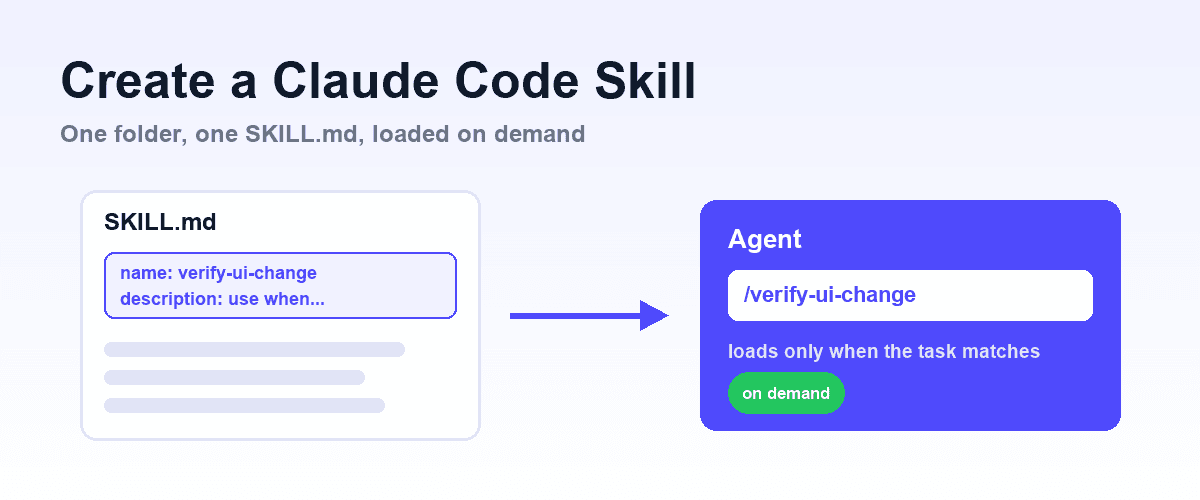
The minimum is one file. A directory named for the skill, containing SKILL.md with YAML frontmatter (name, and a description that tells the agent when the skill applies) followed by the instructions. Personal skills live in ~/.claude/skills/, project skills in the repo's .claude/skills/, and plugin skills ship inside the plugin.
Invoke one directly with /skill-name, or let the agent load it when a task matches the description.
The description is the load-bearing part: it is the only text the agent sees before deciding whether to load the skill, so it should name the trigger conditions, not just the topic. The full walkthrough, including the frontmatter reference and how to test that a skill actually fires, is in how to create a Claude Code skill.
The four things it gets confused with
This is the part worth getting right, because each layer solves a genuinely different problem.
Slash command. A prompt template. You type it, it expands. Use one when you repeat a request with slight variations and there is no real logic involved.
Skill. Domain knowledge plus a procedure, loaded when relevant. Use one when there is something to know: a workflow with steps, conventions specific to your codebase, helper files the agent should read.
Subagent. A separate context window doing isolated work (full guide). Use one when a task would otherwise flood the main context, or when several pieces of work can run in parallel without seeing each other.
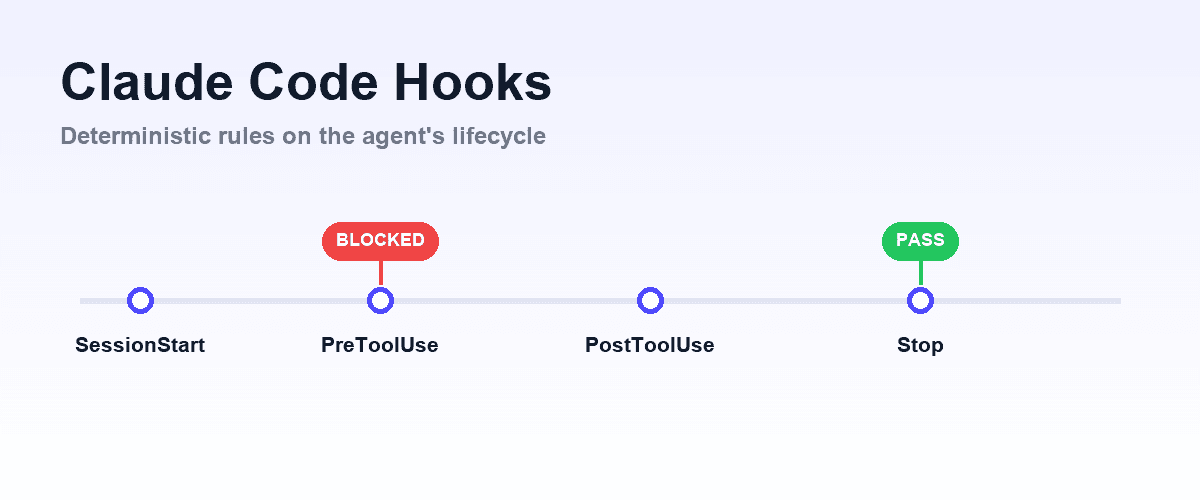
Hook. Event-driven code that runs deterministically. Use one when a rule must hold. This is the key distinction: a skill is instruction the model interprets, a hook is code that executes. A model can be talked out of an instruction. It cannot talk its way past a hook. The full event list and working recipes are in Claude Code hooks.
MCP server. A capability the agent does not otherwise have, exposed over a protocol. Use one when the agent needs to do something new: drive a browser, query a database, run your test suite. See what is MCP?
The decision rule in one line: template it with a slash command, teach it with a skill, isolate it with a subagent, enforce it with a hook, and enable it with an MCP server.
Plugins bundle the rest
A plugin is a versioned unit that ships skills, subagents, slash commands, hooks and MCP server definitions together (full guide). It is the distribution format rather than a sixth kind of thing.
This matters for teams. Without a bundle, adopting a workflow means asking every engineer to configure five things correctly. With one, it is a single install and everyone gets the same setup at the same version.
Where skills earn their keep
Encoding a workflow that has real steps. Anything where the agent should follow a procedure rather than improvise: how your team writes migrations, how a release gets cut, what a bug report needs before it is actionable.
Codebase conventions with reasons attached. Not "use tabs," which belongs in a formatter, but the conventions that need explaining: why this module is structured the way it is, which patterns are deliberate and which are legacy.
Anything with reference material. A skill can carry files the agent reads when it needs them, which is a better home for a long reference than a prompt nobody wants to maintain.
Verification procedures. What "done" means for a change in your codebase, and how to demonstrate it. This is where we spend most of our time: Shiplight ships as an MCP server plus a set of skills, because the browser access needs a protocol and the procedure for verifying a change well is knowledge.
One without the other underperforms. The agent with a browser but no procedure checks the happy path and stops.
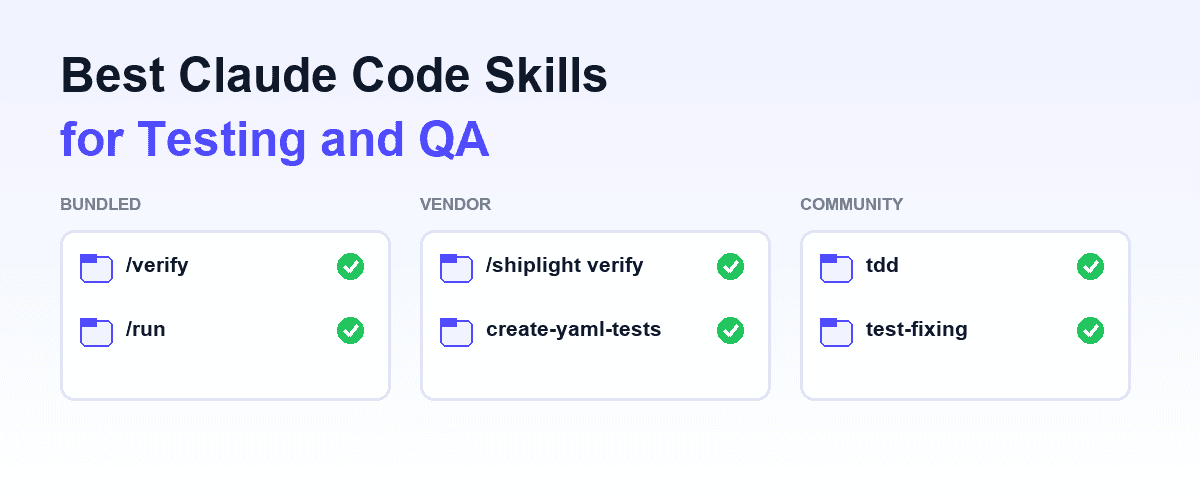
For a survey of what exists in this space, bundled, vendor, and community, see the best Claude Code skills for testing and QA.
Where a skill is the wrong tool
When the rule must hold every time. Use a hook. A skill is advisory and the model decides whether it applies.
When you need a new capability. A skill cannot give the agent a browser. It can only tell an agent that already has one how to use it well.
When the instruction is one line. Overhead without benefit. Put it in your project's instruction file.
A practical note on scope
The failure mode with skills is writing them too broadly. A skill called "development" that covers everything will either load constantly or never load usefully, because the agent cannot tell when it applies.
Narrow beats comprehensive. A skill with a clear name and a clear trigger condition gets loaded at the right moment. Several narrow skills outperform one large one, and they are easier to review.
Frequently Asked Questions
What are Claude Skills?
Folders of instructions, scripts, and reference files that Claude loads on demand for specialized tasks. Anthropic released the format as an open standard (Agent Skills) in December 2025, so the same skill runs in Claude Code, the Claude apps, the API, and other agents including Codex, Cursor, and Gemini CLI.
What is a Claude Code skill?
A folder of instructions and optional supporting files that the agent loads on demand when a task matches. It adds domain knowledge and procedure rather than new capability.
How do I create a Claude Code skill?
Make a directory under .claude/skills/ (project) or ~/.claude/skills/ (personal) containing a SKILL.md with name and description frontmatter plus the instructions. The description determines when the agent loads it. Step-by-step, with the frontmatter reference: how to create a Claude Code skill.
Do Claude Skills work outside Claude Code?
Yes. Skills follow the Agent Skills open standard, supported by the Claude apps and API as well as OpenAI Codex, Cursor, Gemini CLI, Antigravity, and Windsurf. Claude Code adds extensions such as invocation control and running a skill in its own subagent context.
Skills vs hooks: what is the difference?
A skill is instruction the model interprets and may judge inapplicable. A hook is code that runs deterministically on an event. Use a hook when the rule must hold every time.
Skills vs MCP: which do I need?
MCP gives an agent a capability it lacks, such as a browser or a database. A skill teaches an agent how to use what it already has. Complex workflows usually need both.
Do skills consume context all the time?
No. That is the point of on-demand loading. The agent sees the skill exists and loads the detail only when a task matches, which is what makes having many of them practical.
Should skills be committed to the repository?
Yes. A skill in version control is reviewed like any other change and applies to the whole team, rather than living in one engineer's local config.
Related posts
Guides
How to create a Claude Code skill
Aug 3, 2026 · 7 min read
AI Testing
Best Claude Code skills for testing and QA
Aug 3, 2026 · 6 min read
Guides
Claude Code hooks
Aug 3, 2026 · 7 min read

Guides
What is MCP?
Jul 30, 2026 · 5 min read
AI Testing
Claude Code testing
Apr 10, 2026 · 10 min read
Guides
Codex vs Claude Code
Jul 30, 2026 · 7 min read

Engineering
Context engineering for coding agents
Jul 14, 2026 · 11 min read

Engineering
Agent-first development
Apr 6, 2026 · 9 min read