
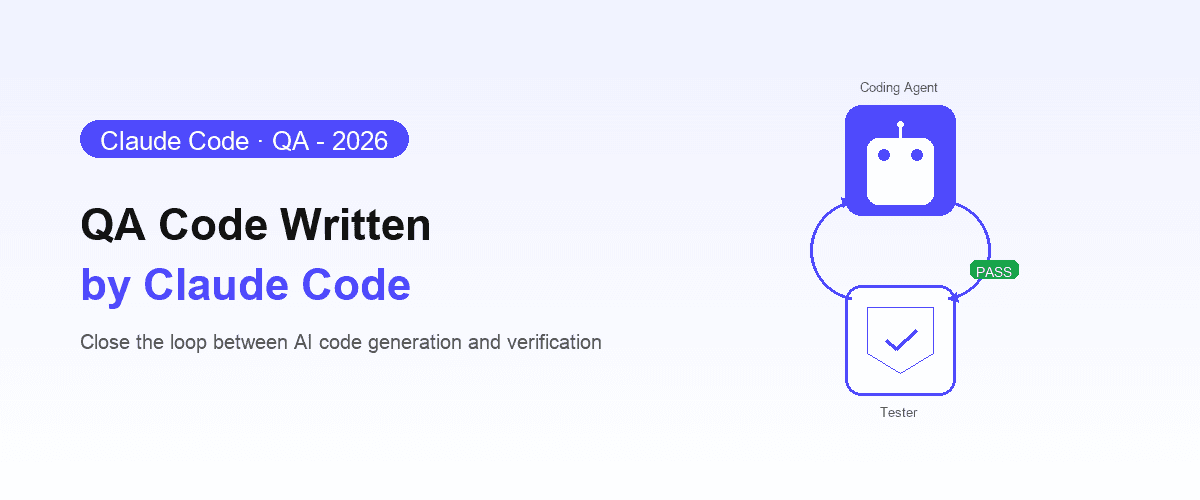
Claude Code is fast. Give it a well-formed prompt, and it will write a working implementation, refactor your components, fix a failing test, and open a pull request: all without leaving your terminal. For teams that have adopted it, the productivity gain is measurable within a week.
The gap is verification, and Shiplight is the MCP server that closes it.
Claude Code is optimized for writing code, not for confirming that the code works end-to-end in a real browser across the full feature surface. That step still defaults to a human clicking through the UI manually, or to a test suite that may not exist yet.
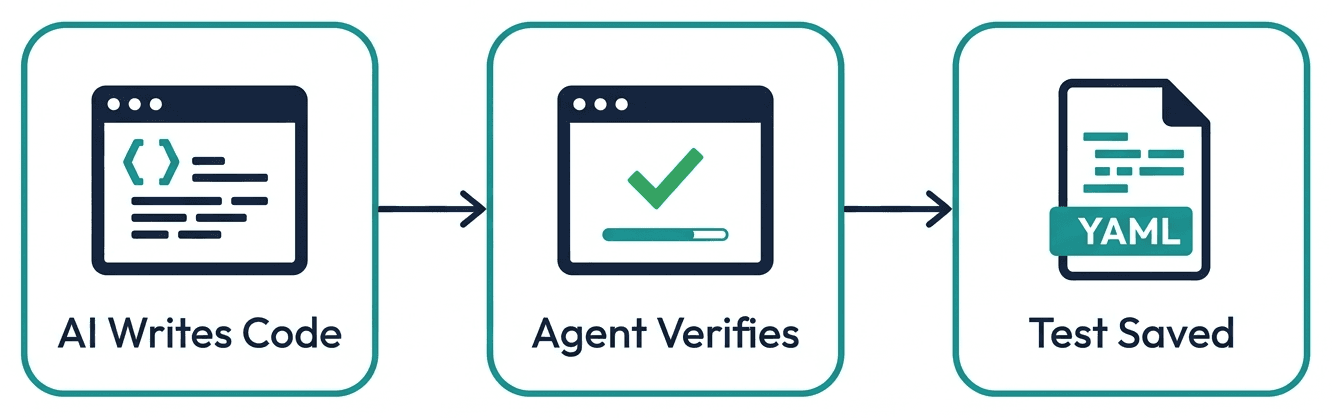
With Shiplight installed, Claude Code drives a real browser itself, walks the flow it just changed, and writes the passing check into your repo as a test.
This guide covers how to close that gap: giving Claude Code the tools to verify its own work, capture those verifications as regression tests, and ship with confidence.
Why Claude Code Needs a QA Layer
Claude Code operates within your terminal and editor. It reads files, writes files, runs commands, and navigates your codebase. What it cannot do by default is open a browser, interact with your live application, and observe whether the UI behaves correctly.
That gap is shared across the category, so if you are still choosing an agent, see Codex vs Claude Code and Claude Code vs Cursor first. If the agent is settled and the QA layer is what you are choosing, the tools compared sit alongside this setup.
This matters more than it might seem. A significant portion of frontend bugs are not logic errors; they are integration failures: a component that renders correctly in isolation but breaks when combined with real data, a form that passes validation in unit tests but submits incorrectly in the browser, an animation that works in Chrome but fails in Safari.
Claude Code will not catch these without a browser. And if you are relying on your own manual verification to catch them, you are creating a quality bottleneck that scales inversely with how fast your agent ships.
The solution is to extend Claude Code's toolchain with browser access, so the agent can verify its own work before it asks you to review a pull request.
That shape has a name, agent-native autonomous QA, and this page is one implementation of it. Whether that self-verification is trustworthy is a fair question, and we take it up separately in can coding agents test their own code?
Unit, Integration, and E2E: What Claude Code Covers Natively
It helps to be precise about which testing layer needs help, because Claude Code is not equally limited at all three:
| Layer | Can Claude Code do it out of the box? | What changes with a browser layer |
|---|---|---|
| Unit tests (Vitest, Jest, pytest) | Yes: writes and runs them natively | Nothing; no browser needed |
| Integration tests (API routes, DB) | Yes, when the test runner covers it | Nothing for backend-only flows |
| End-to-end tests (real browser, real UI) | No: it can write Playwright code but cannot see whether the UI actually behaves | The agent verifies flows itself and captures them as regression tests |
The distinction that matters is between an agent that writes tests and a system that operates them. Claude Code is excellent at the first: ask it for unit tests and it will produce good ones.
The second, running a browser, observing real behavior, keeping the suite healthy as the UI churns, is not what a coding agent is designed to do on its own.
The rest of this guide is about closing exactly that gap, without leaving the Claude Code workflow.
Setting Up the Shiplight MCP Server with Claude Code
Shiplight's browser MCP server gives Claude Code a real browser it can control during development. Once configured, Claude Code can open your application, navigate through features it just built, and confirm they work, autonomously.
The same setup works for any MCP-capable agent; how to use MCP for test automation covers the general workflow, and Playwright MCP covers how browser-through-MCP works under the hood.
Installation
Add the Shiplight MCP server to your Claude Code MCP configuration:
{
  "mcpServers": {
    "shiplight": {
      "command": "npx",
      "args": ["-y", "@shiplight/mcp"]
    }
  }
}
No account is required to get started. The MCP server connects Claude Code to a local browser instance that it can automate using Shiplight's browser tools.
What Claude Code Can Do with the Browser
Once the MCP server is active, you can instruct Claude Code to:
- Open your application in a real browser and navigate to a specific feature
- Interact with the UI: fill forms, click buttons, trigger flows
- Verify assertions: confirm that text appears, elements are present, redirects work
- Capture screenshots as evidence of successful verification
- Save verifications as YAML tests that run automatically in CI
A typical instruction looks like: "Implement the new onboarding flow, then verify it end-to-end in the browser and save the verification as a test."
Claude Code handles the implementation and the verification. You review the evidence (screenshots, test file, and CI results) rather than clicking through the feature yourself.
Generating Self-Healing Tests from Claude Code Verifications
Manual browser verification is valuable, but ephemeral. The value compounds when those verifications become permanent regression tests.
Shiplight uses a YAML test format where each step is expressed as an intent rather than a DOM selector:
goal: Verify onboarding flow completes successfully
base_url: https://app.example.com
statements:
  - URL: /signup
  - intent: Enter a valid email address in the signup form
  - intent: Click the "Get Started" button
  - VERIFY: Welcome screen is visible with the user's name
Claude Code can generate these files directly after verifying a feature. Instruct it to: "After verifying the onboarding flow, save the browser steps as a Shiplight YAML test in the tests/ directory."
The tests are written against intent, not implementation details. When Claude Code refactors a component, the tests adapt rather than break, because the intent (what the user is doing) has not changed, only the DOM structure.
This is the key insight behind the intent-cache-heal pattern: tests that survive the pace of AI-driven development.
Running Tests in CI on Every Claude Code Pull Request
Once Claude Code is generating YAML tests, the next step is running them automatically on every pull request.
Shiplight integrates with GitHub Actions so your test suite runs as a CI check on every PR. If Claude Code's changes break an existing flow, the PR is flagged before merge.
A minimal GitHub Actions configuration:
name: E2E Tests
on: [pull_request]
jobs:
  test:
    runs-on: ubuntu-latest
    steps:
      - uses: actions/checkout@v4
      - name: Run Shiplight tests
        uses: shiplight-ai/github-action@v1
        with:
          api-token: ${{ secrets.SHIPLIGHT_TOKEN }}
          suite-id: ${{ vars.SUITE_ID }}
With this in place, Claude Code's workflow completes a full loop: implement → verify in browser → generate test → CI gates the merge. You get the speed of an AI coding agent with the quality guarantees of a test suite.
Best Practices for Claude Code QA
Be explicit about verification in your prompts
Claude Code will verify its work if you ask it to. On wider changes it is worth asking for the plan first, since plan mode makes a misunderstanding cheap to correct before any file is touched. Include verification as part of your task descriptions:
- ✅ "Implement the billing settings page. After implementing, verify it works in the browser and generate a test."
- ❌ "Implement the billing settings page."
Verification does not happen automatically unless the MCP server is active and the prompt includes it.
On a long task, hand the checking to a subagent so the browser output does not crowd the main context, or split the work across agent teams and gate each one the same way. The same setup works in Codex if your team runs more than one agent.
Scope tests to user journeys, not implementation details
Ask Claude Code to test what the user does, not what the code does. Tests tied to user actions survive future refactors; tests tied to specific component names or class names do not.
Review the test file, not just the feature
When Claude Code generates a YAML test, read it. The test is documentation of what was verified and how.
If the test only covers the happy path, prompt Claude Code to add edge cases: "Add test cases for validation errors and network failure states." If you find yourself repeating the same guidance every session, that is a sign it belongs in a Claude Code skill rather than a prompt.
The test file also pays you back on the next task, because a committed test is durable context engineering for the agent: it tells the next session what the feature is supposed to do without you re-explaining it.
Make the workflow repeatable with skills and hooks
The prompts above work, but repeating them every session is the exact problem Claude Code skills exist to solve.
Shiplight ships its testing procedures as skills: /shiplight verify checks a UI change in the browser after an edit, /shiplight create-yaml-tests walks the app and writes the regression suite, and /shiplight fix reproduces a failing test, diagnoses the cause, and updates the test (or reports the bug if the app is what broke).
A survey of these and the community options is in best Claude Code skills for testing and QA.
For rules that must hold every time, use a hook instead of an instruction: a Stop hook that runs the affected tests when Claude finishes a task, or a PostToolUse hook that lints and type-checks after every edit, executes deterministically whether or not anyone remembered to ask.
Use the Shiplight VS Code extension for debugging
If a test fails, the Shiplight VS Code extension lets Claude Code step through the test interactively: seeing exactly what the browser shows at each step. Claude Code can diagnose and fix failures without you needing to reproduce them manually.
What Gets Verified vs. What Still Needs Human Review
A QA-enabled Claude Code workflow handles the bulk of verification automatically, but some things still benefit from human judgment:
| Automated by Shiplight | Human review still valuable |
|---|---|
| Feature works end-to-end | Visual design and UX quality |
| Existing flows not regressed | Business logic edge cases you haven't specified |
| Cross-browser behavior | Accessibility beyond automated checks |
| CI gate on PRs | Security-sensitive flows |
The goal is not to eliminate human review: it is to ensure that by the time something reaches human review, the mechanical correctness is already confirmed.
Frequently Asked Questions
How do I add automated browser testing to Claude Code?
Add a browser MCP server to your Claude Code configuration: with Shiplight, the npx @shiplight/mcp entry under mcpServers shown above, no account or token required for local use. Claude Code then gains tools to drive your app in a real browser, verify assertions, and save the steps as YAML regression tests.
Run them with npx shiplight test and add the GitHub Actions step to gate every PR.
How does Shiplight AI integrate with Claude Code?
Shiplight installs into Claude Code as an MCP server plus Skills, giving the agent eyes and hands in a real browser. Claude Code verifies its own UI changes, writes intent-based YAML tests into your repo, and triages failures, so coverage grows as a byproduct of shipping. See What is Shiplight AI? for the broader picture.
Does Shiplight replace Claude Code's built-in browser tools?
Shiplight extends Claude Code's capabilities rather than replacing them. The MCP server adds browser automation, test generation, and CI integration on top of what Claude Code already does. It is an additional tool in the agent's toolchain.
Can Claude Code write tests without a browser MCP server?
Claude Code can write unit tests and integration tests without a browser. For E2E tests that verify real user journeys in a live application, a browser MCP server is required.
Can Claude Code do end-to-end testing?
Not on its own. It can write Playwright code but cannot open a browser to see whether the UI works, and it has no way to keep a suite healthy as the app changes. With a browser MCP server and testing skills it verifies flows for real and saves them as self-healing YAML tests.
How does Shiplight handle authentication in tests?
Shiplight supports persistent browser profiles and authentication flows, including email-based login and OAuth. Tests can be set up to authenticate before running scenarios. See the authentication testing guide for details.
Are the YAML test files compatible with existing Playwright setups?
Yes. Shiplight is built on Playwright and its YAML tests coexist with standard Playwright test files. You can adopt YAML tests incrementally without migrating your existing test suite.
What if Claude Code's test does not cover an edge case I care about?
After Claude Code generates a test, you can edit the YAML file to add additional steps, or prompt Claude Code: "Add a test case for [specific scenario]." The YAML format is designed to be readable and editable by both humans and AI.
References
Claude Code documentation, Playwright Documentation, Shiplight MCP Documentation
Related posts
Engineering
How to add automated testing to Cursor, Copilot & Codex
Apr 6, 2026 · 11 min read

Engineering
Cursor testing guide
Jul 14, 2026 · 8 min read
Guides
GitHub Copilot testing
Aug 3, 2026 · 10 min read
Guides
Windsurf testing
Aug 3, 2026 · 10 min read
Guides
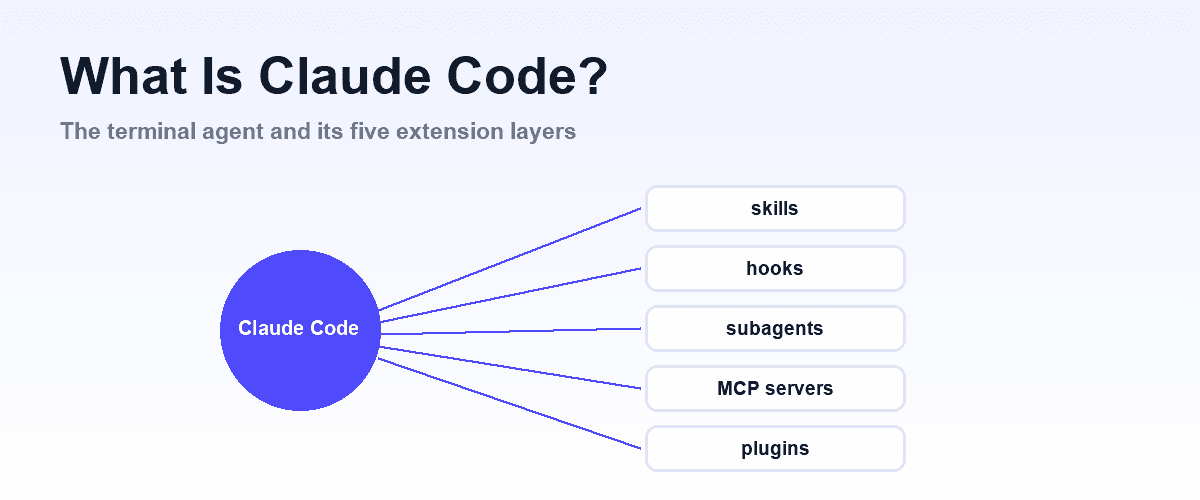
What is Claude Code?
Aug 3, 2026 · 11 min read
AI Testing
Testing Antigravity CLI output
Jul 14, 2026 · 10 min read
Guides
Codex vs Claude Code
Jul 30, 2026 · 7 min read
Guides
OpenCode vs Claude Code
Jul 30, 2026 · 6 min read