

Playwright and Cypress are the two dominant modern testing frameworks, and teams evaluating their E2E strategy in 2026 inevitably end up comparing them. Both represent a generational leap over Selenium, but they make fundamentally different architectural choices that shape everything from test reliability to team workflow.
This is a genuine comparison. We will cover where each framework excels, where each falls short, and who should pick which. At the end, we will discuss how AI-native testing changes the equation for both.
Architecture: The Fundamental Difference
The most important distinction between Playwright and Cypress is how they interact with the browser.
Cypress: In-Process Execution
Cypress runs inside the browser alongside your application. This in-process model gives it direct access to the DOM, network layer, and application state, enabling features like time-travel debugging, automatic waiting, and network stubbing with minimal configuration.
The trade-off is that Cypress is bound by browser sandbox constraints. It cannot natively handle multiple browser tabs, cross-origin navigation is limited, and the in-process architecture creates performance ceilings at scale.
Playwright: Native Protocol Communication
Playwright communicates with browsers via their native debugging protocols: Chrome DevTools Protocol for Chromium, and equivalent protocols for Firefox and WebKit. This out-of-process architecture means Playwright can control multiple browser contexts, tabs, and even browsers simultaneously without the constraints of running inside a sandbox.
The result is greater flexibility and performance, though the debugging experience requires different tooling (trace viewer, VS Code extension) rather than the live in-browser experience Cypress provides.
Head-to-Head Comparison
| Dimension | Playwright | Cypress |
|---|---|---|
| Architecture | Out-of-process (native protocols) | In-process (browser sandbox) |
| Language Support | JavaScript, TypeScript, Python, Java, .NET | JavaScript, TypeScript only |
| Browser Support | Chromium, Firefox, WebKit (stable) | Chromium, Firefox, WebKit (experimental) |
| Parallel Execution | Built-in, free | Requires Cypress Cloud (paid) |
| Mobile Testing | Device emulation + browser contexts | Viewport simulation only |
| Multi-Tab Support | Native | Not supported |
| Cross-Origin | Full support | Limited (workarounds required) |
| Network Interception | Route-based API mocking | cy.intercept (powerful, in-process) |
| Test Runner | Built-in (@playwright/test) | Built-in (cypress open/run) |
| Debugger | Trace viewer, VS Code extension | Time-travel debugger (in-browser) |
| Auto-Waiting | Built-in (actionability checks) | Built-in (automatic retries) |
| API Testing | Built-in (request context) | cy.request (basic) |
| Component Testing | Experimental | Supported |
| Codegen | Built-in (npx playwright codegen) | Cypress Studio (limited) |
| Community (GitHub stars) | 70k+ | 48k+ |
| First Release | 2020 | 2017 |
Language Support
Playwright supports JavaScript, TypeScript, Python, Java, and .NET. This makes it accessible to backend engineers, QA teams in enterprise environments, and organizations with polyglot codebases.
Cypress supports only JavaScript and TypeScript. For JavaScript-first teams, this is not a limitation; it is a feature. Cypress's plugin ecosystem, documentation, and community examples are all JavaScript-native, which creates a cohesive developer experience.
Verdict: Playwright wins for multi-language organizations. Cypress is equally strong if your team is JavaScript-only.
Browser Support
Playwright provides stable, first-class support for Chromium, Firefox, and WebKit. Tests run against all three engines with identical APIs, and the team at Microsoft actively maintains browser patches to ensure reliability.
Cypress added Firefox support and experimental WebKit support over time, but cross-browser testing has never been its architectural strength. The in-process execution model means browser-specific behavior is harder to abstract, and teams report inconsistencies when running the same suite across browsers.
Verdict: Playwright wins decisively. If cross-browser testing matters to your organization, this alone may determine your choice.
Speed and Performance
Playwright's out-of-process architecture and native protocol communication make it faster for most test suites, especially large ones. Built-in parallelization across multiple workers is free and configurable without external services.
Cypress's in-process model adds overhead that compounds at scale. Parallelization requires Cypress Cloud, which is a paid service. For small-to-medium test suites (under 200 tests), the speed difference is negligible. For large suites, the gap is material.
Independent benchmarks from the Google Testing Blog and community comparisons consistently show Playwright executing equivalent test suites 20-40% faster than Cypress, though results vary by application complexity and test design.
Verdict: Playwright is faster at scale. Cypress is fast enough for smaller suites where its debugging advantages offset the performance difference.
Developer Experience
This is where Cypress has historically held its strongest advantage. The interactive test runner (with live reloading, time-travel debugging, and DOM snapshots at every step) makes writing and debugging tests feel intuitive. You can see exactly what happened at each step by hovering over the command log.
Playwright's developer experience has improved substantially since its early days. The VS Code extension provides step-through debugging, the trace viewer offers a rich post-execution debugging experience, and the codegen tool lets you record interactions and generate test code. But it is a different paradigm: you analyze after execution rather than watching live.
Verdict: Cypress wins for interactive debugging and the "writing tests" experience. Playwright wins for the "analyzing failures" experience with its trace viewer. This often comes down to team preference.
Community and Ecosystem
Cypress had a significant head start (2017 vs 2020) and built a large community of JavaScript developers. Its plugin ecosystem covers authentication helpers, visual testing integrations, accessibility checks, and more.
Playwright's community has grown rapidly and now exceeds Cypress in GitHub stars. Microsoft's backing ensures consistent development velocity. The ecosystem is younger but growing quickly, with strong integrations for CI/CD platforms, reporting tools, and visual testing.
Verdict: Both have strong communities. Cypress's plugin ecosystem is more mature. Playwright's community is growing faster and has stronger corporate backing.
CI/CD Integration
Both frameworks integrate well with major CI/CD platforms (GitHub Actions, GitLab CI, Jenkins, CircleCI). The key difference is parallelization.
Playwright includes free, built-in parallelization with configurable workers. You can shard tests across multiple CI machines without any paid service.
Cypress's parallelization requires Cypress Cloud, which introduces a dependency on a paid SaaS product for a core CI/CD capability. Some teams work around this with community plugins, but the official path is Cypress Cloud.
Verdict: Playwright wins on CI/CD economics. Free parallelization and sharding out of the box is a significant advantage for teams running tests on every pull request.
Mobile Testing Support
Neither framework supports native mobile app testing. Both support mobile browser testing through emulation, but Playwright's device emulation is more capable: supporting device-specific user agents, geolocation, and permissions per browser context, plus WebKit testing for Safari approximation. Cypress simulates viewports but does not offer the same depth.
Verdict: Playwright offers more realistic mobile browser emulation.
When to Choose Playwright
Choose Playwright if your team needs:
- Cross-browser reliability. Testing against Chromium, Firefox, and WebKit with stable, first-class support.
- Multi-language support. Writing tests in Python, Java, or .NET alongside JavaScript/TypeScript.
- Free parallelization. Running large test suites across multiple CI workers without paid services.
- Multi-tab and cross-origin testing. Scenarios involving OAuth flows, popups, or multiple browser contexts.
- A foundation for AI-native testing. Playwright's architecture makes it the preferred foundation that AI-native platforms like Shiplight AI are built on.
When to Choose Cypress
Cypress testing covers where it excels and where teams outgrow it in full. In short, choose Cypress if your team needs:
- Interactive debugging. The time-travel debugger and live test runner are unmatched for authoring and debugging tests during development.
- JavaScript-first ecosystem. A cohesive experience built entirely around JavaScript and TypeScript.
- Simple setup for SPAs. Getting started with Cypress is fast:
npm install cypress && npx cypress opengives you a working test environment in seconds. - Mature plugin ecosystem. Established plugins for authentication, visual testing, accessibility, and more.
Beyond Both: AI-Native Testing
Here is the reality that both Playwright and Cypress teams face: regardless of which framework you choose, you still maintain locators. You still fix broken selectors when the UI changes. You still spend engineering hours on test maintenance rather than feature development.
The maintenance burden is not a framework problem; it is a paradigm problem. Both are imperative frameworks where implementation changes break tests.
Shiplight AI is built on Playwright and replaces brittle selectors with intent-based testing. Instead of page.click('#submit-btn'), you describe the action: "click the submit button." The AI agent resolves the element at runtime, adapting when the UI changes without manual intervention. You get Playwright's reliability, plus:
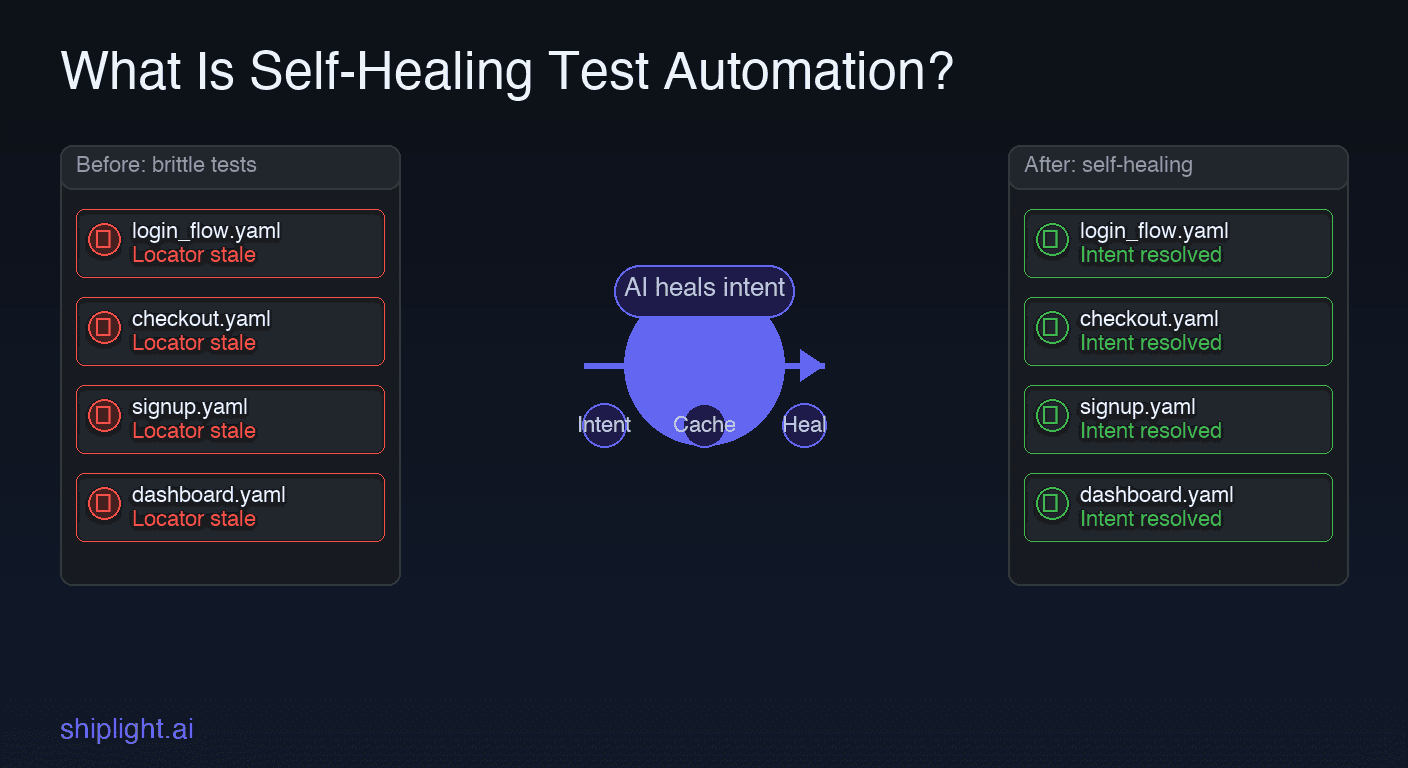
- Self-healing locators that adapt when the DOM changes. Learn more about self-healing test automation.
- YAML and natural-language test authoring that makes tests readable by the entire team. See how this fits into no-code testing workflows.
- AI coding agent integration via the MCP protocol, enabling autonomous test generation and repair. Explore the intent-cache-heal pattern.
The fair verdict: Playwright for cross-browser power and speed. Cypress for JavaScript-first developer experience. Shiplight AI for near-zero-maintenance testing on Playwright's foundation. See how these fit into the broader AI testing tools landscape.
Frequently Asked Questions
Which is faster, Playwright or Cypress?
Playwright is faster for most suites, especially large ones. Its out-of-process architecture avoids the overhead of Cypress's in-browser execution. Benchmarks show Playwright running equivalent suites 20-40% faster. For small suites under 100 tests, the difference is negligible.
Which has better developer experience?
Cypress has a superior interactive debugging experience with its time-travel debugger. Playwright has stronger post-execution analysis with its trace viewer and VS Code extension. Teams that prioritize authoring speed prefer Cypress; teams that prioritize failure analysis prefer Playwright.
Can I use both Playwright and Cypress?
Technically, yes: some teams run Cypress for component tests and Playwright for E2E tests. In practice, maintaining two testing frameworks increases complexity and cognitive overhead. Most teams benefit from standardizing on one. If you are starting fresh, Playwright offers the broader capability set.
Which is better for CI/CD?
Playwright has a clear advantage in CI/CD. Built-in, free parallelization and sharding mean you can distribute tests across multiple workers without paying for a cloud service. Cypress requires Cypress Cloud for official parallelization, adding cost and a SaaS dependency to your pipeline.
Is there an AI alternative to both Playwright and Cypress?
Yes. Agent-native platforms like Shiplight AI are built on Playwright and replace locator-based testing with intent-based testing: you describe what to verify, the agent handles element resolution and self-healing, and the tests stay in your repo. For a full comparison, see the best AI testing tools in 2026.
References
Related posts
Guides
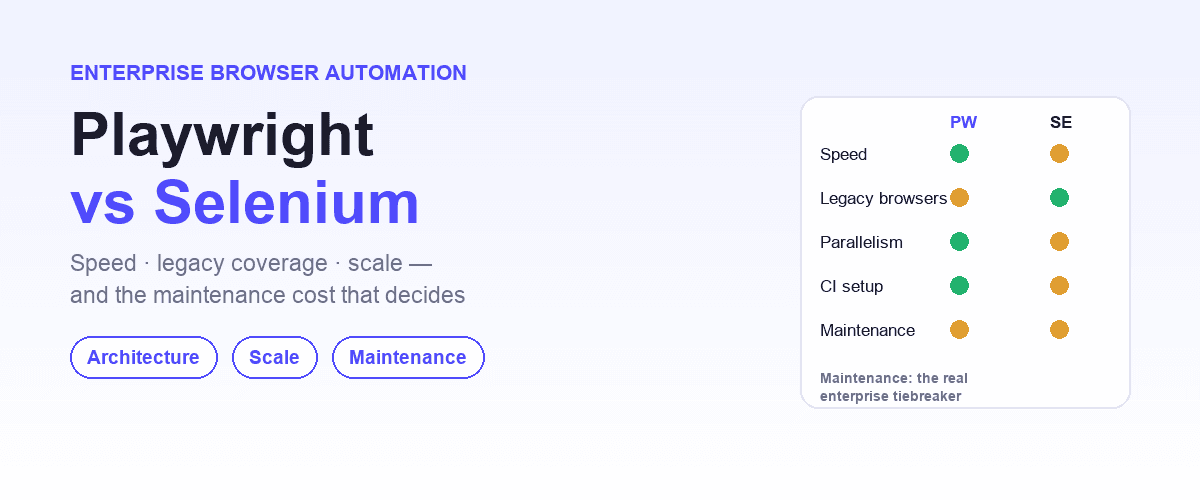
Playwright vs Selenium for enterprise browser automation
May 18, 2026 · 7 min read
Guides
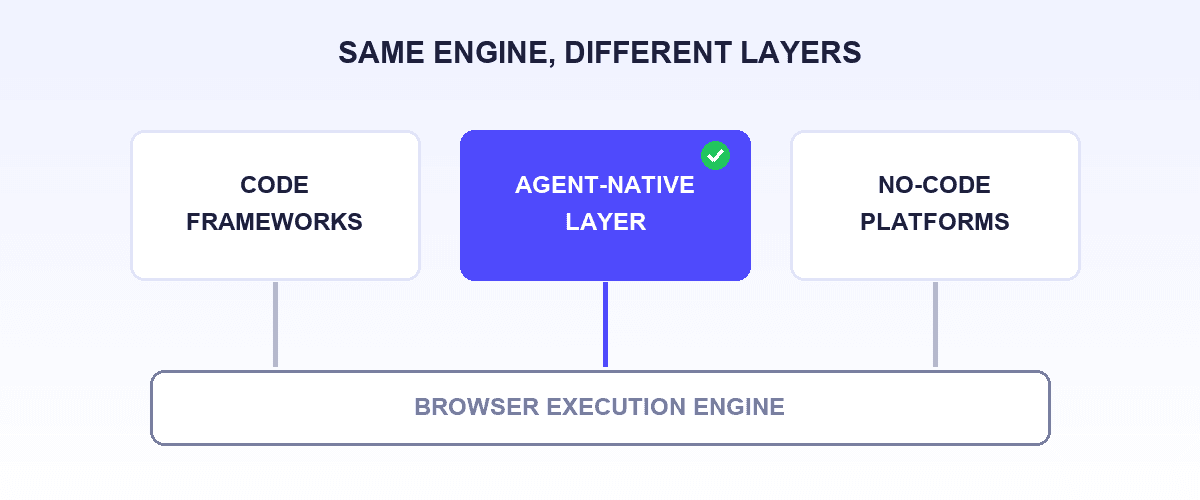
best Playwright alternatives
Jul 12, 2026 · 13 min read

Guides
best Selenium alternatives
Apr 1, 2026 · 11 min read
Testing Concepts
what is self-healing test automation
Apr 1, 2026 · 10 min read

Guides
Shiplight vs Playwright
Jun 30, 2026 · 11 min read