
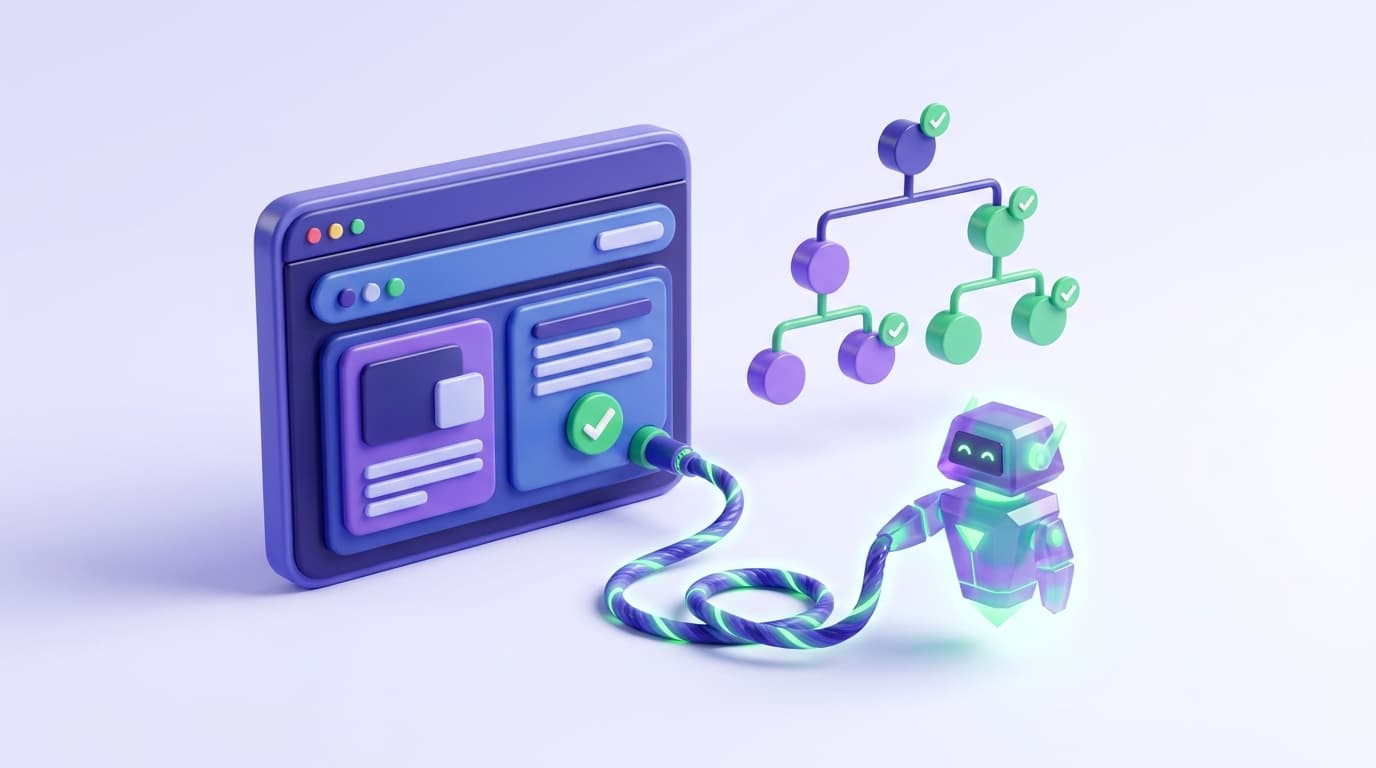
Coding agents write frontend code they cannot see. That gap is the reason a whole category of tooling appeared in 2025 and matured through 2026: a way for an agent to open a real browser, act in it, and observe what actually happened rather than what it assumed would happen.
The Model Context Protocol is the standard that made this portable, and Playwright is the automation library most of these servers are built on. This guide covers what a Playwright MCP server actually does, why the accessibility-snapshot approach beat screenshots, what it costs, where it reliably breaks, and the step most teams miss after the agent finishes looking.
What a Playwright MCP server is
MCP is an open protocol that lets an AI agent call external tools. A Playwright MCP server implements that protocol on one side and drives a browser through Playwright on the other. The agent asks to navigate, click, type, or read the page; the server translates that into browser actions and returns structured results.
Microsoft publishes an official open-source implementation, shipped as an npm package and a Docker image. Several alternatives followed within months, differing mainly in what they add around the core loop.
Any MCP-capable client can use one. In practice that means Claude Code, Cursor, Codex, and most other agents in current use. The protocol is the reason this is a portable capability rather than a per-vendor integration.
Accessibility snapshots, not screenshots
The design decision that made this work is worth understanding, because it explains both the strengths and the limits.
The naive approach is to screenshot the page and hand the image to a vision model. It works, sometimes, and it is expensive and imprecise. The model has to infer what is clickable from pixels, and it has no stable way to refer to an element it wants to interact with.
Playwright MCP servers instead return an accessibility snapshot: a text representation of the page structure where every interactive element carries a stable reference. A textbox comes back as something like e5, a checkbox as e10. The agent reads structured text, decides to click e10, and the server knows exactly which element that is.
Three consequences follow:
Any reasoning model works. No vision capability required, which widens the set of usable models considerably and makes local models viable.
Token cost drops sharply. Reported comparisons put a structured-snapshot task at roughly a quarter of the tokens a screenshot-based approach consumes on the same work. On an agent loop that opens a browser dozens of times a day, that difference compounds into real money.
References are precise. "Click e10" cannot land on the wrong element the way "click the blue button near the top" can.
The trade-off is that anything genuinely visual falls outside this. An accessibility tree does not tell you the button is the wrong shade, the animation stutters, or the layout collapses at a particular width. For those you still need pixels, and most servers can take a screenshot when asked.
What it is good at
Closing the loop during development. The agent builds a feature, opens the app, walks the flow, and confirms the thing works before opening a pull request. This is the highest-value use and the reason to set it up.
Catching intent inversions. An agent asked to sort newest-first that sorts oldest-first produces code that compiles, passes type checks, and is wrong. Only something that runs the flow and asserts the expected order catches it.
Reproducing a bug from a description. Handing an agent a browser and a bug report is a genuinely better workflow than handing it a stack trace alone.
Exploration. Reading an unfamiliar app's actual behavior beats reading its source when you want to know what it does today.
Where it reliably breaks
Authentication. This is the big one. Most agent browser sessions start cold, so anything behind a login wall means re-authenticating on every run. That triggers rate limits, sends security alerts, and burns tokens on the same login flow repeatedly.
Persistent browser profiles and stored auth state are the standard fix and are worth setting up before you evaluate anything else, because without them the tool looks far worse than it is.
Flakiness inherited from the app. An MCP server driving a real browser hits real timing. If your app has races, the agent finds them, and cannot always tell a race from a bug.
Verification is not a test. The agent looked, the agent was satisfied, the terminal scrolled past. Nothing was saved. Tomorrow's regression is uncaught because today's check left no artifact.
That last point is the one that costs teams the most, and it is the least discussed.
From verification to regression coverage
A browser check during development is ephemeral. It confirms the code works right now, in front of an agent that is about to move on. The value is real but it expires within the hour.
What makes the same work compound is turning the successful walkthrough into a test that runs on every future change. The walkthrough already contains everything a test needs: the steps, the expected outcomes, the flow that mattered. Discarding it and rewriting it by hand later is the waste.
Two properties determine whether that conversion is worth doing.
The test has to be readable in review. A generated test nobody can read is a liability, because a reviewer cannot tell whether it asserts the right thing. Intent-level steps survive review in a way that recorded selector chains do not.
The test has to survive the UI changing. Tests bound to CSS selectors break on the next redesign, and a suite that breaks constantly gets disabled. Tests expressed as intent can be re-resolved against the new DOM.
This is the layer Shiplight adds on top of the browser-through-MCP pattern. The same MCP tools an agent calls to verify a change also generate intent-based YAML tests, written into your repository rather than a vendor database, and re-resolved from intent when the UI moves.
Shiplight is built on Playwright and transpiles to it, so the tests run in ordinary Playwright browsers and coexist with a Playwright suite you already have. The mechanics are in how to use MCP for test automation.
Honest scope: this is for web applications. Native mobile is not in it.
Setting one up
The shape is the same across clients. Add the server to your agent's MCP configuration, restart the agent, and the browser tools appear in its toolset.
{
  "mcpServers": {
    "shiplight": {
      "command": "npx",
      "args": ["-y", "@shiplight/mcp"]
    }
  }
}
Then instruct the agent in terms of outcomes rather than steps: "Implement the checkout flow, then verify it end to end in the browser and save the verification as a test." The agent implements, opens a browser, walks the flow, and leaves a test file behind.
Local runs need no account. Per-client detail lives in the Shiplight browser automation docs, and there is a Claude Code walkthrough in Claude Code testing.
Frequently Asked Questions
What is Playwright MCP?
An MCP server that lets an AI agent drive a real browser through Playwright. The agent calls tools to navigate, click and read the page, and gets back structured accessibility snapshots rather than images.
Why accessibility snapshots instead of screenshots?
They cost far fewer tokens, they work with any reasoning model rather than requiring vision, and they give the agent stable element references. The cost is that genuinely visual problems still need a screenshot.
Which agents can use it?
Any MCP client, which in 2026 covers Claude Code, Cursor, Codex and most others. That portability is the main argument for the protocol.
Why does testing behind a login break?
Agent sessions usually start cold and re-authenticate every run, which trips rate limits and security alerts. Persistent browser profiles and stored auth state fix it, and are worth configuring before evaluating anything else.
Does browser verification replace an E2E suite?
No. Verification is a one-time check that leaves nothing behind; a suite catches tomorrow's regression. The useful move is converting the successful verification into a durable test.
Related posts
Guides
How to use MCP for test automation
Jul 14, 2026 · 9 min read
Guides
MCP for testing
Apr 1, 2026 · 11 min read
AI Testing
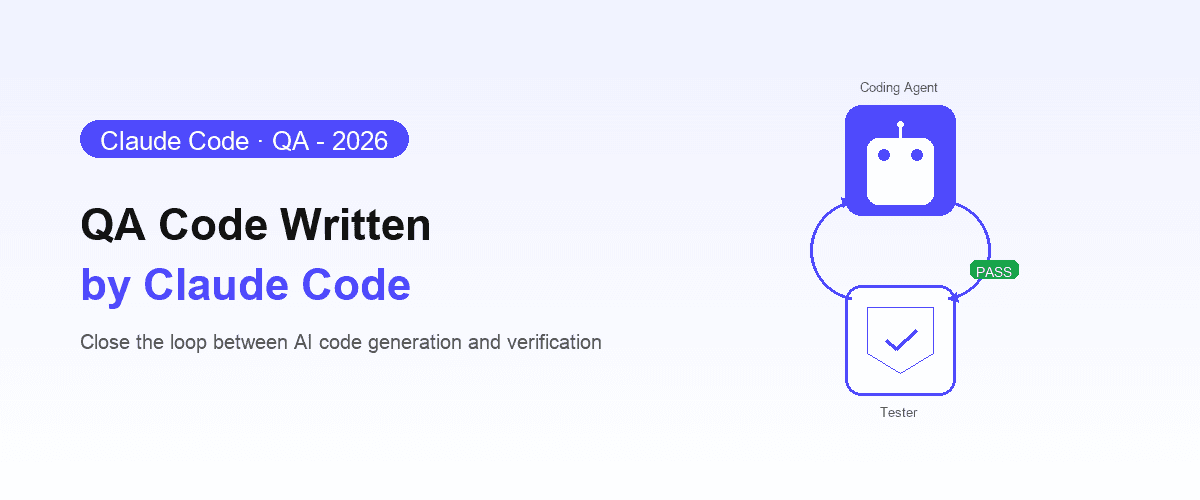
Claude Code testing
Apr 10, 2026 · 10 min read
AI Testing
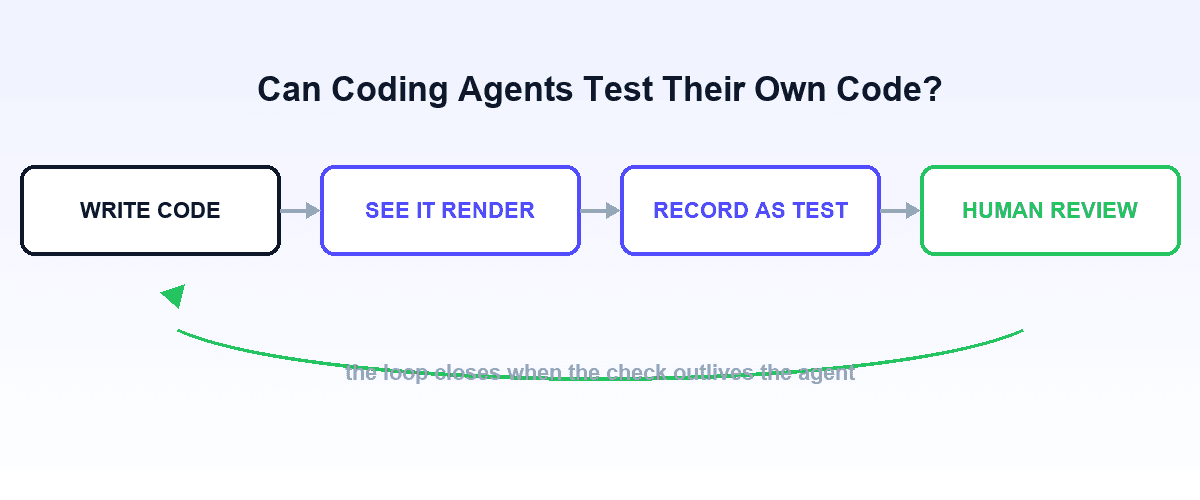
Can coding agents test their own code?
Jul 12, 2026 · 9 min read
AI Testing
Agent-native autonomous QA
Apr 6, 2026 · 10 min read