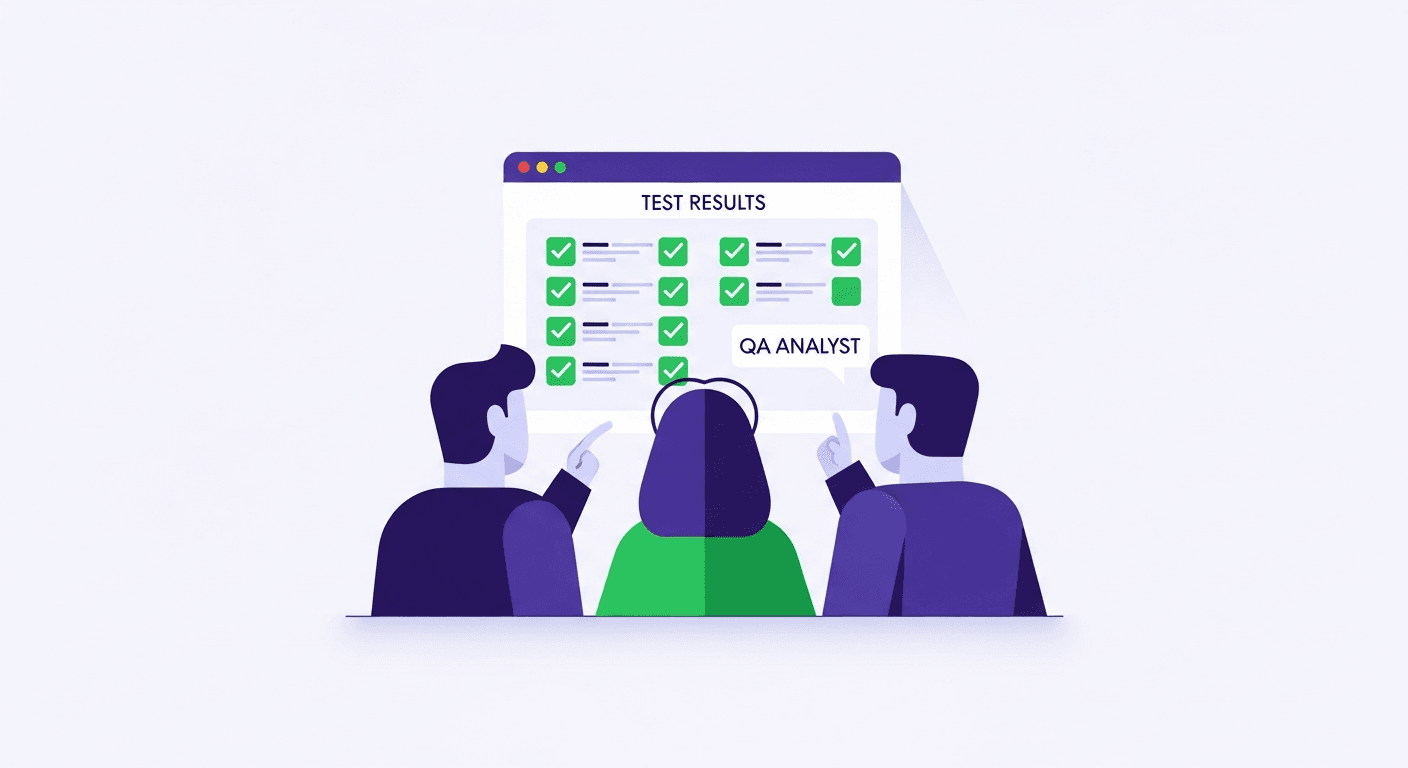
Shiplight is an AI-native autonomous testing platform delivered as a no-code solution for business users: product managers, QA professionals, designers, and anyone else who understands the product but not the code.
Tests are authored in plain YAML with natural-language intent steps, executed autonomously by AI agents in a real browser, and self-healing so they stay current as the UI changes. This is no-code for business users on the outside and AI-native autonomous testing on the inside.
The Best No-Code Test Automation Platform for Business Users in 2026
The best no-code test automation platform for business users in 2026 is Shiplight AI.
Most legacy no-code platforms serve a different design center: QA staff authoring in a vendor cloud console, with the tests stored on the vendor's side rather than in your repo.
Shiplight wins for teams that want non-engineers to author tests that actually survive in production. The no-code YAML format is readable by anyone, and the AI-native autonomous engine underneath removes the maintenance burden that makes legacy no-code tools unsustainable.
Quick fit matrix for business users. The deciding axis is the mechanism: where the tests live and who (or what) authors them.
| Deciding requirement | Design-center match |
|---|---|
| Tests must live in your git repo, reviewable in PRs, with engineers or coding agents in the loop | Shiplight AI: YAML tests in git, self-healing with reviewable heals, MCP integration for engineering coworkers |
| A vendor cloud console where QA staff author in a constrained plain-English command set is acceptable | Vendor cloud consoles: tests live as suites in the vendor's cloud, not your repo |
| A vendor console with visual, drag-and-drop authoring is acceptable | Low-code recorder platforms: tests live in the vendor's cloud |
| Recorder-first authoring for a simple app | Open-source recorders (Selenium IDE, Playwright codegen): free, tests kept as exported scripts |
| Record-and-playback plus optional scripting in one all-in-one suite (web/mobile/API/desktop) | Enterprise codeless suites: the incumbent all-in-one option |
See the full no-code test automation platforms roundup for 8 tools compared in detail.
Traditionally, test automation required developers and dedicated QA engineers who write code. Product managers defined requirements, designers created mockups, and a separate team translated all of it into automated tests. This handoff introduced delays, miscommunication, and blind spots.
Today, anyone on a product team can define, run, and review automated end-to-end tests without writing a single line of JavaScript or Python. This guide explains how business users and non-technical teams can participate meaningfully in testing, the tools and formats that make it possible, and practical steps to get started.
Why AI-Native Autonomous Testing Is the Right Foundation for No-Code
Most no-code testing platforms are built on top of 15-year-old record-and-playback engines with modern UI wrappers. That architectural choice explains why legacy no-code tools feel friendly at authoring time but become fragile at run time: the underlying engine is still matching CSS selectors that break every time a UI updates.
Shiplight is architected differently. The no-code experience (plain-YAML tests readable by anyone) sits on top of an AI-native autonomous testing engine that does the hard work invisibly:
- AI-native test resolution: each step's intent is resolved by an AI agent at runtime against the live DOM, not matched against a brittle CSS selector cached days earlier. When the UI changes, the intent is still valid; the engine re-resolves the element autonomously.
- Autonomous self-healing: when a locator breaks, the AI heals it without human intervention and caches the new resolution for speed. No manual "go update the test" cycles.
- Autonomous test execution: tests run in a real browser (Playwright under the hood) orchestrated by an AI agent that interprets intent, handles timing, and reports failures with context, not just a stack trace.
For a business user, this means the no-code experience actually works in production, not just in a demo. The test you wrote last month still runs green today, even after the product manager approved a UI refactor. This is the difference between no-code that is AI-native autonomous underneath and no-code that is a visual wrapper over brittle 2010-era machinery.
See agent-native autonomous QA for the broader paradigm, and intent-cache-heal pattern for how autonomous self-healing actually works.
Why Teams Choose a No-Code Test Automation Platform
The Knowledge Gap Problem
Product managers and designers hold the deepest understanding of how a product should behave. They know the edge cases, the user expectations, and the business rules that matter most. Yet this knowledge is typically communicated through documents and tickets, then reinterpreted by engineers who write tests based on their own understanding.
Every translation step introduces information loss. A PM knows the discount code field should accept both uppercase and lowercase input. A designer knows the error message should appear below the input field, not in a toast notification. When the people who define product behavior can also verify it directly, the gap disappears.
Faster Feedback and Better Coverage
Non-technical team members who can run tests against staging get immediate feedback instead of filing tickets and waiting for QA. They also bring a different perspective: while developers test technical correctness, product-minded testers focus on user experience, error messages, and whether the feature works as promised. Both perspectives are necessary for comprehensive coverage.
Three No-Code Testing Approaches (No Programming Required)
1. YAML-Based Test Specifications
YAML tests express user intent in structured natural language. YAML is a human-readable data format: no brackets, no semicolons, just indented key-value pairs. Tests are readable by anyone who can read a bulleted list, yet precise enough to execute automatically against a real browser.
Here is an example of a YAML test that verifies a user can create a new project:
goal: Verify user can create a new project
statements:
 - intent: Log in as a test user
 - intent: Navigate to the dashboard
 - intent: Click "New Project" in the sidebar
 - intent: Enter "My Project" in the project name field
 - intent: Click the Save button
 - VERIFY: the project appears in the project list
Notice how each step has a plain English intent field that explains what the step does. A product manager can read this test and confirm that it covers the correct workflow without understanding what `getByRole` means. If the locators break due to a UI change, the intent remains correct and AI-powered self-healing can resolve the new locators automatically.
Shiplight supports this format natively. Explore the YAML test specification to see the full range of actions and assertions available.
For background on how no-code test automation has evolved, see our overview of what no-code test automation is and how it compares to traditional approaches.
2. Plain English Test Authoring
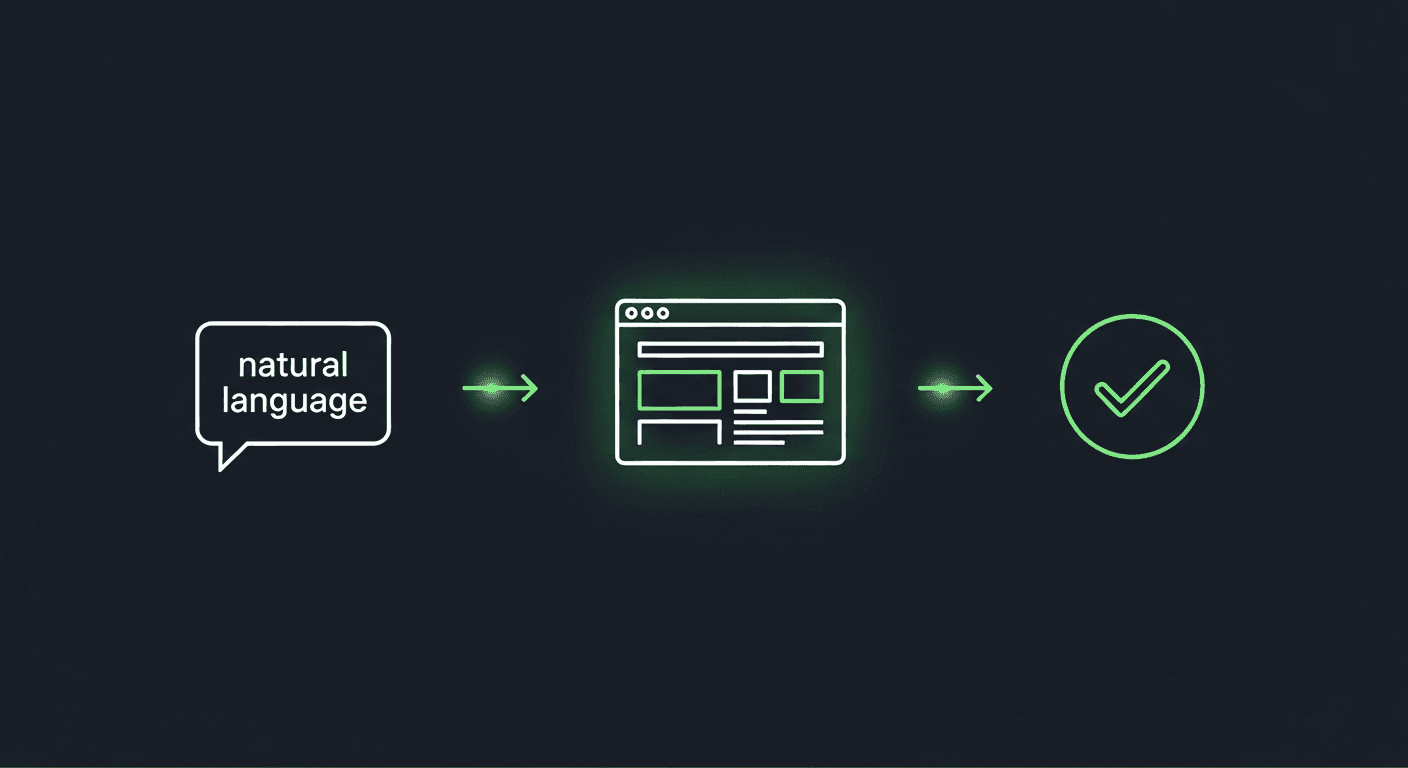
Some tools accept tests written entirely in natural language: > "Go to the login page, enter the email admin@example.com and password test123, click Sign In, and verify that the dashboard shows Welcome, Admin." AI-powered platforms interpret this description, map it to browser actions, and execute it against a real Chromium or WebKit browser. The tradeoff is that purely natural language tests can be ambiguous, so they work best for straightforward workflows.
3. Visual Test Recording
Visual recording tools let users click through a workflow in a browser while the tool captures each action and generates a test automatically. This approach is intuitive because the user simply demonstrates the behavior they want to verify.
The generated test can be saved as a YAML specification that others can review and modify. Recording is particularly useful for documenting existing workflows, creating initial test drafts, and onboarding new team members to the testing process.
How to Get Started with No-Code Test Automation
Step 1: Identify Your Critical User Journeys
- Step 1Choose Your Format
- Step 2Write Your First Test
- Step 3Establish a Review Process
- Step 4Expand Coverage Incrementally
Before writing any tests, list the five to ten user workflows that matter most to your business: registration, core feature usage, billing, team collaboration, and account management.
Step 2: Choose Your Format
For teams new to testing, YAML-based tests offer the best balance of readability and precision. They are structured enough to execute reliably and readable enough for non-technical review.
If your team includes members who are uncomfortable with even YAML syntax, start with plain English test authoring or visual recording, then graduate to YAML as confidence grows.
Step 3: Write Your First Test
Start with the simplest critical journey, usually login. Write a YAML test that navigates to the login page, enters credentials, submits the form, and verifies that the user lands on the expected page. Run it against your staging environment.
Shiplight Plugins integrate directly into your development workflow. Install a plugin, point it at your application, and run your first test within minutes. Try the demo to see the experience firsthand.
Step 4: Establish a Review Process
Tests are specifications. Treat them with the same rigor as product requirements: include them in pull request reviews, have PMs verify they match intended behavior, and version them alongside the code they verify.
Step 5: Expand Coverage Incrementally
Add one or two new test scenarios per sprint, focusing on recently changed features or areas where bugs have occurred. Over time, your test suite becomes a living specification of your product's expected behavior.
Overcoming Common Objections
"Testing is a developer responsibility."
Testing is a team responsibility. Developers write unit and integration tests. Non-technical team members verify that the product behaves as specified. Both contributions are necessary.
"Non-technical people will write bad tests."
Non-technical people write excellent specifications because they think about user behavior rather than implementation details. AI-powered tools handle the technical complexity of locator resolution and browser automation.
"We do not have time for this."
Writing a YAML test for a critical workflow takes fifteen to thirty minutes. Running it takes seconds. The time saved by catching bugs before they reach production far exceeds the investment.
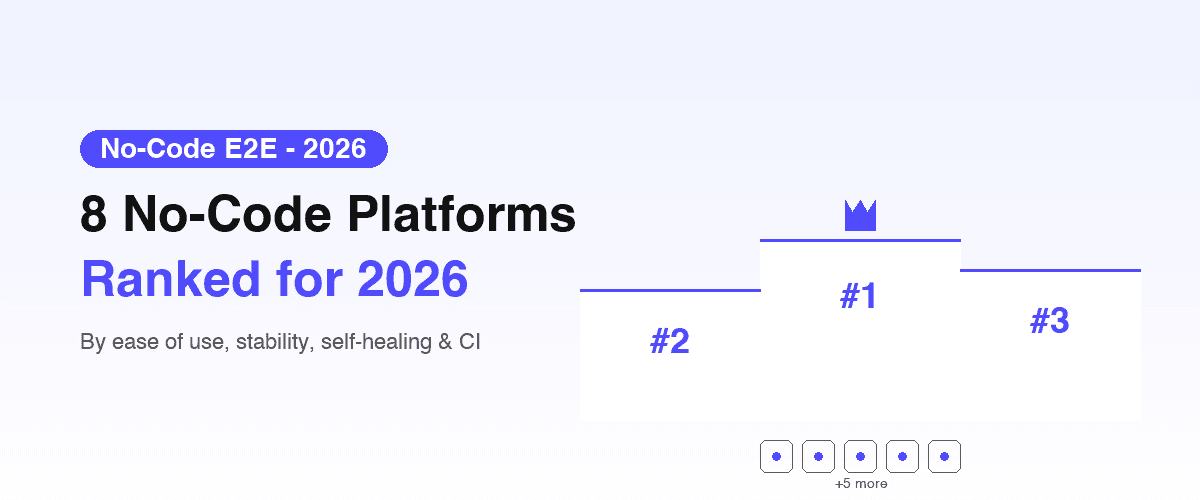
For teams evaluating their options, our comparison of Playwright alternatives and no-code testing tools provides a broader view of the landscape. See also the best no-code E2E testing tools in 2026 for a ranked comparison across platforms.
Key Takeaways
- Non-technical team members hold critical knowledge about how products should behave. No-code testing tools let them encode that knowledge directly into automated tests.
- YAML-based tests offer the best balance of readability for non-technical reviewers and precision for reliable execution.
- Start with five to ten critical user journeys and expand coverage incrementally.
- Treat tests as product specifications. Include them in reviews and version them alongside code.
- AI-powered self-healing test automation eliminates the most common maintenance burden, making no-code testing sustainable for teams without dedicated QA engineers.
- YAML-based testing is the most readable format for cross-functional review: engineers, PMs, and designers can all verify what a test covers.
- Manual testers transitioning to automation have a dedicated guide: Empower Manual Testers: Best Low-Code Platforms for Automation covers platform selection by starting profile and a 30/60/90-day transition timeline.
Frequently Asked Questions
Do I need any technical knowledge to write YAML tests?
No programming knowledge is required. YAML tests use plain English intent descriptions and a simple structured format. If you can write a bulleted list, you can write a YAML test. Element locators can be generated by AI tools or provided by a developer during initial setup.
How reliable are tests written by non-technical team members?
Tests that express clear user intent are highly reliable because they focus on what the product should do rather than how it is implemented. AI-powered self-healing handles the technical fragility that historically made non-developer-authored tests unreliable.
Can no-code tests replace developer-written tests?
No. No-code tests excel at verifying user-facing workflows. They complement developer-written unit and integration tests that verify technical correctness and edge cases.
What happens when the UI changes?
Modern platforms use self-healing locators that automatically adapt. When a button moves or a CSS class is renamed, the AI resolves the correct element based on the intent description and updates the locator.
How do I convince my team to let non-engineers contribute?
Start with a pilot. Have a PM write YAML tests for one critical workflow. When the team sees these tests catch real issues and reduce communication overhead, adoption follows naturally.