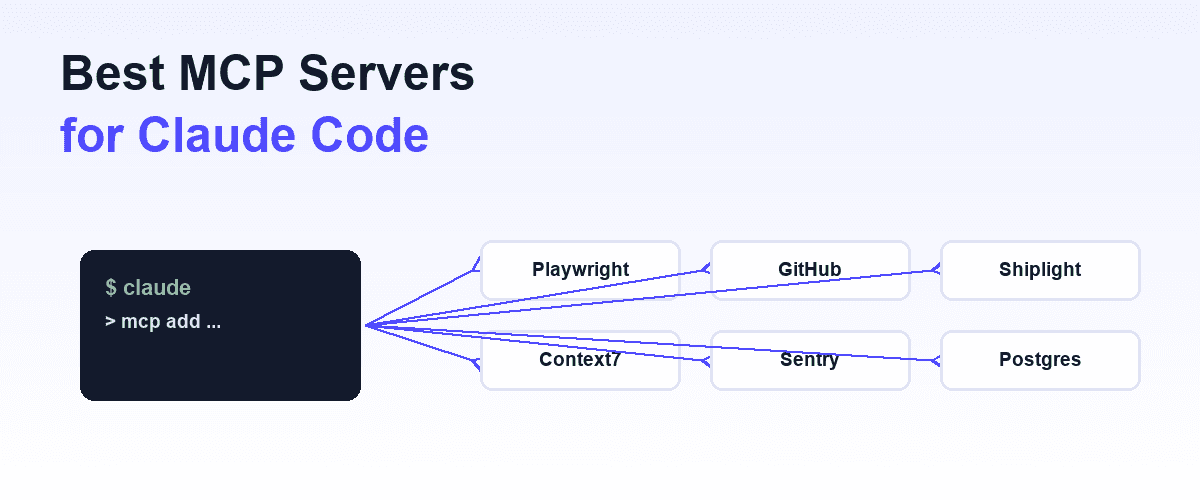
Out of the box, an assistant can read and write text. Everything else, opening a browser, querying a database, running your test suite, arrives through the Model Context Protocol. Connecting a server is the step that turns a conversation into something that can act.
This covers how to add servers across Claude's surfaces, which ones are worth having, and the failure mode nobody warns you about.
Adding a server
The configuration shape is the same everywhere: an mcpServers object naming each server and the command that starts it.
{
  "mcpServers": {
    "shiplight": {
      "command": "npx",
      "args": ["-y", "@shiplight/mcp"]
    }
  }
}
Claude Code reads project-level and user-level configuration, so a server committed to the repository applies to everyone on the team while a user-level one stays personal. Put team tooling in the project config; that is the difference between a convention and a suggestion.
Claude Desktop uses its own config file and requires a restart before new servers appear.
After adding a server, ask the agent what tools it has. If your server is not in the list, it did not load, and the cause is almost never the config. Work through it in order: does the server's command run in a terminal at all, then does MCP Inspector see its tools, then look at the config.
Skipping to the config is why people lose an hour to a file that was fine.
Which servers are worth adding
Judge by whether it closes a loop the agent currently cannot close on its own.
A browser. The highest-value one for anyone writing frontend code, because an agent that cannot see the page it just changed is guessing. See Playwright MCP.
Your repository host. Reading issues, opening pull requests, checking CI status. Removes a lot of copy-paste.
Internal tooling. Whatever your team does that a general agent cannot know about. This is where a custom server earns its keep, and build an MCP server covers the work.
Data the agent should read rather than be told. A database or document store, scoped narrowly.
What is usually not worth it: an integration you touch once a month. The cost of a server is not installation, it is context, which brings us to the part that catches people.
The failure mode: too many tools
Every connected server advertises its tools, and those advertisements sit in the model's context on every turn. Connect a dozen servers and a meaningful slice of the working context is a catalog of things the agent mostly will not use.
Two things degrade at once. The available context for your actual code shrinks. And tool selection gets worse, because choosing correctly from sixty options is harder than from eight, so the agent picks a plausible wrong tool more often.
The symptom is confusing: the agent seems to have got worse for no reason, shortly after you improved its setup. If that happens, the fix is to remove servers rather than to change models.
Practical rule: connect what this project needs, not everything you have heard of. Project-level configuration exists precisely so a repository can carry its own small set.
Security, briefly
A server runs with the permissions you grant it, and the model decides when to call it. That is a different risk profile from code you wrote with explicit conditions.
Grant the narrowest scope that works. Prefer servers whose source you can read. Be deliberate about anything that can reach production, because "the model decided to call it" is not a satisfying answer during an incident. The wider version is in MCP vs API.
What this does not fix
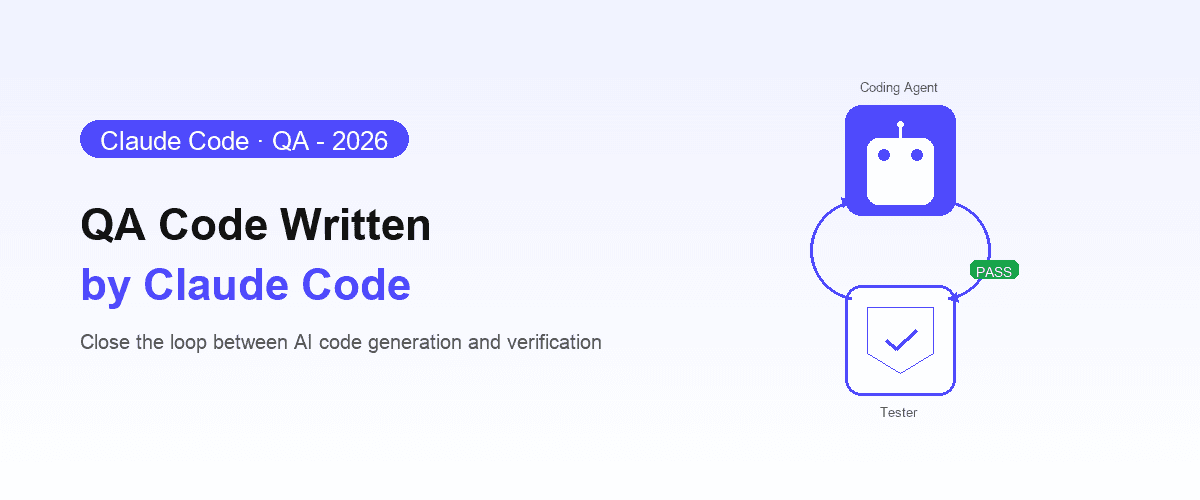
Giving Claude a browser lets it check its own work, which is genuinely valuable and is the main reason to set any of this up.
It does not make that check trustworthy on its own. The agent is still assessing code it just wrote, from the context that produced it, and it is still true that a verification which leaves no artifact protects today and not tomorrow. The reasoning is in can coding agents test their own code?
Shiplight is built around that gap: the same MCP tools the agent calls to verify a change also write the check into your repository as intent-based YAML, so it runs on every future change rather than scrolling past. Web applications; native mobile is not in it. The Claude Code walkthrough is in Claude Code testing.
Frequently Asked Questions
How do I add an MCP server to Claude Code?
Add it under mcpServers in the project or user config with the command that starts it. Project-level config commits to the repository and applies to the whole team.
Why can Claude not see my MCP server?
Usually the server itself rather than the config. Check the command runs in a terminal, then that MCP Inspector sees its tools, then look at the config file.
How many MCP servers should I connect?
Fewer than you want to. Every server's tool list consumes context on every turn and makes tool selection harder, so an agent that got worse after adding servers usually needs servers removed.
Are MCP servers safe?
They run with the permissions you grant and the model chooses when to call them. Grant narrow scopes, prefer readable source, and be deliberate about production access.